User Manual – Quality assurance program
USER MANUAL • X-MIND prime • (19) • 01/2020 • NXMPEN010C
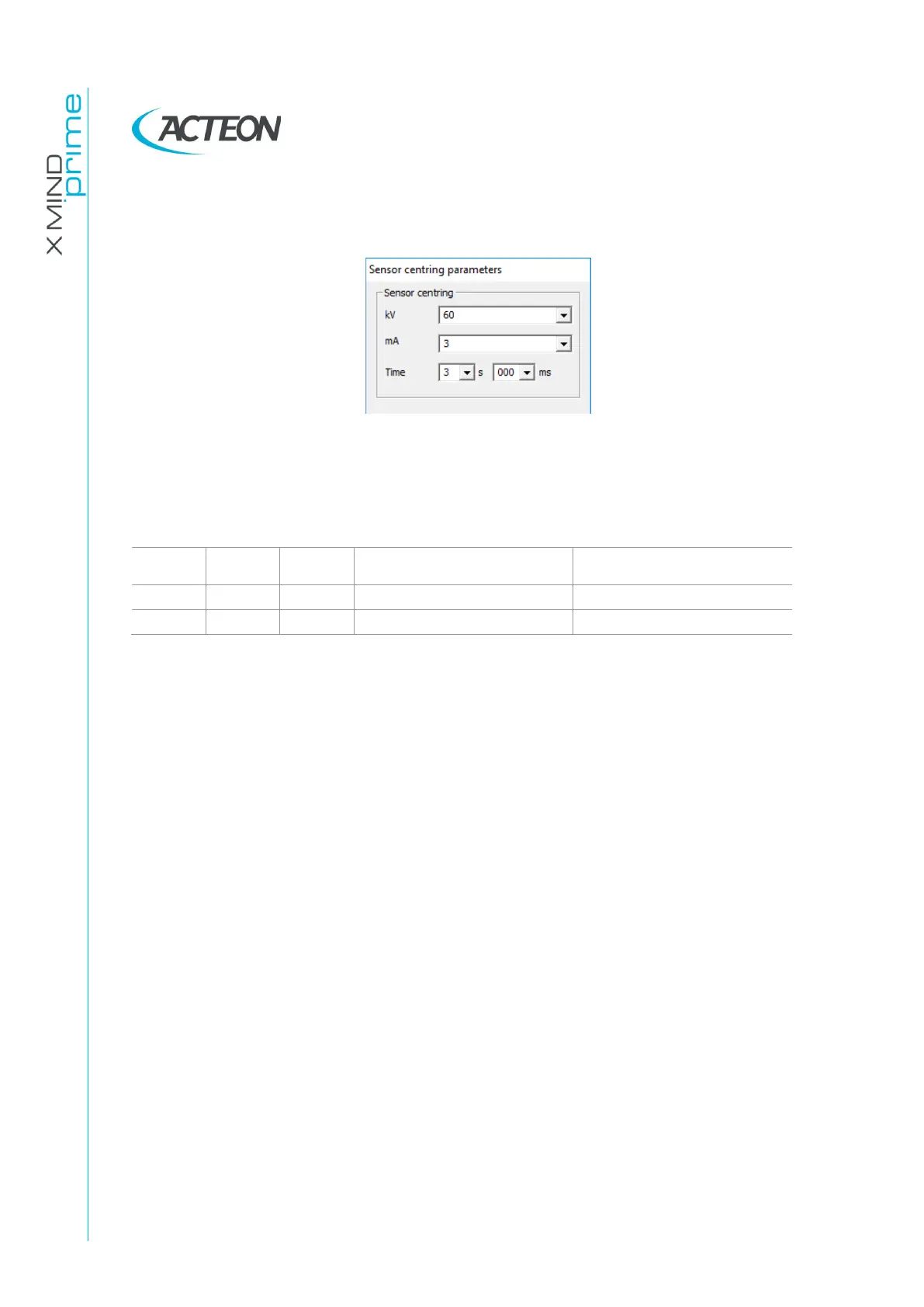
4. In the "Sensor centring parameters" panel set the following exposure parameters:
60 kV, 3 mA, 3 s.
5. Press the X-ray button to take an exposure and verify that the measured values are
in the acceptance limits listed in the Table at point 6.
6. Take a second exposure setting the following parameters: 70 kV, 6 mA, 3 s and
verify that the measured values are in the acceptance limits listed in the following
table.
7. In case the test fails (result do not match the indicated values), proceed with the
following actions:
•
Check the probe position and repeat the test
•
If the values are still out of range, perform the test using the invasive method as
described in the Service manual, paragraph 9.7
•
If the values are still out of range, call technical assistance.
8. Record the test results in the log book at paragraph 7.6.2.















 To Next Page