8.9 Sinus exam
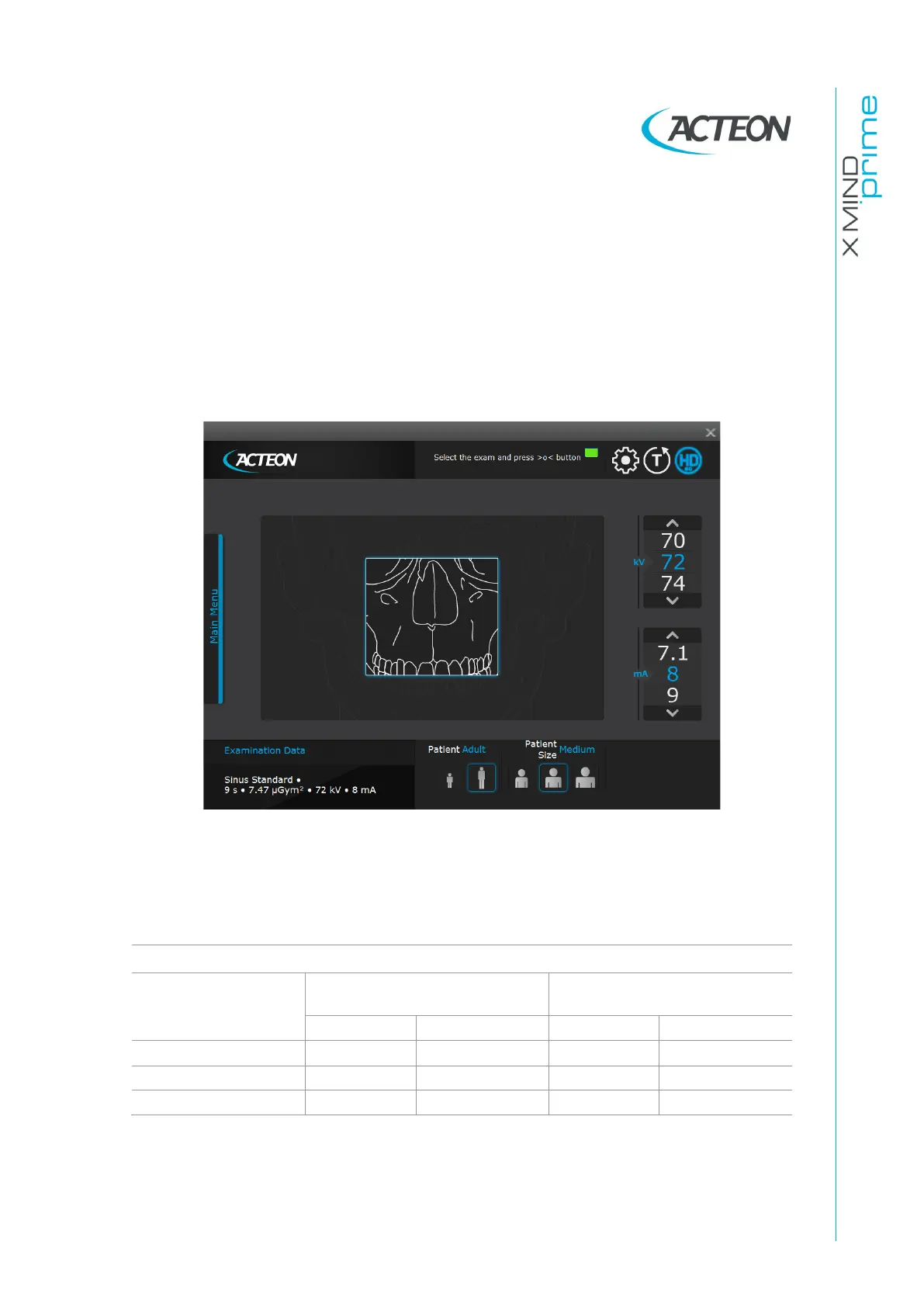
On the Virtual Interface select: Main Menu > Sinus
Exam information and graphics will be loaded accordingly.
The system is positioned with the following configuration:
•
ADULT with the display of the corresponding graphic for the key
•
MEDIUM SIZE with the display of the corresponding graphic for the key
•
default exposure parameters (if this is the first SINUS exposure), or the exposure
parameters (kV and mA) of the last exposure performed.
Figure 23
Select the type of patient with the Patient icons (Adult - Child).
Select the type of build with the Patient Size icons (Small - Medium - Large).
On the basis of the selections made, the display will visualize the kV and mA settings as
in the table:















 To Next Page