User Manual – General instructions for use
USER MANUAL • X-MIND prime • (19) • 01/2020 • NXMPEN010C
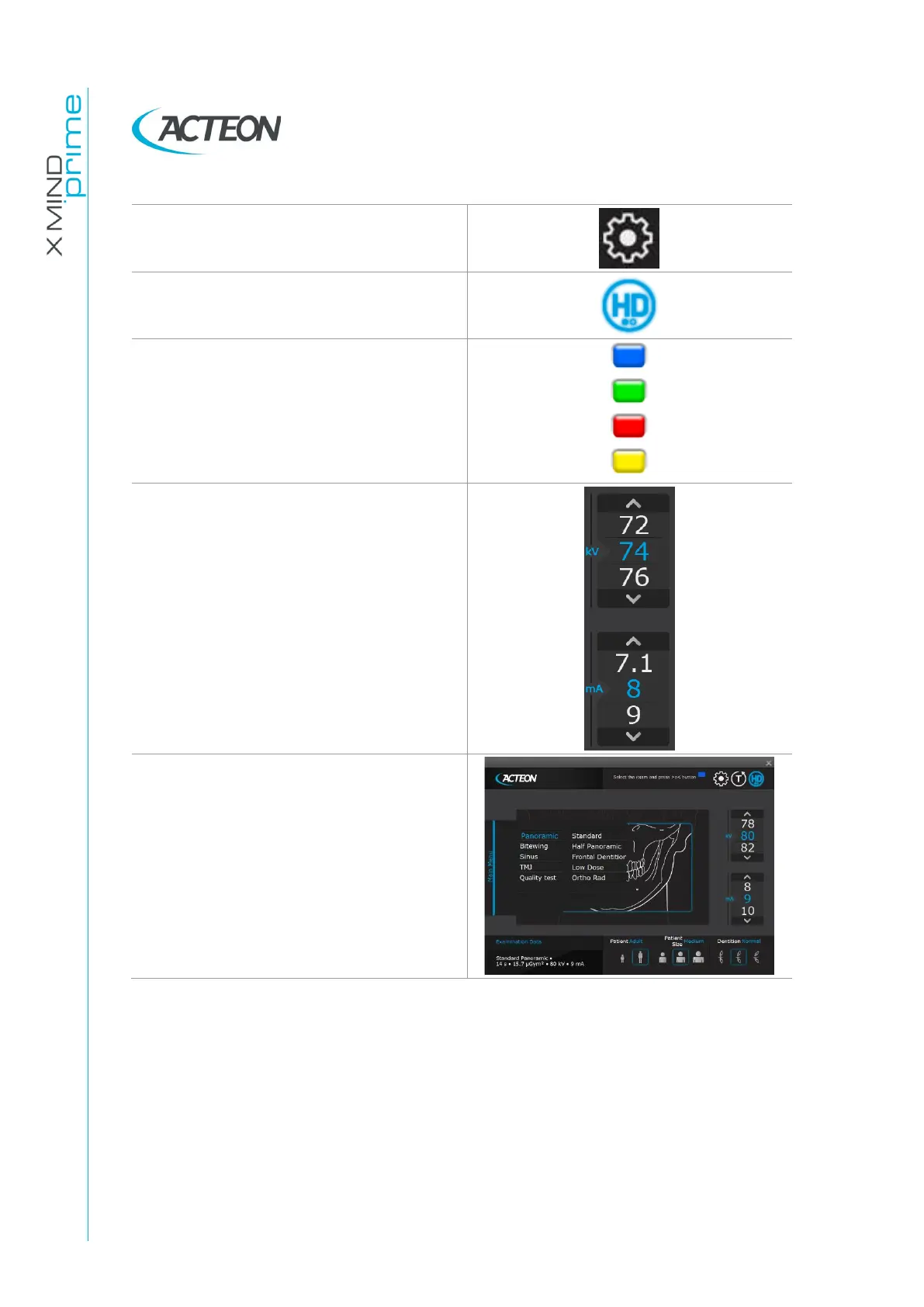
Setting: open the setup menu.
HD selection: enables/disables the High
Definition Mode (not yet available).
Virtual LED: indicates the current status of
the unit:
Blue = Initialization
Green = Ready
Red = Error
Yellow = X-Ray emission
Exposure parameters selection: changes
kV and mA.
When the exposure parameters are
manually changed, the mode indicator
switches from "Anatomic" to "Manual".
Return to "Anatomic mode" using the main
programme selection key.
Main menu: selects exam modality, exam
type and sub-menu including the available
exams.















 To Next Page