CHAPTER 3
106
Preparing and Importing Source Clips
Timecode is essential if you plan to create an edit decision list and create the final video
program on a high-end online edit bay instead of in Premiere. Using SMPTE timecode
ensures frame accuracy. See “Understanding timecode and time display options” on
page 339.
When capturing video with timecode, keep in mind the following:
• The timecode of a source video is captured when you use device control. (Capturing with
device control requires timecode. See “Capturing video without device control” on page 96.)
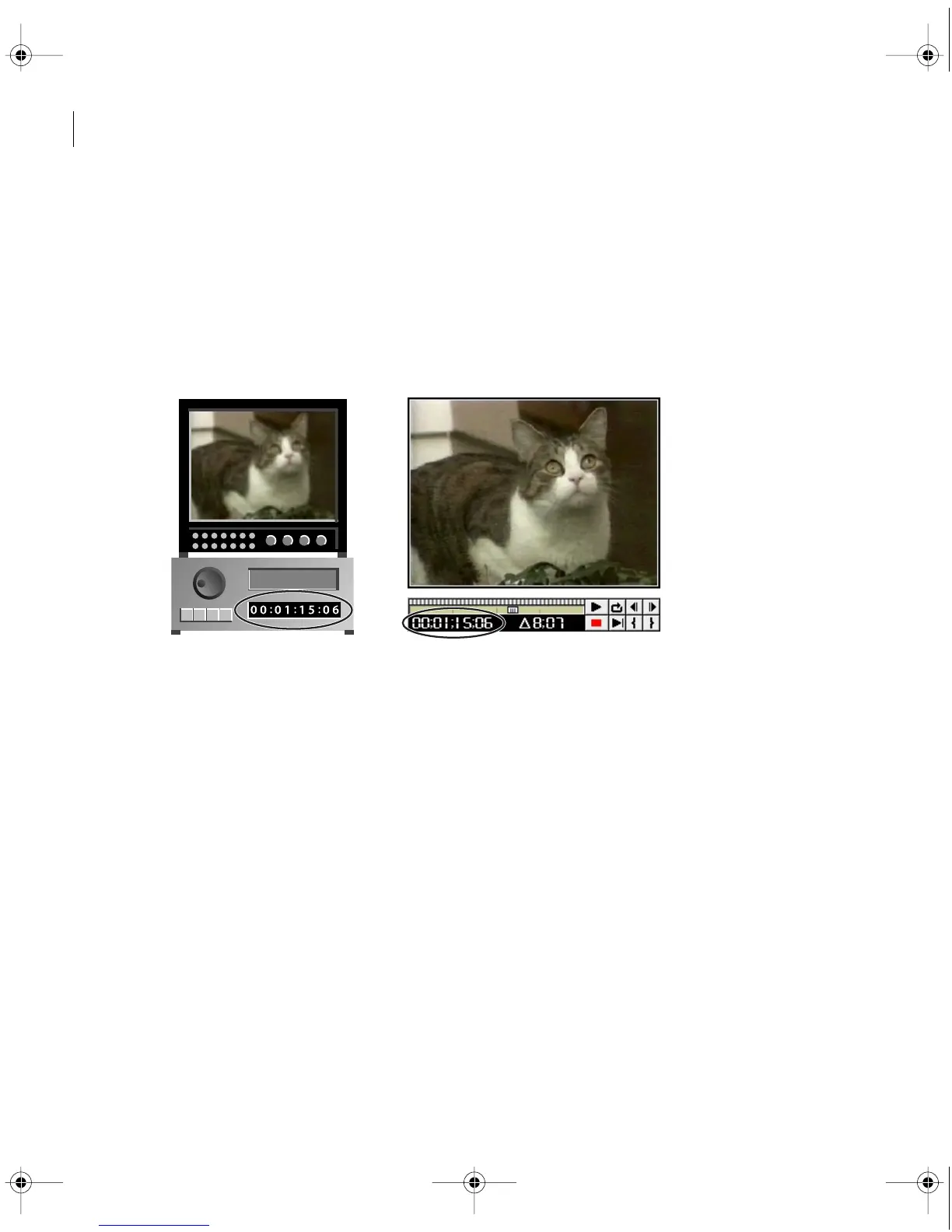
With device control, you can use videotape timecode (left) to precisely edit a program
in Premiere (right).
•
Timecode is only visible in the tape counter on equipment that can recognize timecode,
unless the timecode has been burned-in, or recorded over the picture in a copy of the tape,
as explained in “Reading burned-in timecode (Mac OS only)” on page 108. Most home
VCRs cannot read or write timecode.
• To ensure that Premiere accurately records timecode when you use controlled video
capture, calibrate your device controller and turn off applications or system extensions that
may interrupt your system (such as e-mail, file sharing, and special clocks). See
“Calibrating Timecode” on page 110.
c00.book for PS Page 106 Tuesday, March 31, 1998 1:28 PM



 To Next Page