79
ADOBE PREMIERE 5.0
User Guide
To add clips or bins to a library:
Activate a Library window and do one of the following:
• Drag a clip or bin from another Project, Bin, or Library window to the Library window.
• Import a file or folder from disk. For more information, see “Importing clips” on page 120.
Customizing a Project, Bin, or Library window display
Each clip appears in a Project, Bin, or Library window with its filename, file type, and duration.
You can customize the kind of information that a Project, Bin, or Library window displays. You
can apply different display options to each individual window.
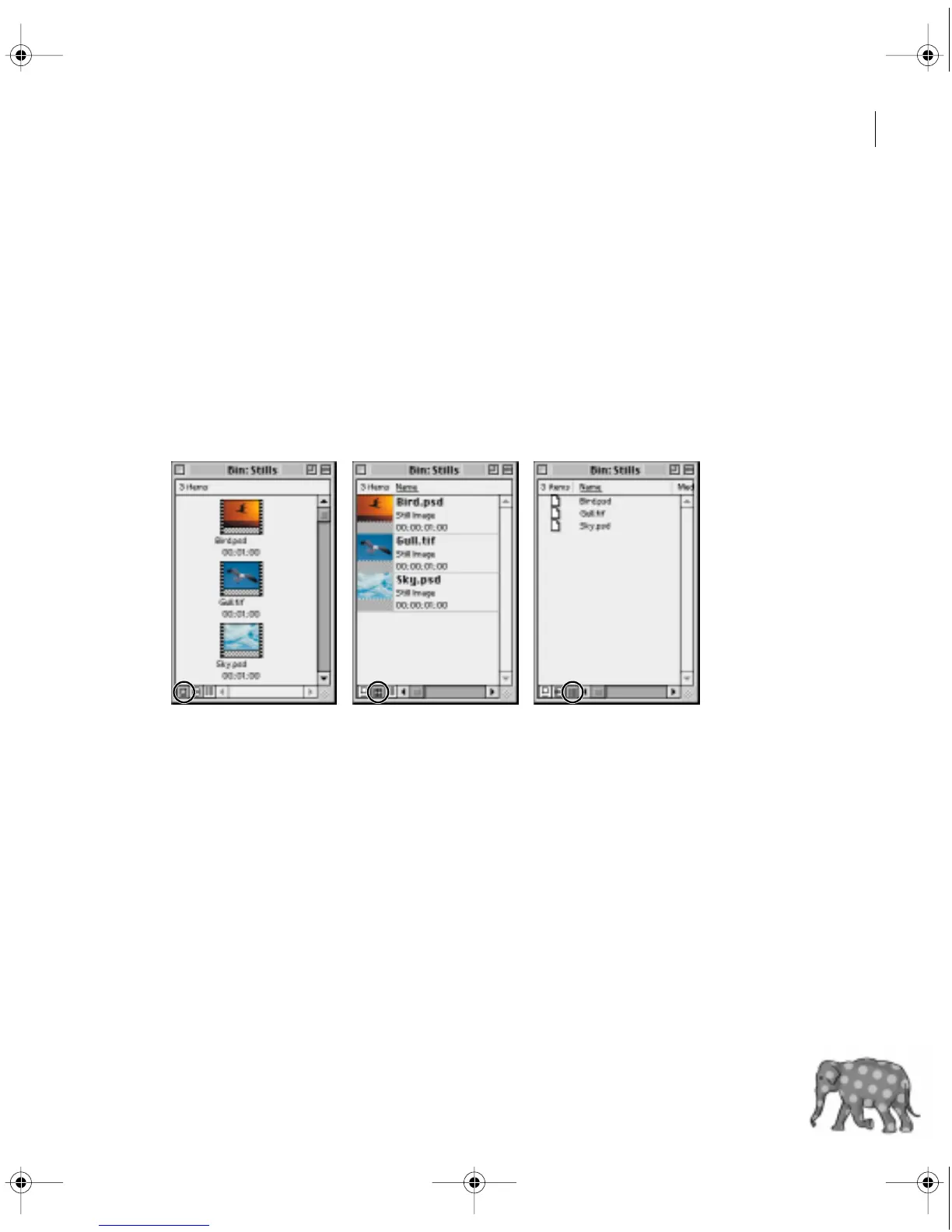
Click the Icon View, Thumbnail View, or List View icons at the bottom left of a Project, Bin,
or Library window to change its view (Bin window shown).
c00.book for PS Page 79 Tuesday, March 31, 1998 1:28 PM



 To Next Page