CHAPTER 9
286
Animating a Clip
•
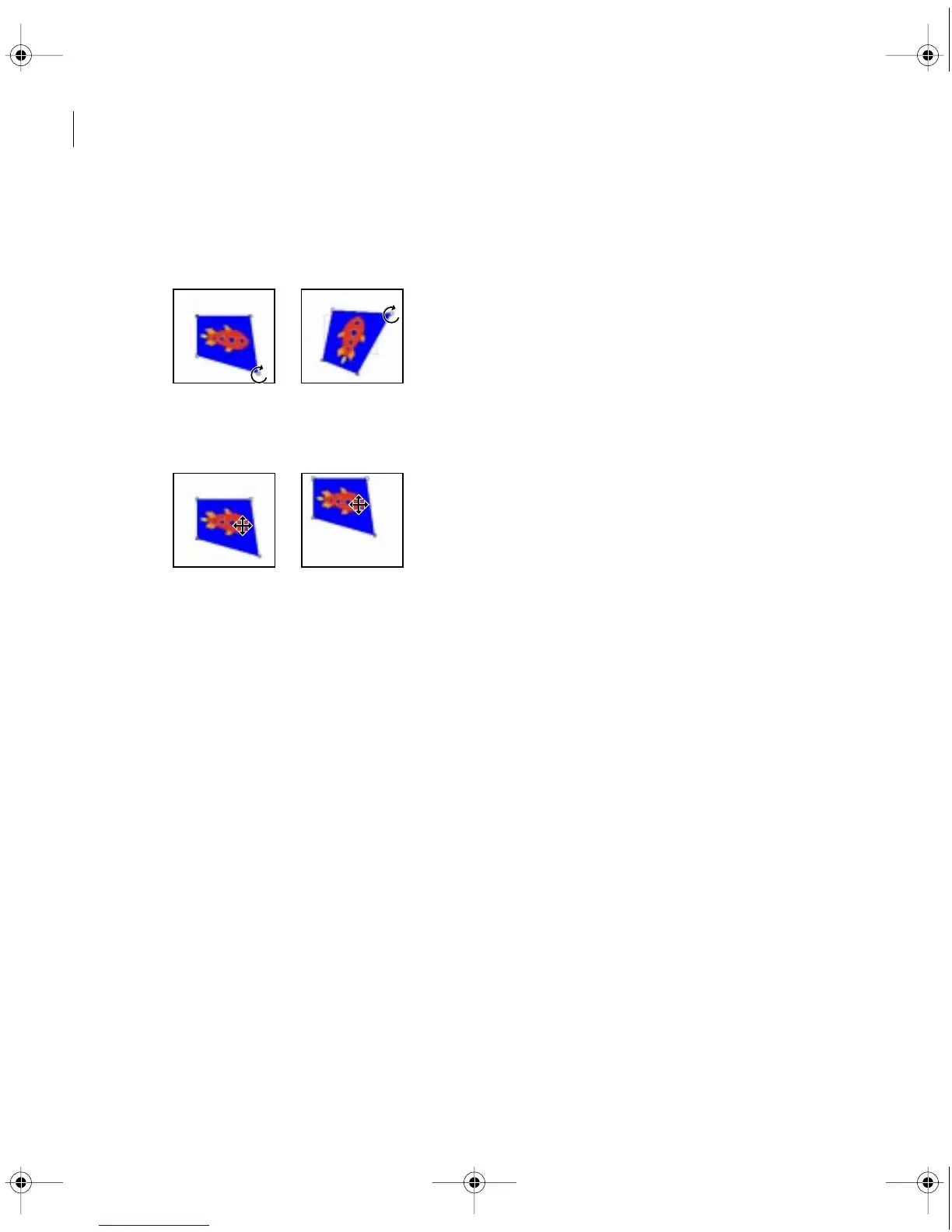
To spin a distorted image around a center point, hold down the Alt key (Windows) or the
Option key (Mac OS) and position the pointer on a corner point; then drag to spin the image
around a center point.
•
To move all four corner points at once, position the pointer in the center of the image
and drag.
3
Repeat steps 1 and 2 for each motion point that you want to distort.
Specifying an exact time for motion
To synchronize motion with other events in your video program or to specify an exact time for
motion, you can use the time display next to the timeline. The time display shows the time of
the selected motion point, as measured from either the beginning of the clip, or from the
beginning of the entire video program.
c00.book for PS Page 286 Tuesday, March 31, 1998 1:28 PM



 To Next Page