CHAPTER 1
34
A Tour of Adobe Premiere
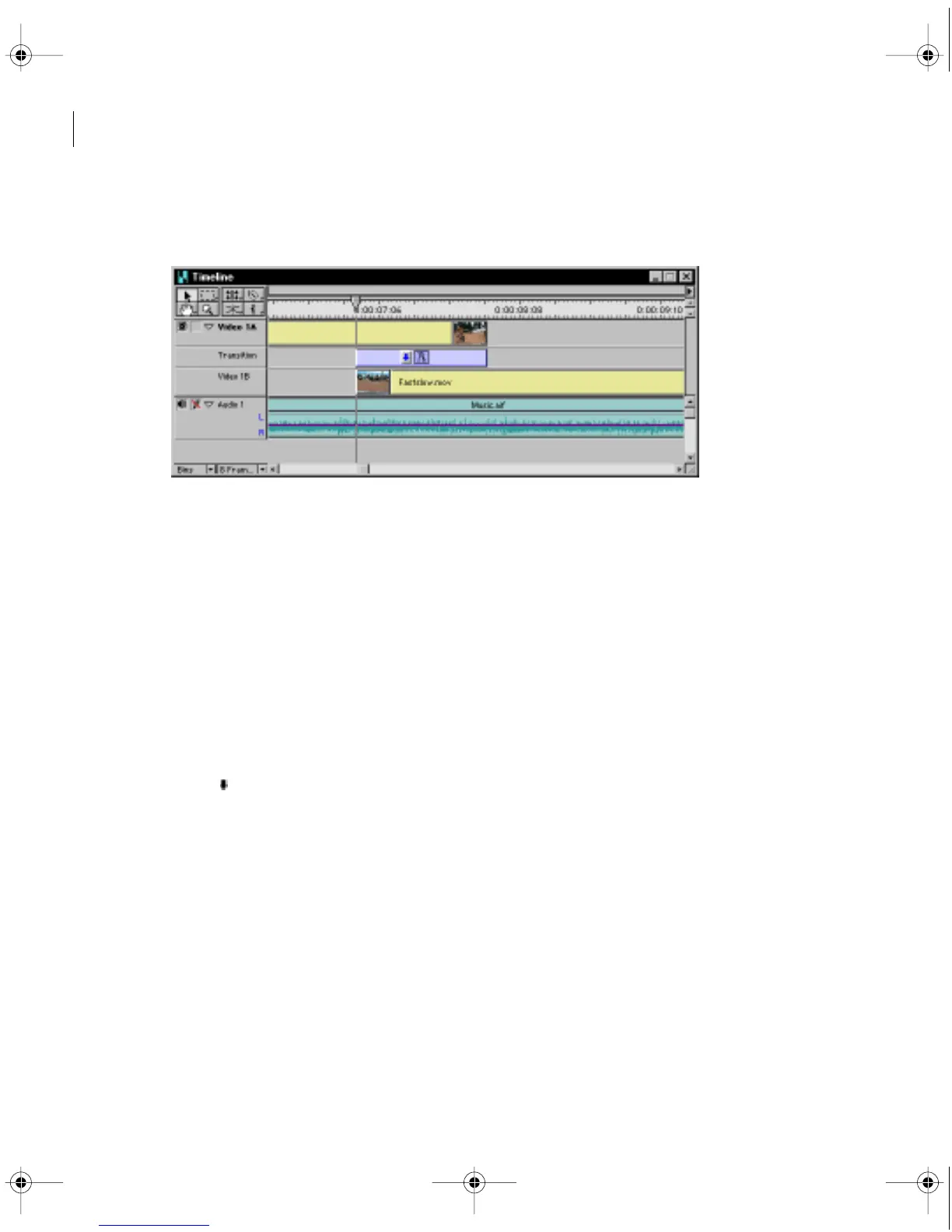
7 Drag the Cross Dissolve transition into the Timeline window, placing it in the Transition
track (the area where the two clips overlap).
When you release the mouse, the transition is automatically sized to the overlap and displayed
as an icon. This Cross Dissolve begins one second prior to the end of the Cyclers.mov clip and
ends one second into the Fastslow.mov clip.
Previewing transitions and other effects
The Program view play button previews only the video clips in the Video 1 track and the audio
clips but does not play transitions, filters, or superimposed clips (ones placed on the Video 2
track) unless a preview file has been created. Once the preview file has been created, the
Program view shows the additional effects.
1 Hold down the Alt key (Windows) or the Option key (Macintosh) and move the pointer
into the time ruler within the Timeline window. The pointer changes into a small downward
arrow ( ).
c00.book for PS Page 34 Tuesday, March 31, 1998 1:28 PM



 To Next Page