CHAPTER 1
36
A Tour of Adobe Premiere
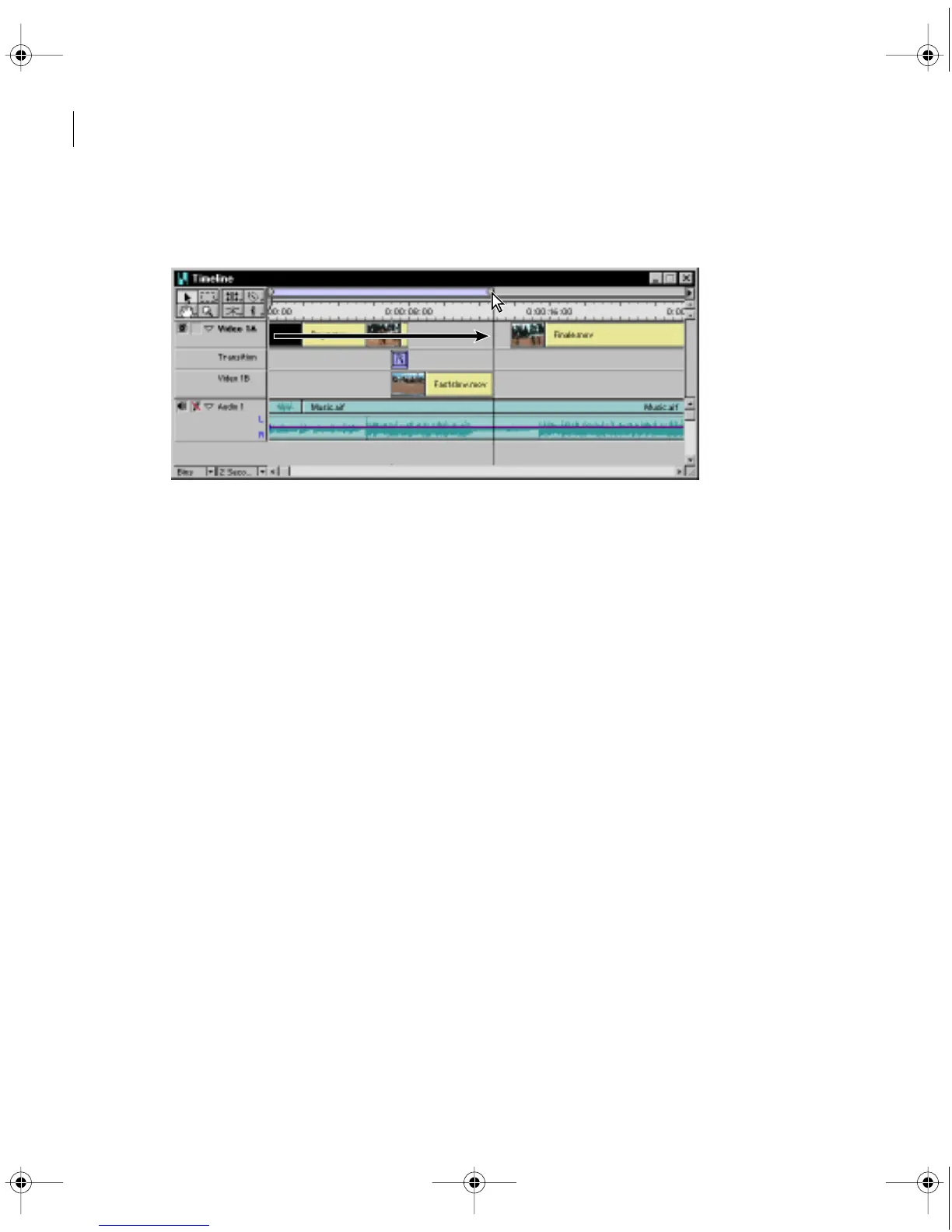
4 Drag the right end of the work area bar so that it extends the length of the first three
clips and aligns with the end of the Finale.mov clip.
5 Choose Project > Preview or press Enter (Windows) or Return (Mac OS) on the
keyboard.
Premiere displays a status bar as it generates a preview file. When complete, the preview
of your video program plays in the Program view of the Monitor window.
Splitting a clip
Sometimes you may want to superimpose a portion of a clip. To do this, you need to split
the clip to create two or more separate clips. Here you’ll split the Fastslow.mov clip so that
you can make a particular portion of it change speed and fade out.
c00.book for PS Page 36 Tuesday, March 31, 1998 1:28 PM



 To Next Page