CHAPTER 7
248
Creating Titles
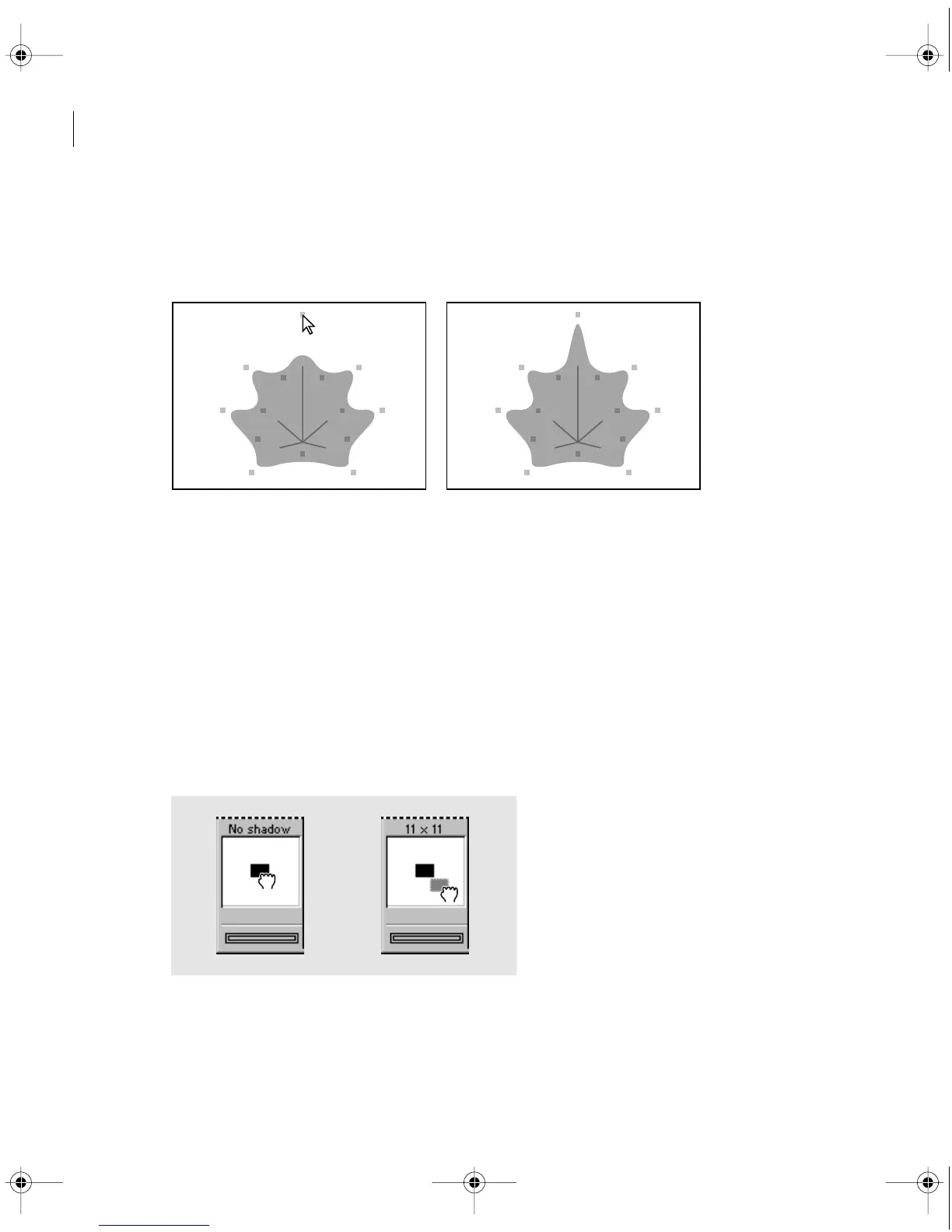
To edit a polygon:
1 With the selection tool, select the graphic object you want to edit.
2 Drag any handle on the object.
Smoothed polygon during editing (left) and after editing (right)
Adding a shadow
Premiere can create an adjustable shadow for text or graphic objects. A slight shadow can help
distinguish type from its background. However, a shadow tends to make small type less legible.
You can apply color, transparency, or a gradient to a shadow. See “Using color, transparency,
and gradients” on page 249.
To create a shadow:
1 Select the object to which you want to add a shadow.
2 Drag the Shadow Offset control in the toolbox to specify how far the shadow falls from the
object. To constrain movement to 45-degree increments, hold down Shift as you drag.
c00.book for PS Page 248 Tuesday, March 31, 1998 1:28 PM



 To Next Page