247
ADOBE PREMIERE 5.0
User Guide
You cannot adjust the line weight of a filled object because it has no outline. However, you can
create a framed duplicate of the object (see the next procedure) and adjust the line weight of
the new object.
To create a framed duplicate of a filled object:
Select a filled object, and choose Title > Create Framed Object. A framed copy appears in the
same position as the original.
To create a filled duplicate of a framed object:
Select a framed object, and choose Title > Create Filled Object. A filled copy appears in the
same position on top of the original. If you can’t see the framed original behind the filled copy,
select the filled copy and choose Title > Send to Back.
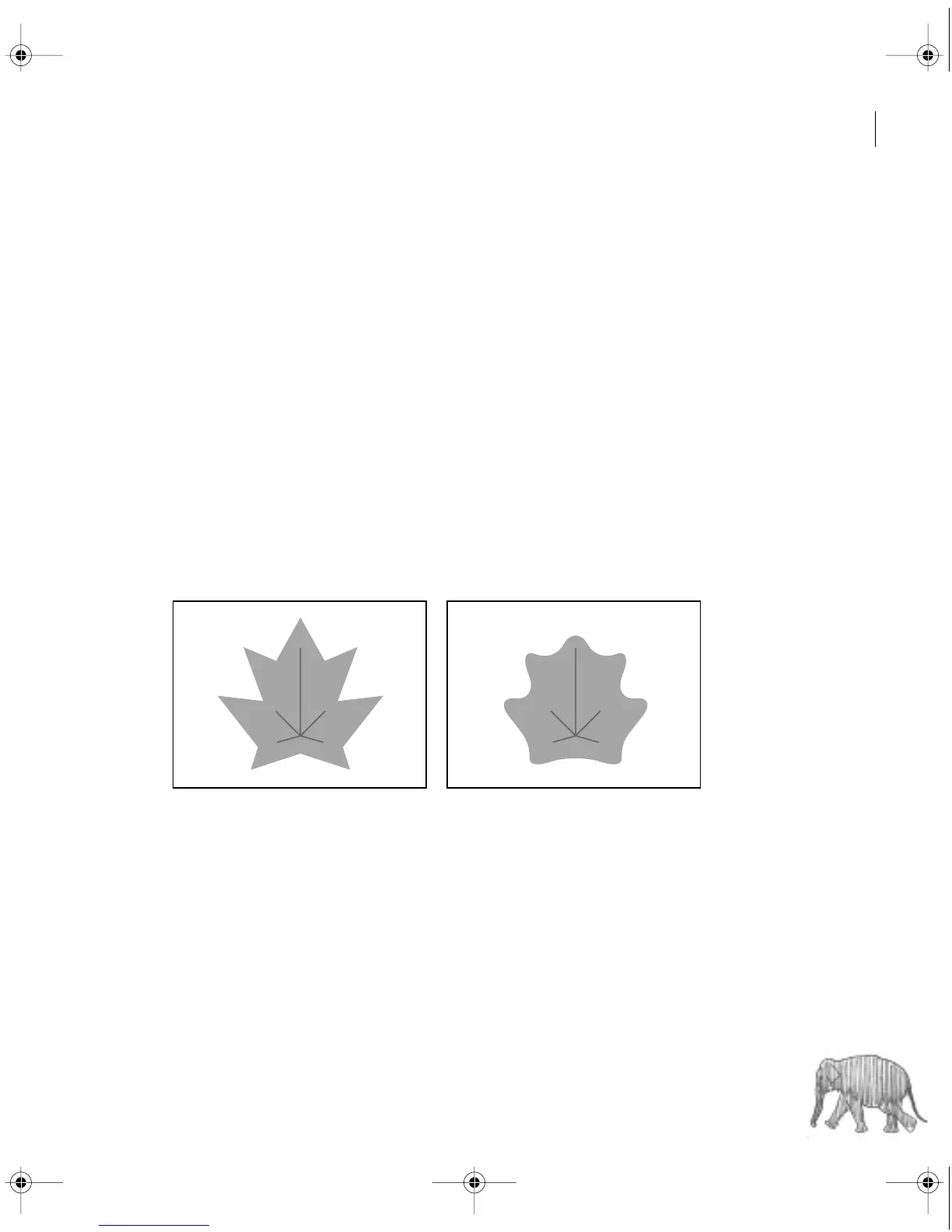
To smooth a polygon:
1 With the selection tool, select a polygon.
2 Choose Title > Smooth Polygon.
Polygon before smoothing (left) and after smoothing (right)
c00.book for PS Page 247 Tuesday, March 31, 1998 1:28 PM



 To Next Page