CHAPTER 7
246
Creating Titles
5
Do one of the following:
•
To close the polygon, click the first point you placed.
•
To leave a framed polygon open, double-click where you want the last point to appear.
You cannot leave a filled polygon open.
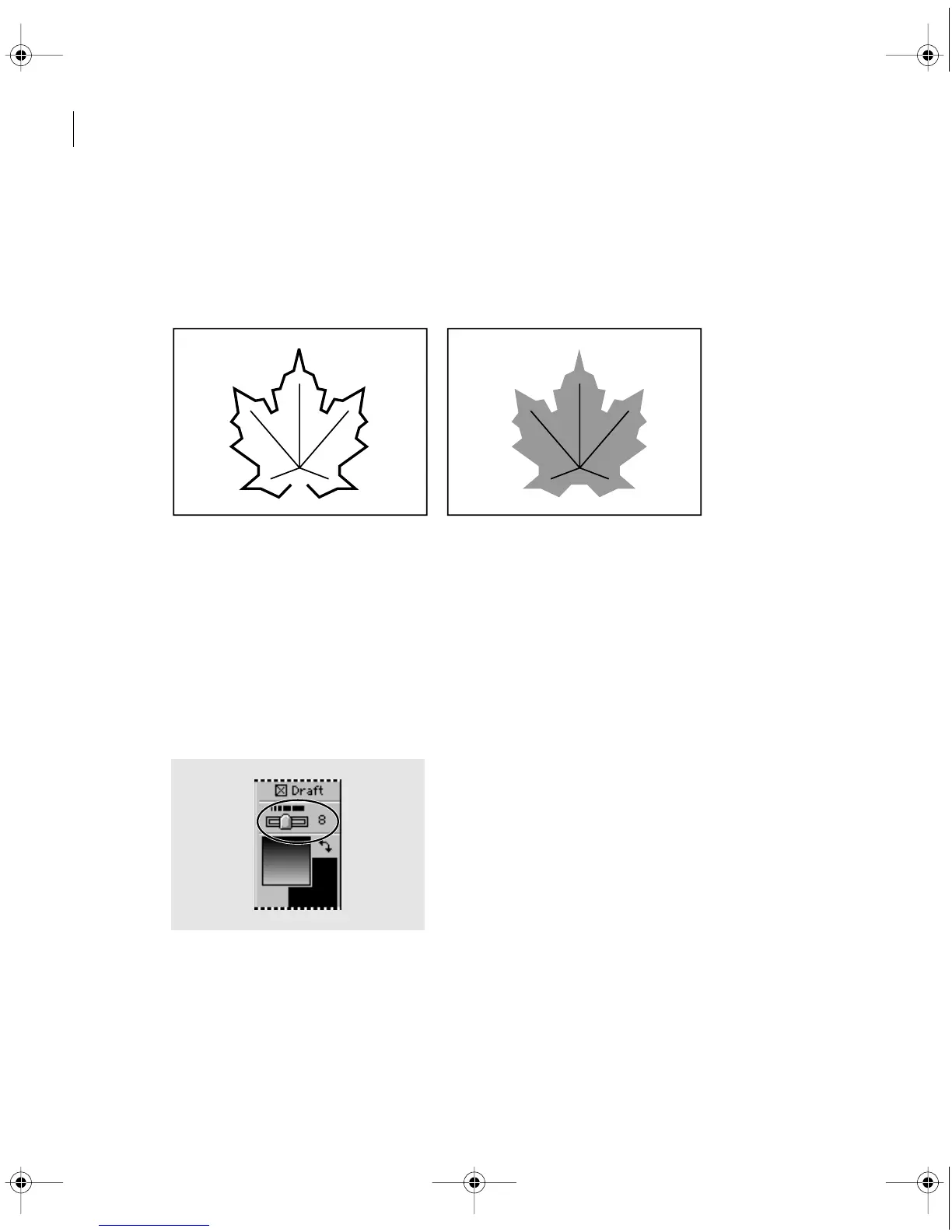
A leaf outline drawn as an open framed polygon (left) and closed filled polygon (right)
To change a filled object to a framed object or vice-versa:
1
With the selection tool, select the graphic object.
2
Choose Title > Convert to Filled or Title > Convert to Framed.
To adjust the line weight of a line or framed object:
1
With the selection tool, select the line or framed object you want to change.
2 Drag the Line Weight slider to specify the line weight you want.
c00.book for PS Page 246 Tuesday, March 31, 1998 1:28 PM



 To Next Page