CHAPTER 5
214
Adding Transitions
3
Adjust the softness of the transition’s edges by dragging the Softness slider. As you drag the
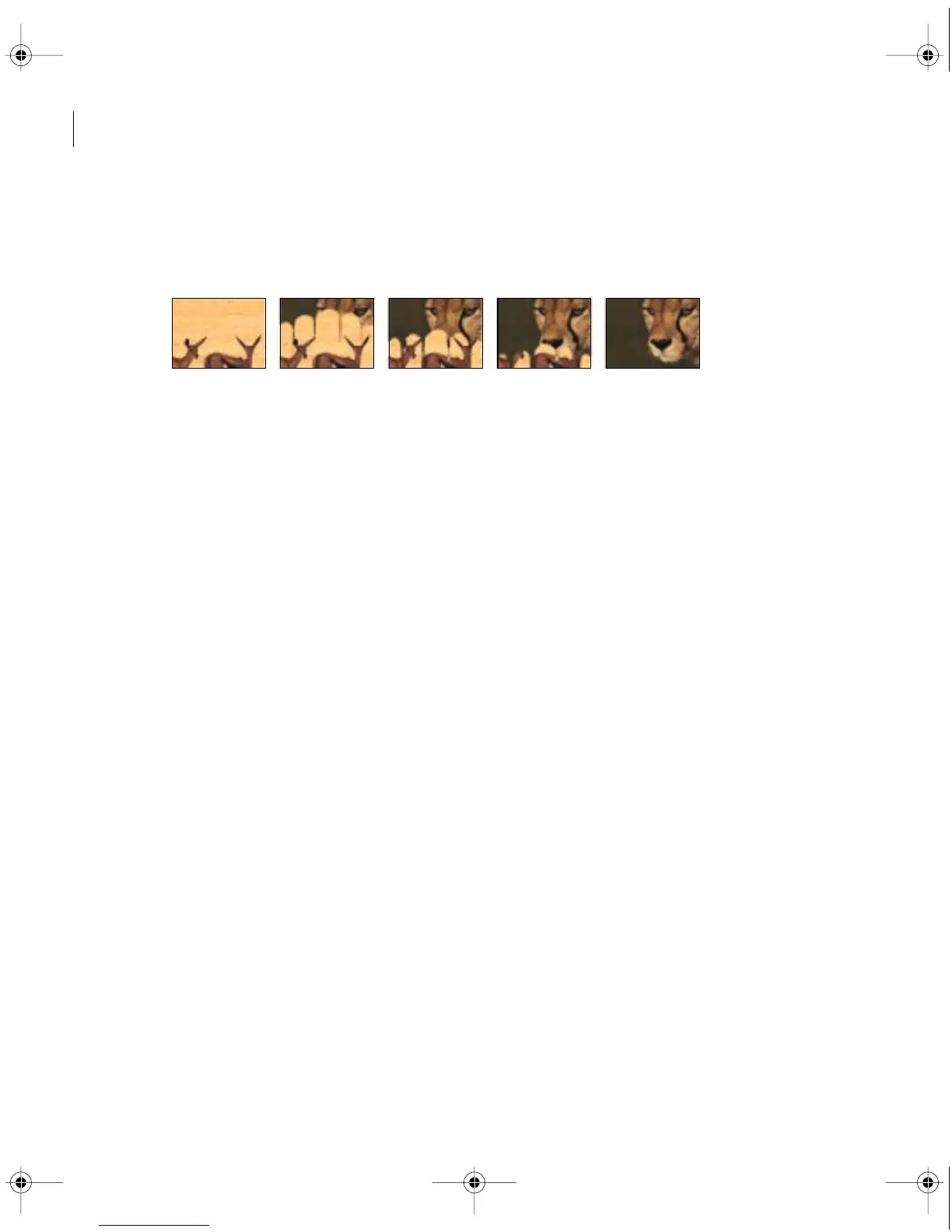
slider to the right, image A increasingly shows through image B.
4
Click OK.
Result of Gradient Wipe transition on clip
Creating Custom Transitions
In addition to the many transitions included with Adobe Premiere, you can create your own
custom transitions using the Transition Factory. You determine how you want the transition to
affect the channels (alpha, red, green, and blue) of each pixel in the first image and the second
image by specifying arithmetic expressions. For information on channels, see “Using the Alpha
Channel key” on page 268.
The transitions you create can also include Settings dialog boxes. The Settings dialog box
provides up to eight sliders for adjusting the transition’s effect. When you design a transition,
you include user-supplied slider information in the expression. You also determine the number
of sliders and whether they will appear in the Settings dialog box individually or in pairs.
When you create a transition, you can save its expressions in a text file. Doing so lets you use
the Transition Factory to edit the transition later. You can also add your custom transition as
a built-in transition to Adobe Premiere so that it appears in the Transition palette.
For procedures on using the Transition Factory to apply and save custom transitions for use
in Adobe Premiere, and for a complete discussion of using arithmetic expressions to achieve
an effect, refer to the Factory.PDF file in the Premiere folder.
c00.book for PS Page 214 Tuesday, March 31, 1998 1:28 PM



 To Next Page