CHAPTER 2
78
Working with Projects
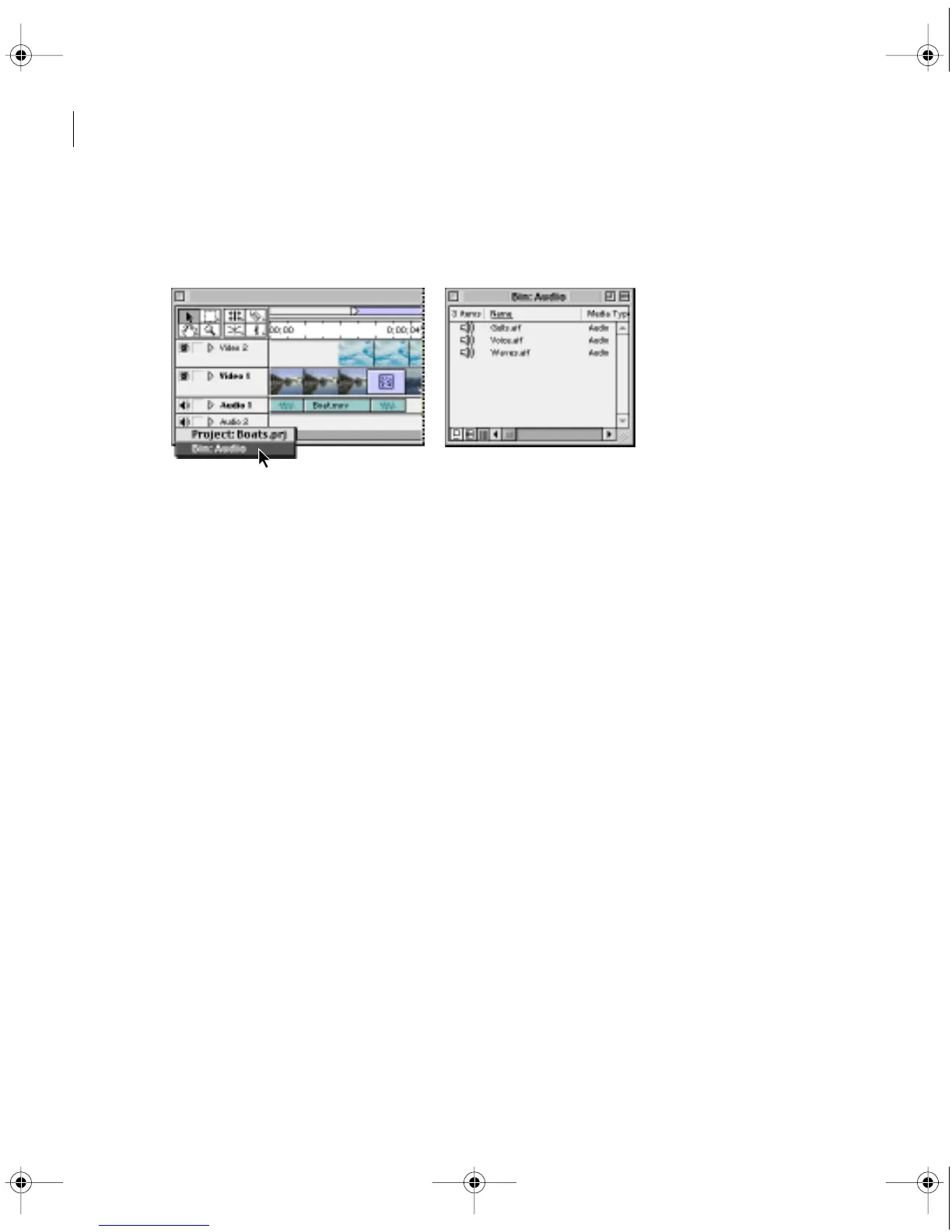
• To view the contents of a bin, double-click the bin. If the bin window you want is open but
hidden, choose the name of the bin from the Window menu, or from the menu at the bottom
of the Timeline.
Selecting an open project or bin window from the bins menu (left) brings its window
to the front (right).
Storing clips and bins in libraries
A Premiere library stores clips from one or several projects. A library is stored as a separate file
apart from any project, unlike a bin, which is stored inside one specific project. For example,
you can use a library to store a set of clips that you want to have available for several projects.
Once you have created and saved a library, you can open it while you’re using any project. All
attributes, such as markers and In and Out points, are saved with the clips you place in a library.
Like the Project window, a library stores only references to original clips, not the clips
themselves. You can create several libraries that all include references to the same clip, while
storing only one copy of that clip on disk.
To create a library:
1 Choose File > New > Library. An untitled Library window appears.
2 Choose File > Save As. Select a location and type a filename for the library, and click OK.
c00.book for PS Page 78 Tuesday, March 31, 1998 1:28 PM



 To Next Page