CHAPTER 5
210
Adding Transitions
Changing transition settings
You can change a number of settings for each transition, including the transition direction,
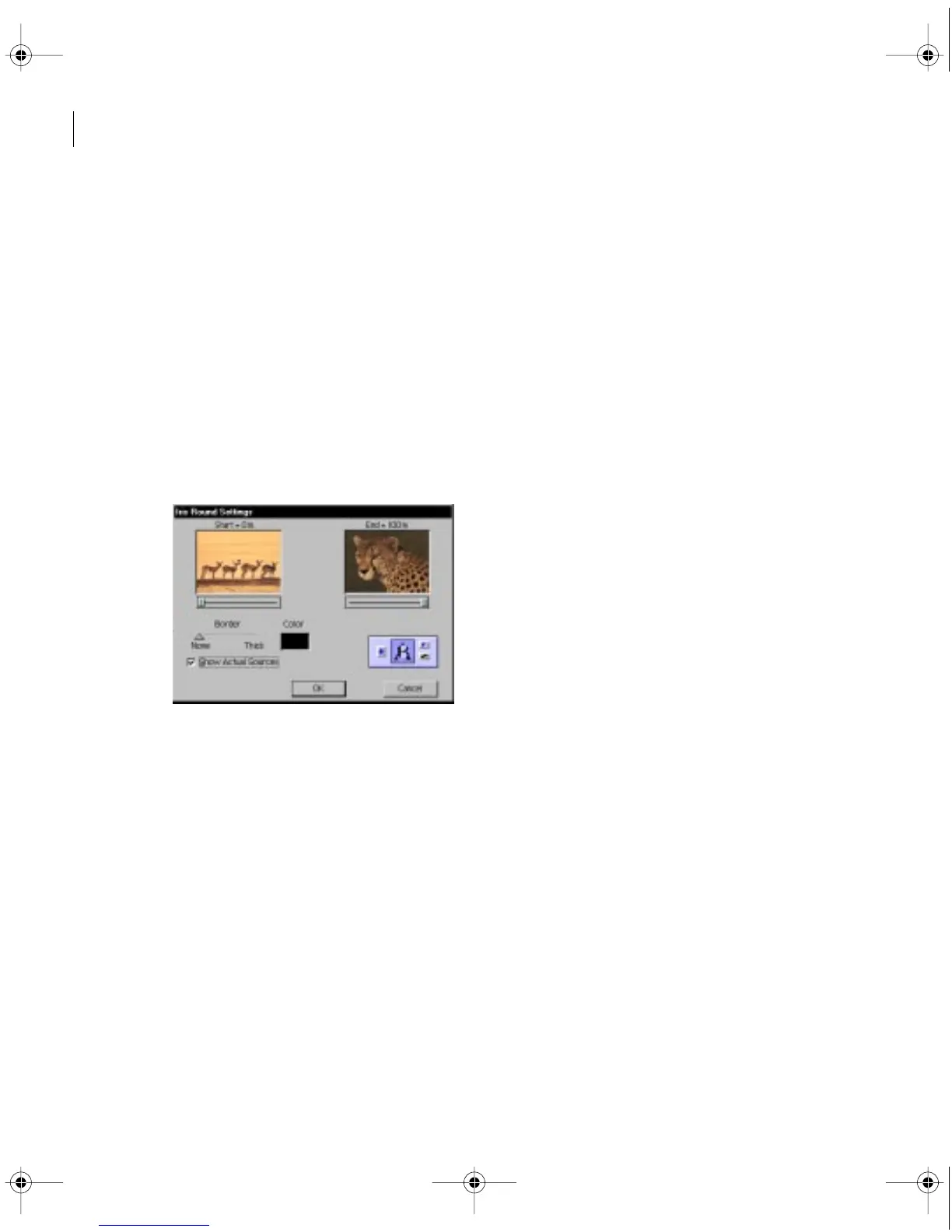
the start and end values, the border, and anti-aliasing. The following procedure describes how
to display the Transition Settings dialog box and change settings common to many transitions.
Settings specific to transitions are available by clicking the Custom button in the Transition
Settings dialog box.
To change transition settings:
1
Open the Transition Settings dialog box in one of the following ways:
•
To change the settings for a single instance of the transition in the video program,
in the Timeline either double-click the transition or select the transition and choose
Clip > Transition Settings.
•
To change the default settings of a transition for this and future projects, in the Transitions
palette either double-click the transition or select the transition and choose Master
Transition Settings from the palette menu.
c00.book for PS Page 210 Tuesday, March 31, 1998 1:28 PM



 To Next Page