291
ADOBE PREMIERE 5.0
User Guide
Chapter 10: Applying Video
Filters
dobe Premiere includes a variety of video filters that let you distort, blur, sharpen, and
add special effects to your clips. You can change filters over time to increase or decrease
the effect, and you can apply multiple filters to any clip. You can also create and apply
your own custom filters, which you can save and use over again.
Note
: In addition to the dozens of filters included with Premiere, many filters are available in the
form of plug-ins, which you can purchase or otherwise acquire. For example, Photoshop plug-ins
can be copied into the Premiere Plug-ins folder to use on video clips or still-images in your video
work. For more information, see “Installing plug-in software modules” on page 7.
About video filters and keyframes
Each video filter provides one or more controls to let you specify various properties of the
effect. The Ripple filter, for example, lets you set the direction, intensity, and width of
the ripple.
Descriptions of video filters included with Adobe Premiere are available in online Help.
You can change a filter effect over time by creating
keyframes
. A keyframe contains the values
for all the controls in the video filter and applies those values to the clip at the specified time.
By applying different values to two or more keyframes, you can change a filter over time.
Premiere automatically interpolates the values of the controls between the keyframes, using
a linear progression. This means that you don’t have to create a keyframe for every frame
in the clip.
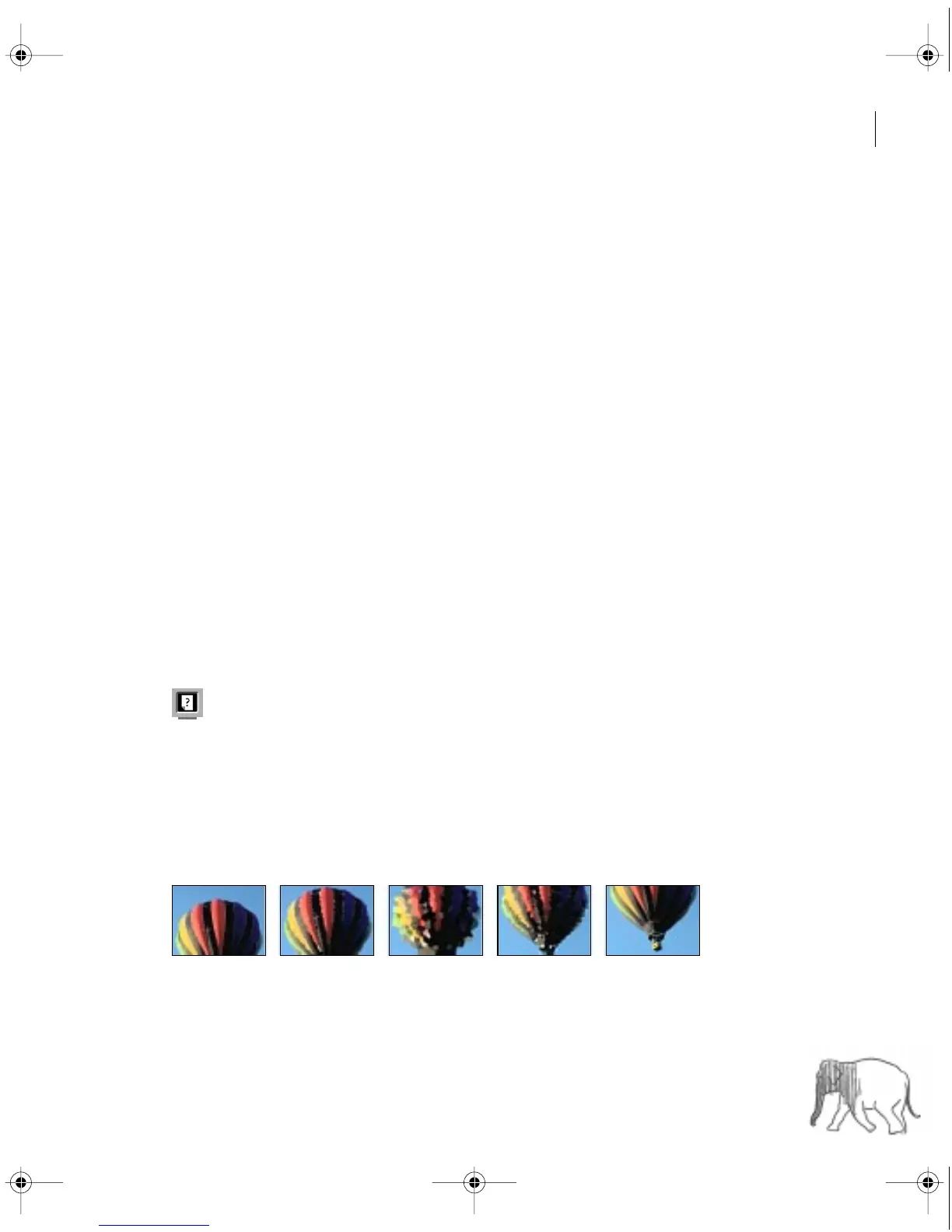
The effect of the Crystallize filter gradually increases and then decreases over time as controlled
by keyframes.
c00.book for PS Page 291 Tuesday, March 31, 1998 1:28 PM



 To Next Page