CHAPTER 1
28
A Tour of Adobe Premiere
9
Click the Cyclers.mov clip in track 1A. This clip, and the clips to the right, are selected.
10
Drag the selection to the left, until it is up against the Boys.mov clip.
11
Click the selection tool ( ), since you are through with the track selection for now.
12
In the Monitor window, click the Program view Play button to preview the changes
you’ve made.
13
Save the project.
Adding audio
Now you’ll add some music to the project by importing and placing an audio file in the first
audio track. The music in the audio file was recorded in a studio, digitized, and then assembled
and rendered in Premiere.
1
Choose File > Import > File, and double-click the Music.aif file in the Clips folder within
the Tour folder. The file appears in the Project window.
2
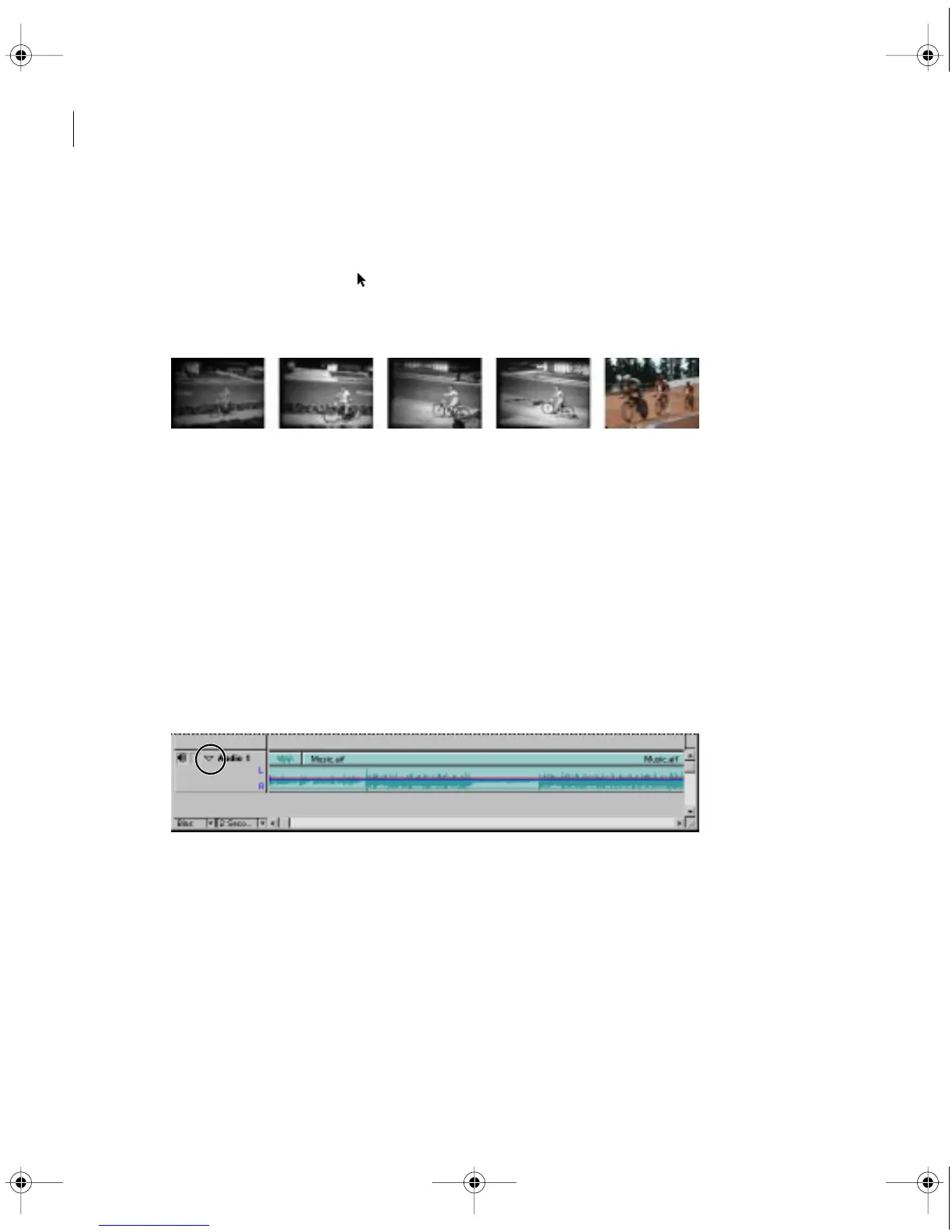
Drag the Music.aif icon from the Project window to the Audio 1 track.
3
Click the arrow to the left of the track to expand it.
c00.book for PS Page 28 Tuesday, March 31, 1998 1:28 PM



 To Next Page