27
ADOBE PREMIERE 5.0
User Guide
Premiere trims the end of the clip to give the clip a new Out point. It’s important to understand
that the trimmed area has not been deleted; Premiere has merely hidden the trimmed frames
so that they don’t appear in the Timeline and will not appear when you preview or export the
video program. You can easily restore any trimmed frames by resetting the Out point using any
trimming method.
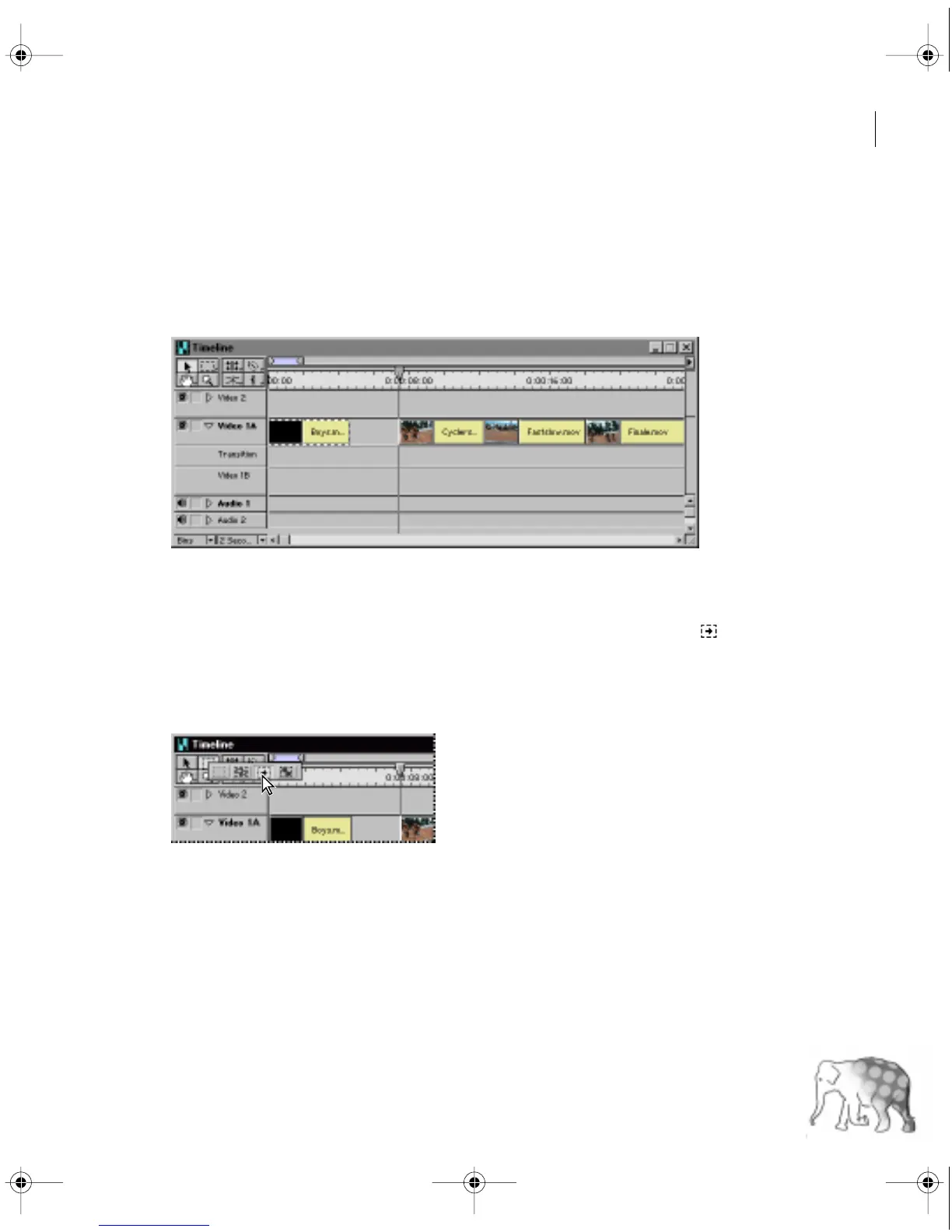
Because you set a new Out point, there is now a gap in the Timeline between the first and
second clips. To preserve a continuous flow from one clip to the next, you need to close this gap
by moving the other clips to the left. To do this, you’ll use the track selection tool ( ). This tool
selects all the clips in a track to the right of where you click. (Later in the lesson you’ll learn how
to automatically close gaps when you trim.)
8
In the Timeline window, select the track selection tool.
c00.book for PS Page 27 Tuesday, March 31, 1998 1:28 PM



 To Next Page