263
ADOBE PREMIERE 5.0
User Guide
Using keys for composites and superimposing
Adobe Premiere provides 15
keys
(methods for creating transparency) that you can apply to a
clip to create transparency in many different ways. You can use color-based keys for compos-
iting, brightness keys for adding texture or special effects, alpha channel keys for clips or images
already containing an alpha channel, and matte keys for adding traveling mattes or creative
superimposing.
In some cases, you can make keying easier by using a temporary brightly-colored background
matte. A bright color underneath the image you are keying lets you more easily see areas of
transparency. See “Adding a background matte” on page 273.
To apply a key to a clip:
1
Select the clip in a superimpose track (Video 2 or higher).
2
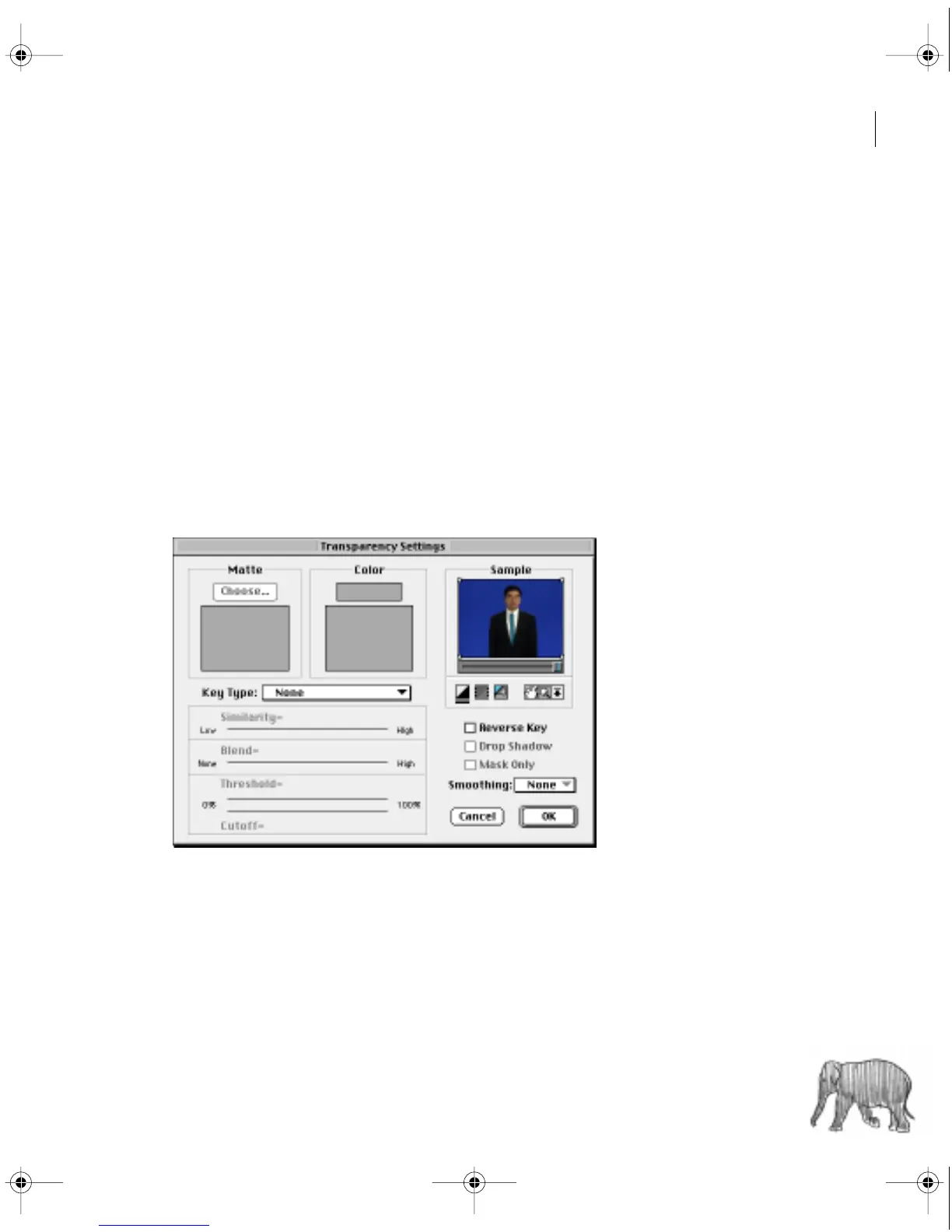
Choose Clip > Video > Transparency.
c00.book for PS Page 263 Tuesday, March 31, 1998 1:28 PM



 To Next Page