CHAPTER 8
262
Superimposing and Compositing with Transparency
4
Repeat the above step to create as many handles as needed.
5
To delete a handle, drag it out of the superimpose track.
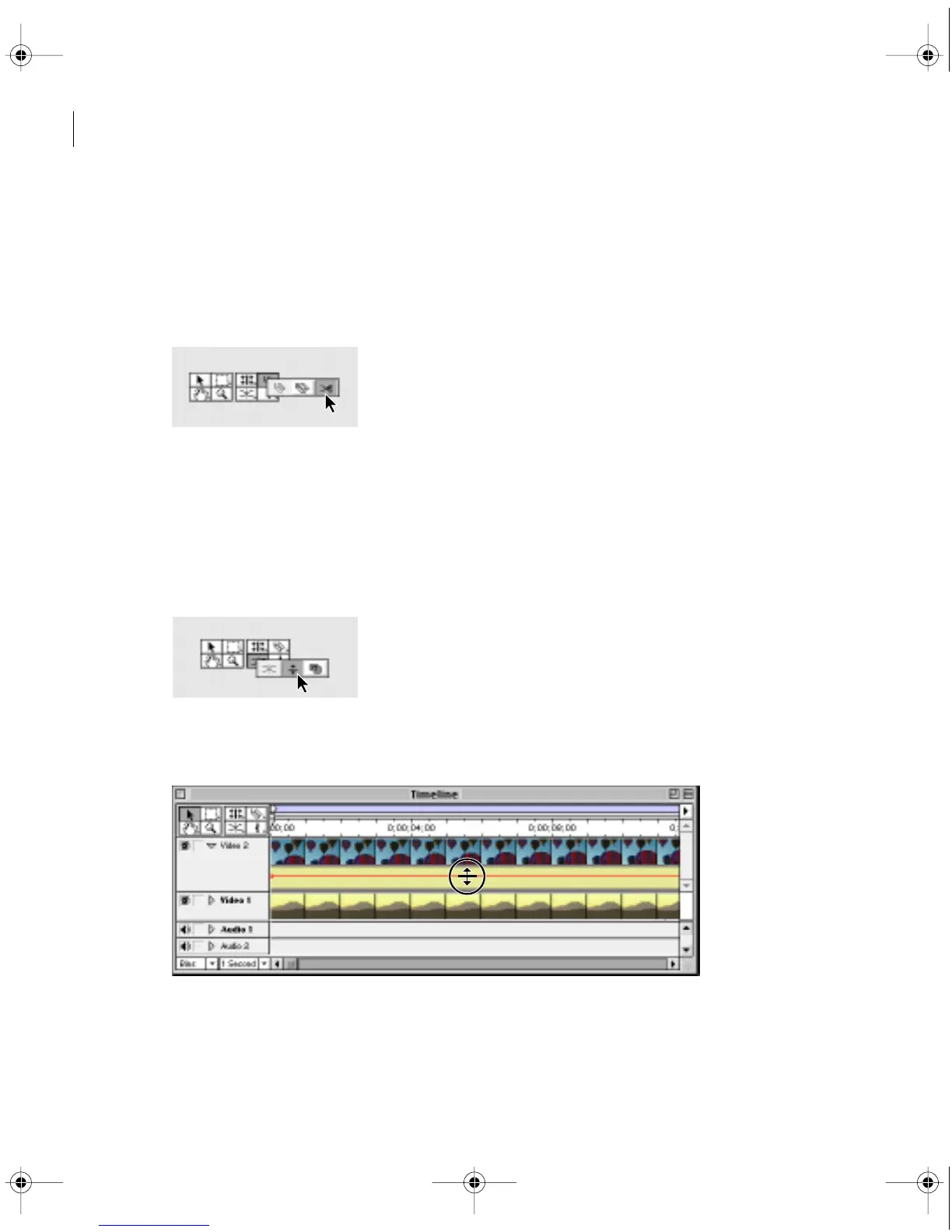
To create two fade handles:
1
Select the fade scissors tool.
2
Click the Fade control where no handles exist. Two adjacent handles appear.
3
Drag the new handles up or down to make a sharp increase or decrease in opacity.
To fade a specific segment:
1
Select the fade adjustment tool or, with the selection tool active, hold down Shift to
switch to the fade adjustment tool.
2
Drag the line segment up or down. You can set the opacity of the entire clip to a
constant value by adjusting the Fade control in this manner before creating handles.
c00.book for PS Page 262 Tuesday, March 31, 1998 1:28 PM



 To Next Page