225
ADOBE PREMIERE 5.0
User Guide
Panning a clip
You can
pan
an monophonic audio clip to set its position between the left and right stereo
channels
.
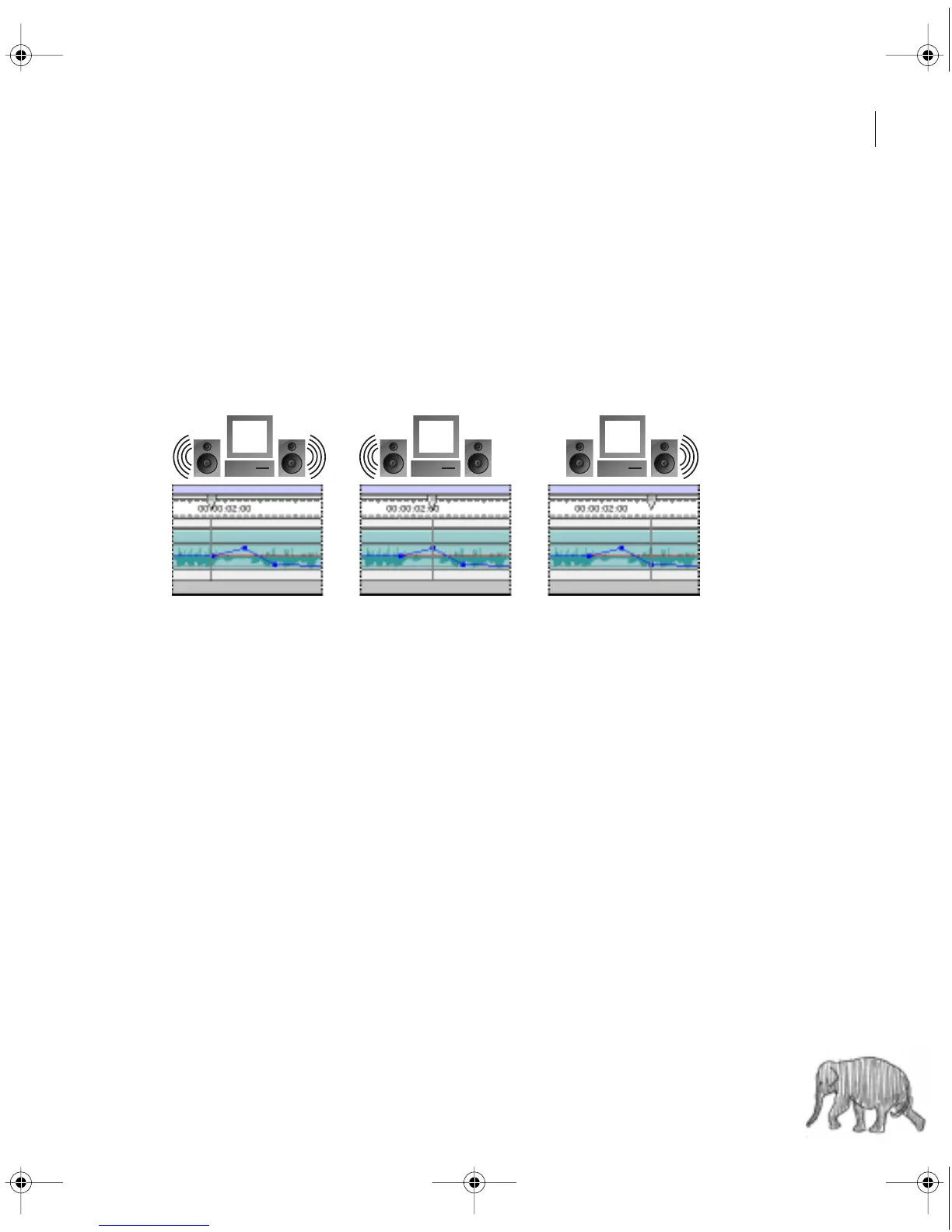
For example, if an audio clip contains one person’s dialogue, you can pan the audio
to match the person’s position in the frame. You can vary the pan freely along the duration of
the clip by adding and dragging handles on the blue
pan control
(a rubber band for panning)
on the audio track, using techniques similar to those you use for adjusting gain.
For best results when previewing panning, make sure that your computer or audio card is
connected properly to speakers in stereo. Make sure the left and right channels are not reversed.
Audio panned over time from the center, to the left, and finally to the right.
To pan an audio clip:
1
If necessary, click the triangle to the left of the track name to expand the audio track you
want to adjust.
2
With the selection tool selected, position the pointer over a part of the blue pan control
where you want to create a new handle.
3
Press Alt (Windows) or Option (Mac OS) as you click to create a new pan handle.
c00.book for PS Page 225 Tuesday, March 31, 1998 1:28 PM



 To Next Page