37
ADOBE PREMIERE 5.0
User Guide
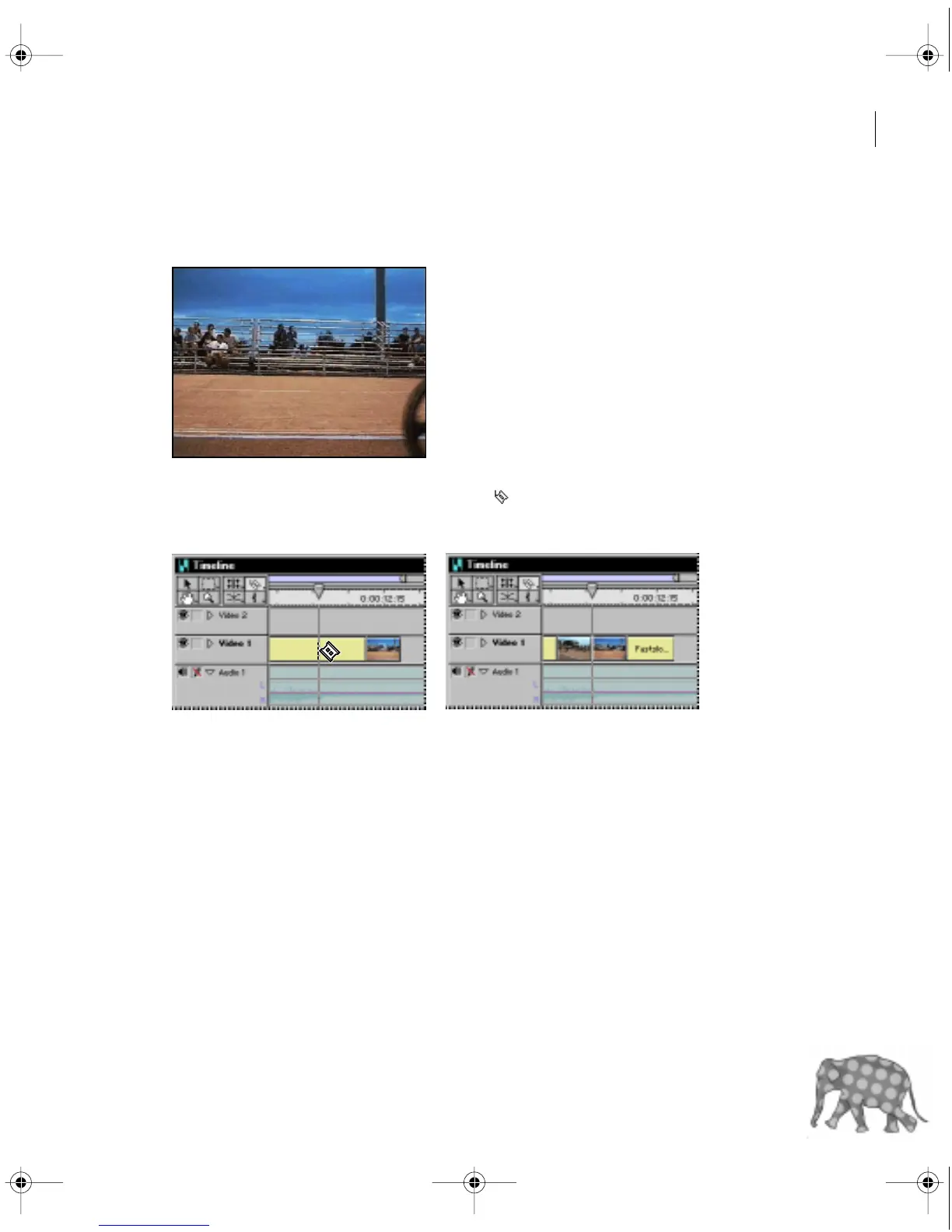
1 In the Timeline window, move the edit line across the Fastslow.mov clip until you see the
shot of the unobstructed bleachers (11:18). Leave the edit line positioned at this point.
2 In the Timeline window, select the razor tool ( ).
3 Position the pointer over the Fastslow.mov clip at the current edit line, and click.
Premiere cuts the Fastslow.mov clip at the point where you clicked, creating two
separate clips.
c00.book for PS Page 37 Tuesday, March 31, 1998 1:28 PM



 To Next Page