CHAPTER 4
142
Editing Video
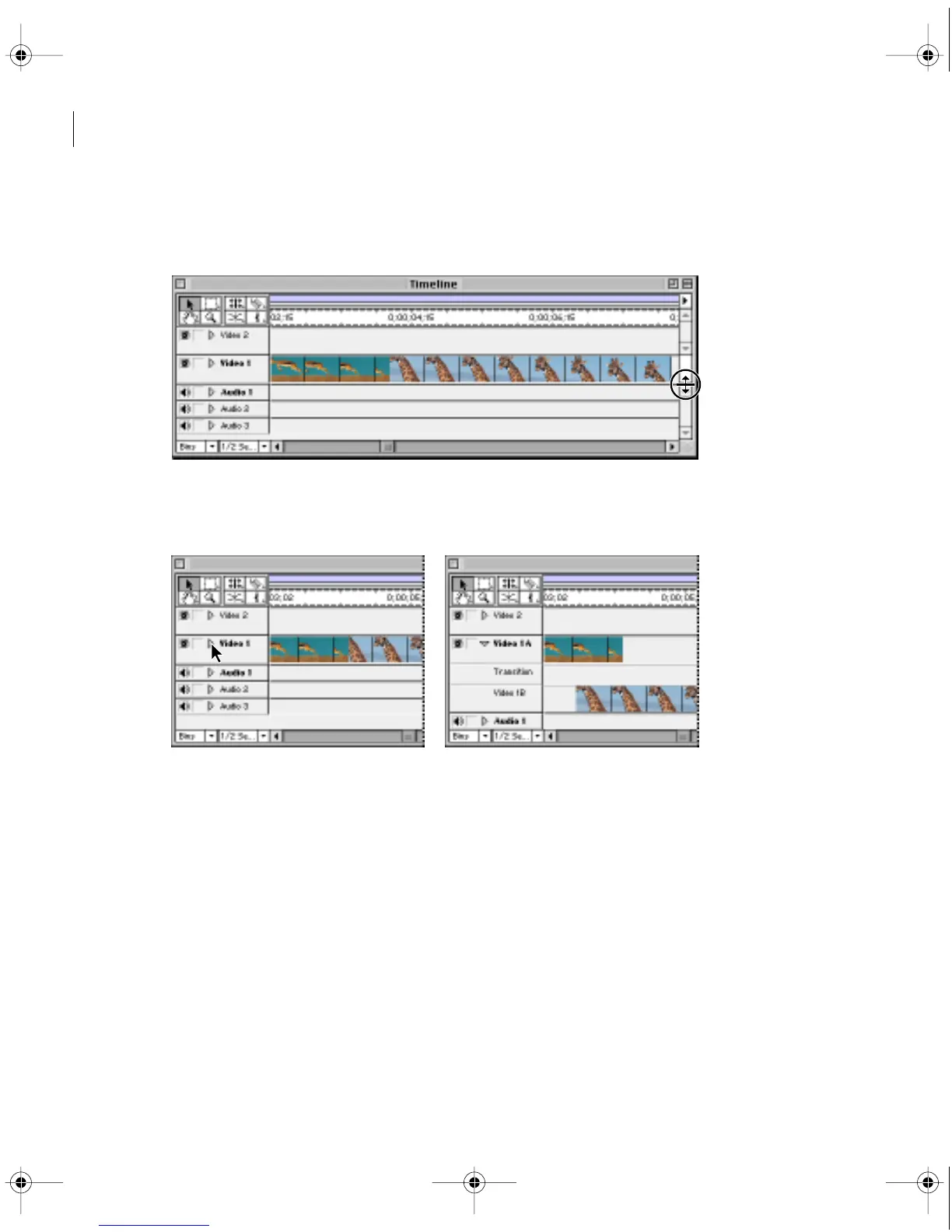
To change the proportions of video and audio tracks displayed in the Timeline:
Drag the split-window bar at the right side of the Timeline.
To collapse or expand a track:
Click the triangle next to the track name.
When you collapse track Video 1, it displays the results of the A, B, and transition subtracks
together. When you expand track Video 1, it displays the A, B, and transition tracks individ-
ually. Because other video tracks are superimposed, expanding them displays the opacity
control for superimposition. See “Using the Fade control” on page 261. When you expand an
audio track, it displays the audio waveform, the gain fader, and the pan control. See Chapter 6,
“Mixing Audio.”
c00.book for PS Page 142 Tuesday, March 31, 1998 1:28 PM



 To Next Page