CHAPTER 4
166
Editing Video
To view the source of a program clip:
Select the clip in the Timeline and do one of the following:
• Choose Clip > Locate Clip to highlight the source in the window that stores it.
• Choose Clip > Open Clip to view the source in the Monitor window.
Freezing a video frame
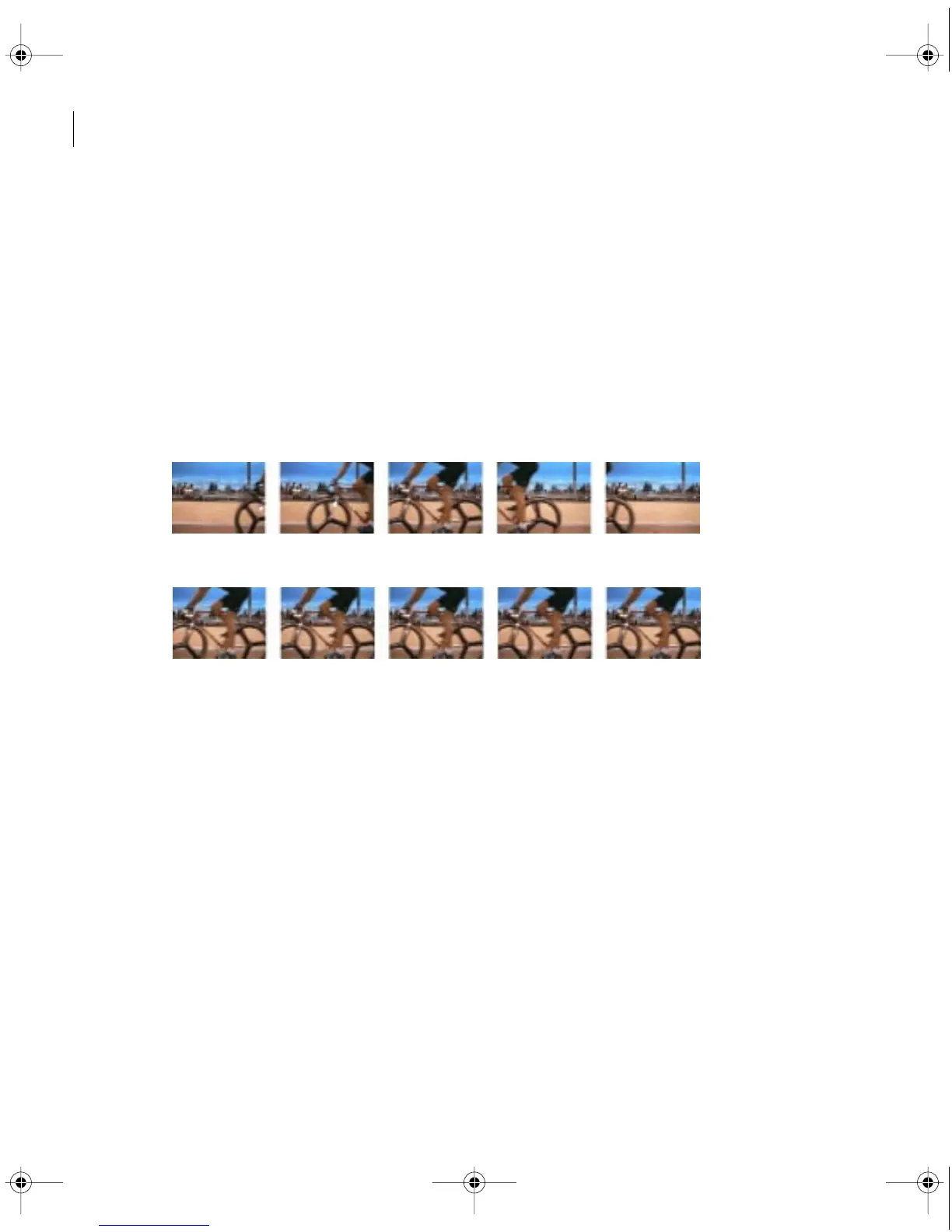
You can freeze one frame of a clip, so that only that frame displays for the duration of the
clip, as if you imported the frame as a still image. You can freeze on the clip’s In point, Out
point, or at marker 0 (zero) if present.
Original clip.
After applying frame hold, one frame displays for the entire duration.
To freeze a video frame:
1 Select the clip in the Timeline.
2 If you want to freeze a frame other than the In or Out point, move the edit line to the
frame you want, and choose Marker > Set Marker > 0.
3 Choose Clip > Video > Frame Hold.
4 Select Hold On, and select the frame you want to hold from the menu.
c00.book for PS Page 166 Tuesday, March 31, 1998 1:28 PM



 To Next Page