169
ADOBE PREMIERE 5.0
User Guide
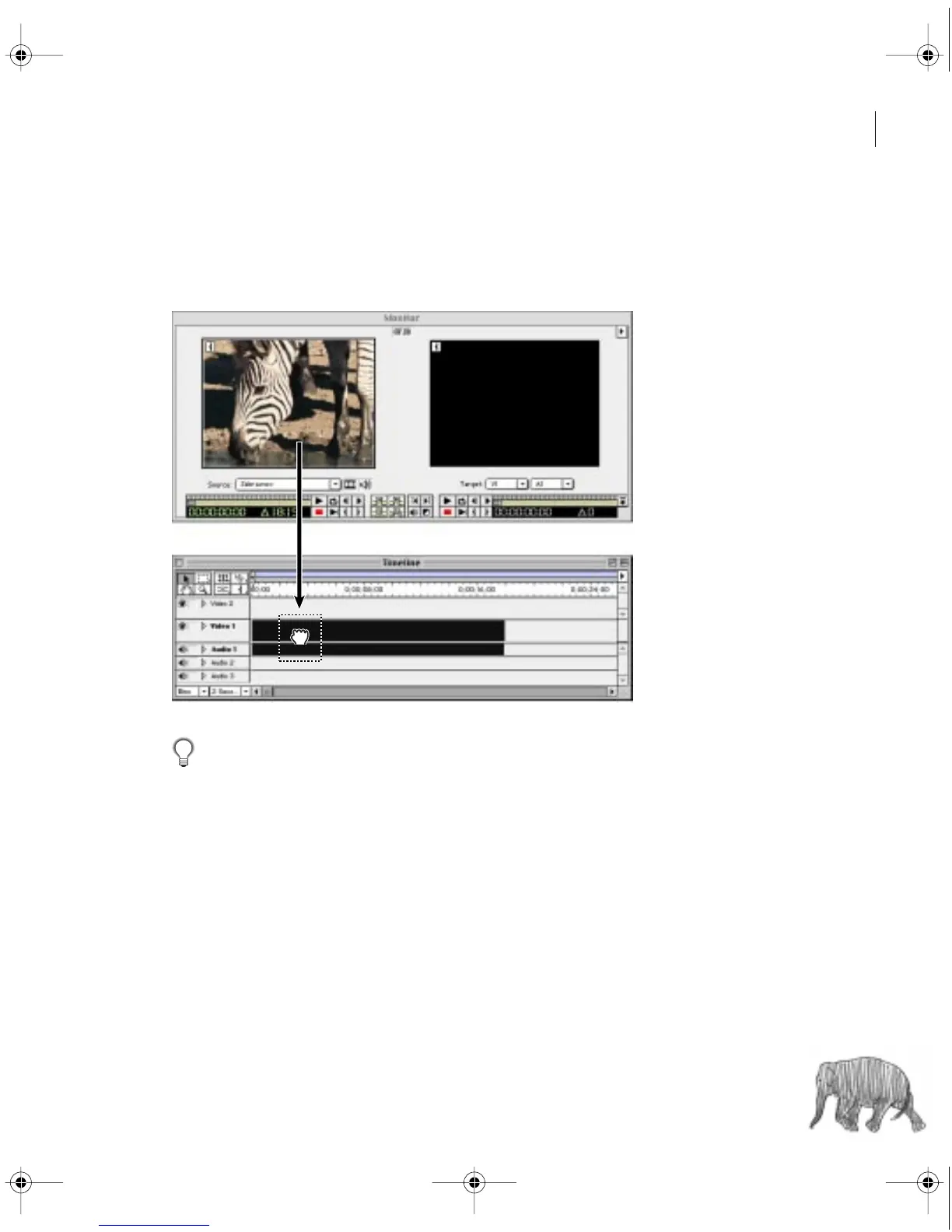
2 Drag the clip from the Source view to an unused duration in the desired Timeline video
or audio track. If you drag a clip that contains both video and audio and both Take icons are
enabled (see “Specifying source and target tracks” on page 145), Premiere will automatically
add both the video and audio and start them at the same time.
If you don’t need to trim a clip or you don’t want to trim it yet, you can drag it directly
from a Project, Bin, or Library window to the Timeline.
Note: If you are building a rough cut and have expanded the Video 1 track, start by dragging clips
into the Video 1A track. Use the Video 1B track as an alternate track, or B-roll, and use tracks Video
2 and above as superimpose tracks (see “Customizing track views” on page 141).
c00.book for PS Page 169 Tuesday, March 31, 1998 1:28 PM



 To Next Page