193
ADOBE PREMIERE 5.0
User Guide
The appearance of a preview is controlled by the settings in the Video Settings panel of the
Project Settings dialog box (see “Specifying project settings” on page 58).
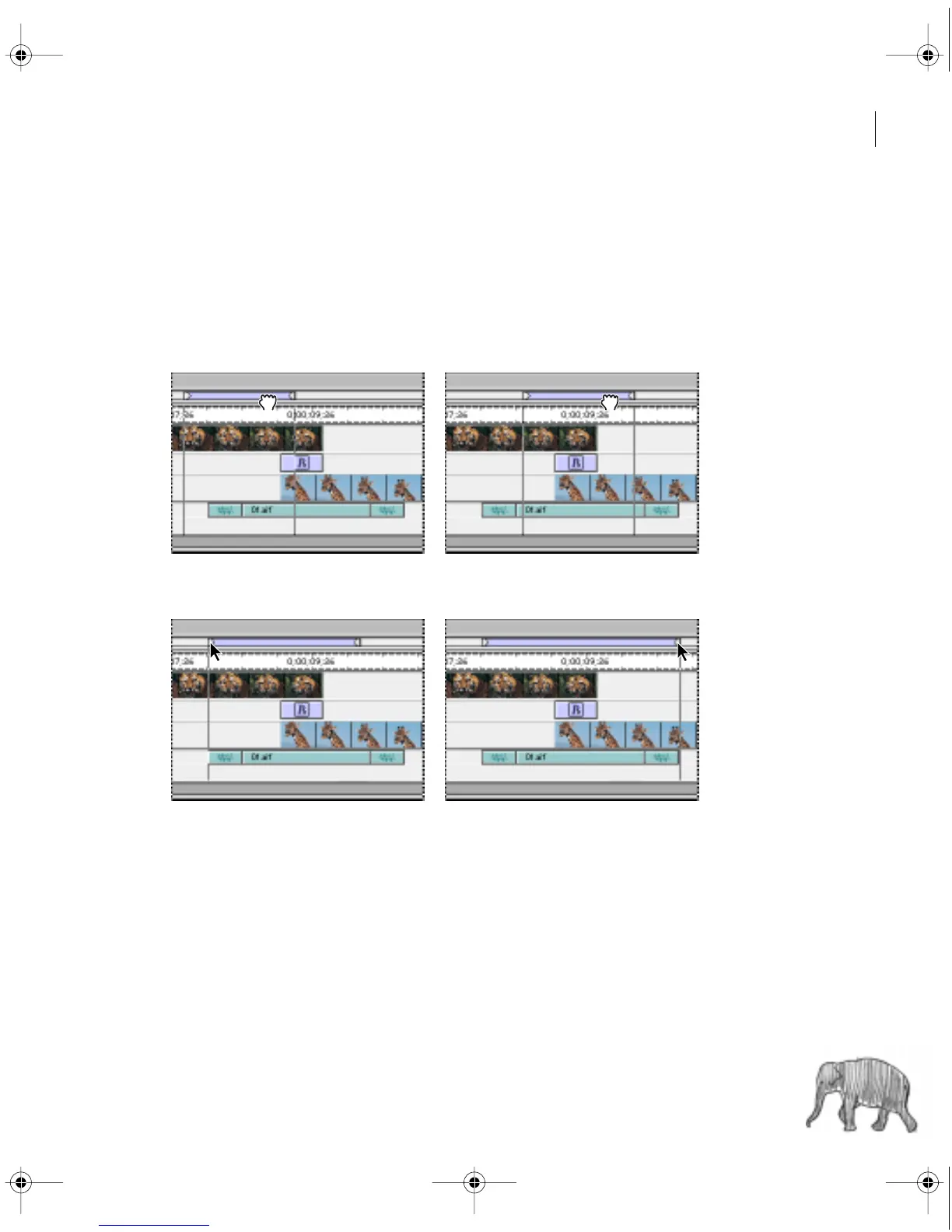
To set the area to be previewed (the work area):
Do any of the following:
• Drag the work area bar over the section you want to preview.
• Drag the work area markers to specify the beginning and ending of the work area.
c00.book for PS Page 193 Tuesday, March 31, 1998 1:28 PM



 To Next Page