CHAPTER 4
196
Editing Video
You can separate the Monitor view from the Monitor window controllers for additional flexi-
bility in arranging your Premiere work area. Premiere lets you move the Monitor view to
another monitor while keeping the controllers with the other windows and palettes in
Premiere. To do this, your computer and operating system must support a multiple-monitor
desktop.
To preview the Monitor Program view on another monitor:
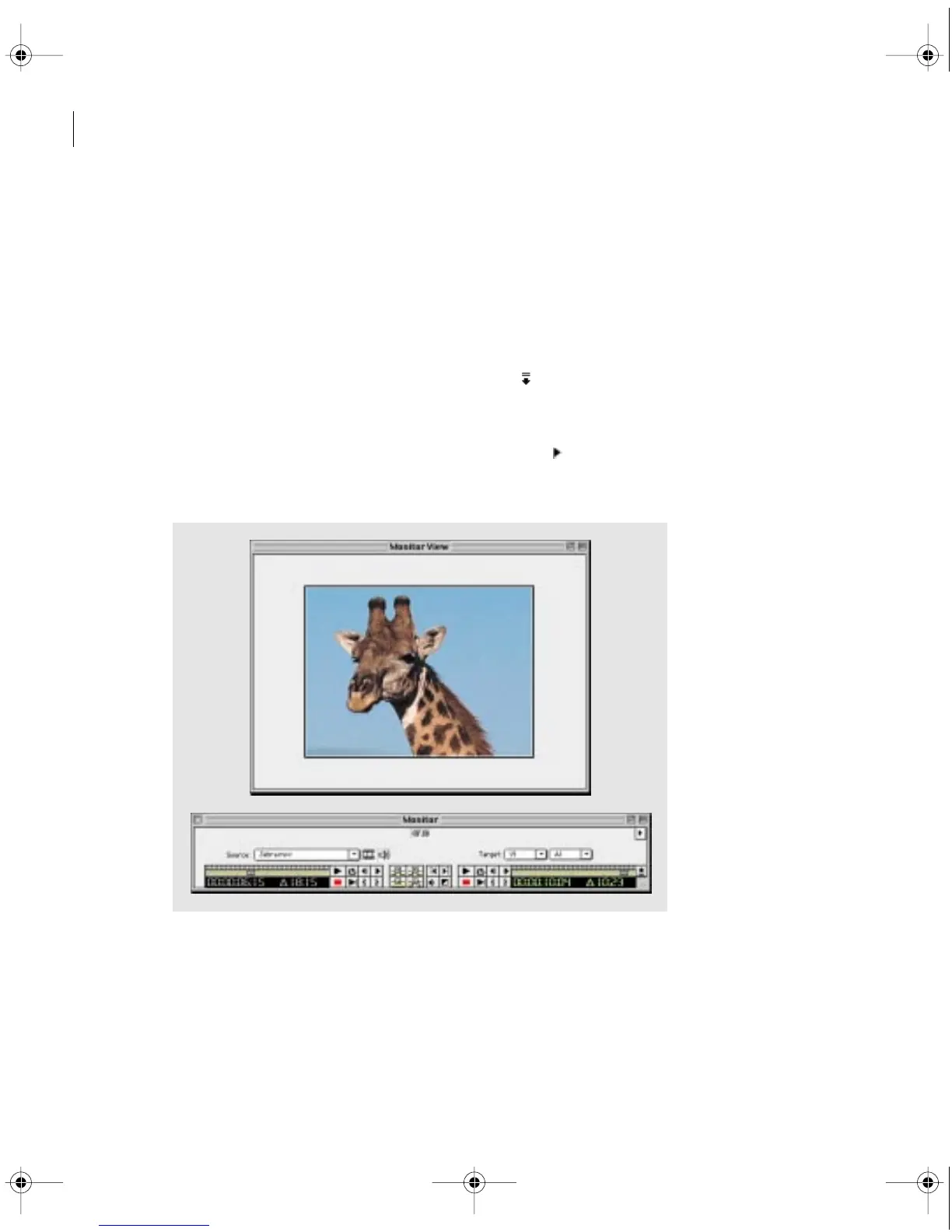
1 In the Monitor window, click the Collapse button ( ) at the lower right edge of the window.
The Monitor window divides into a Monitor window containing the source and program
controllers and a Monitor View that shows the frame at the timecode of the active controller.
2 Click the triangle below the Monitor window title bar ( ) and choose Single View from the
Monitor window menu to display only the Source or Monitor view, depending on the active
controller (see “Setting up windows that resemble earlier Premiere versions” on page 74).
Monitor View in single view (top) and collapsed controllers (bottom)
c00.book for PS Page 196 Tuesday, March 31, 1998 1:28 PM



 To Next Page