221
ADOBE PREMIERE 5.0
User Guide
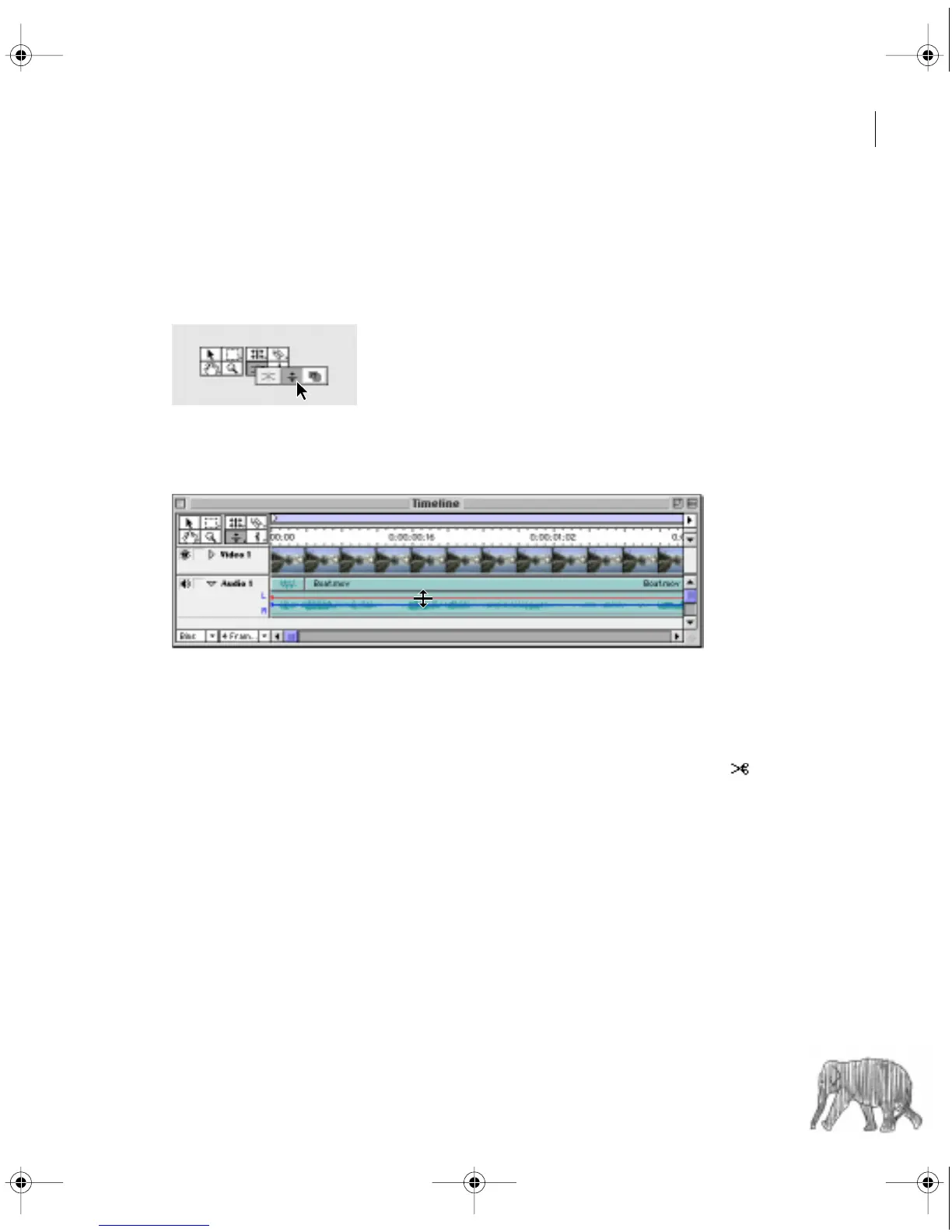
To fade two handles simultaneously:
1
If necessary, click the triangle to the left of the track name to expand the audio track you
want to adjust.
2
Select the fade adjustment tool.
3
Position the fade adjustment tool between the two handles you want to adjust, and then
drag that segment up or down.
When you use the fade adjustment tool, you adjust gain by moving two adjacent
fade handles simultaneously.
In some situations you may want to leave the gain level of the previous segment intact and fade
sharply from there. This requires two handles: one to hold the previous gain level, and another
to set the starting level for the following segment. You can use the fade scissors tool ( )
to automatically create two new adjacent handles on the audio fader.
c00.book for PS Page 221 Tuesday, March 31, 1998 1:28 PM



 To Next Page