19
ADOBE PREMIERE 5.0
User Guide
•
In Mac OS, choose File > Import > Multiple, open the Tour folder you copied or installed
from the Premiere Application CD-ROM disc, and then open the Clips folder. Then select
Boys.mov and click Import. Do the same for the Cyclers.mov, Fastslow.mov, and Finale.mov
files, and then click Done.
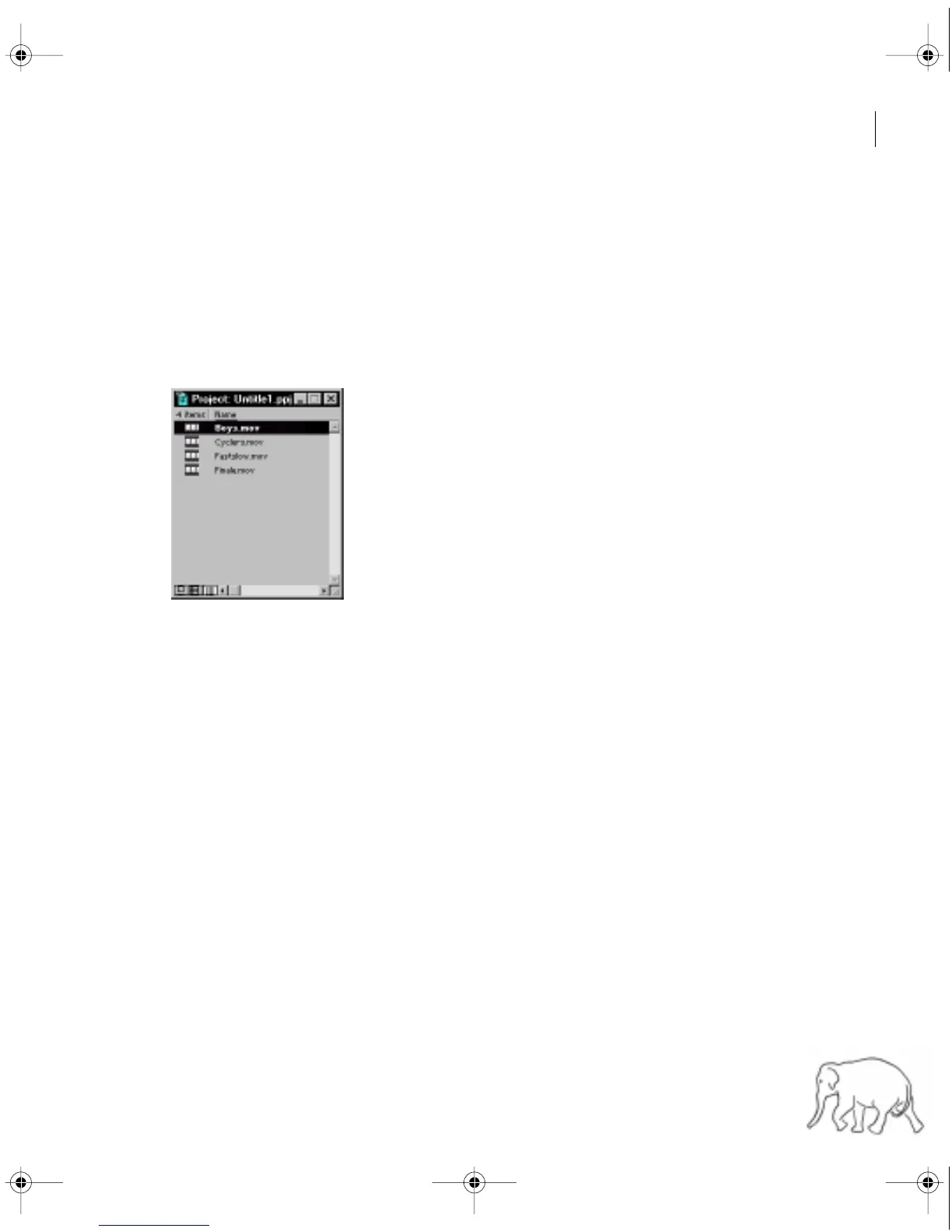
The files appear in the Project window. For each file that you import, the Project window
lists its name, type, and duration. Other columns let you add your own descriptions or
labels. You can scroll or enlarge the window if necessary.
Before you continue, save the project and give it a name.
2
Choose File > Save.
3
In the Save File dialog box, type
Cycling.ppj
for the file name, and specify a location
on your hard drive. Click Save.
Premiere saves the project file to your hard disk.
c00.book for PS Page 19 Tuesday, March 31, 1998 1:28 PM



 To Next Page