309
ADOBE PREMIERE 5.0
User Guide
•
For Field Settings, choose an option if required for your final medium. No Fields is the
default and is the equivalent of progressive scan, the correct setting for computer display and
motion-picture film. Choose Upper Field First or Lower Field First when exporting video for
an interlaced medium such as NTSC, PAL, or SECAM. The option you choose depends on the
specific video hardware you use. See “Comparing interlaced and non-interlaced video” on
page 341.
•
For Keyframe Options, specify settings for creating compression keyframes if the video codec
you specified supports compression keyframes. See “Setting keyframes” on page 302.
7
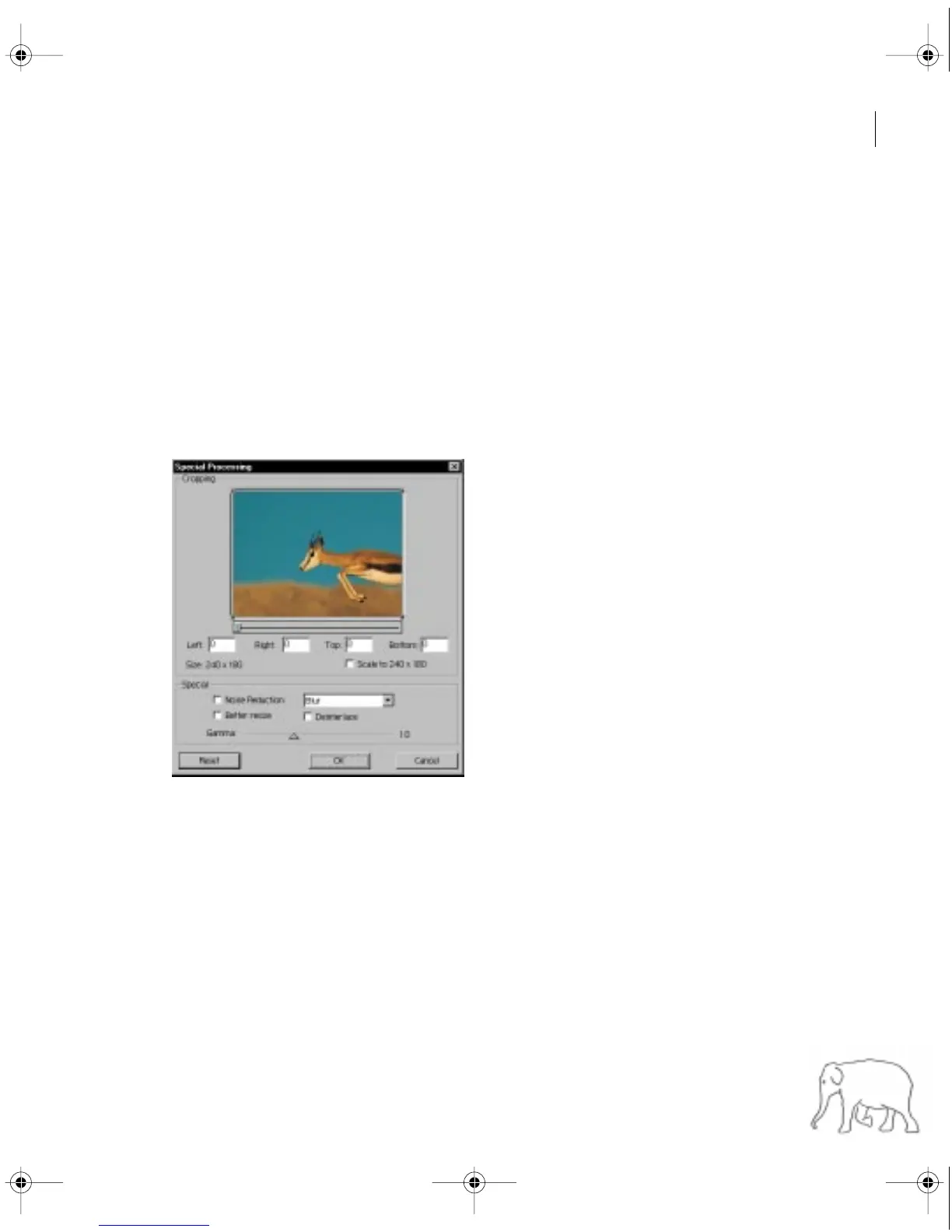
Choose Special Processing from the menu at the top of the Export Movie Settings dialog box,
click Modify, and specify the following options as necessary:
•
For Left, Right, Top, and Bottom, enter margins in pixels or drag the handles on the cropping
rectangle to crop the exported video. The Size readout indicates the pixel dimensions of the
frame after cropping. If you specified Cinepak compression, make sure the final dimensions are
divisible by 4 because Cinepak works most efficiently with 4x4 pixel cells.
c11.fm Page 309 Wednesday, April 1, 1998 10:08 AM


 To Next Page
 Loading...