39
ADOBE PREMIERE 5.0
User Guide
4 In the dialog box, type 30 in the New Rate box. Click OK.
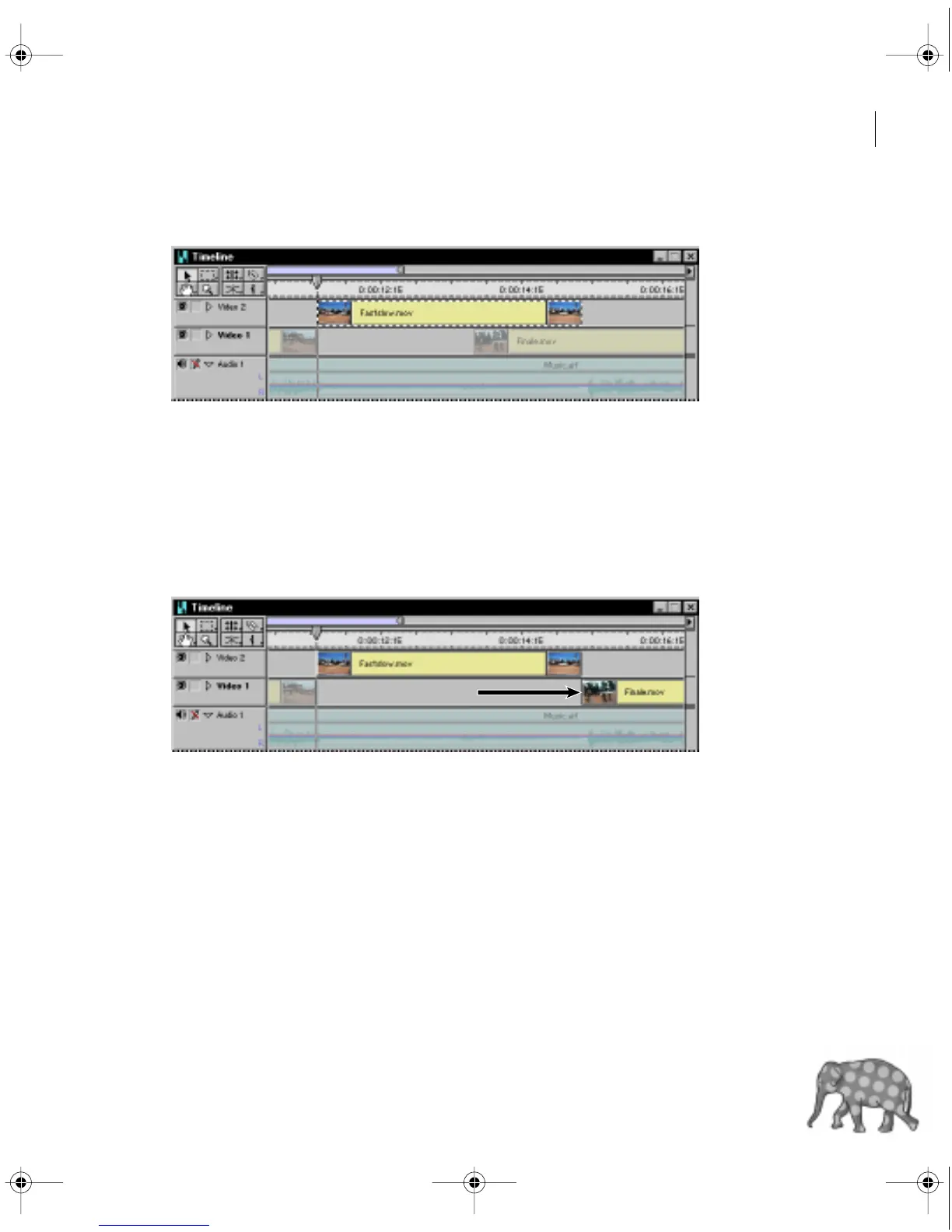
The playback speed of the clip is now at 30% of its original speed. Accordingly, the duration
of the clip has increased proportionally, approximately tripling in length.
Note that this clip now overlaps some of the Finale.mov clip. Because you want the
slowed-down clip to fade to black, you need to move the Finale.mov clip to the right.
5 Drag the Finale.mov clip to the right until its left edge snaps to the Out point of the
slowed-down clip.
c00.book for PS Page 39 Tuesday, March 31, 1998 1:28 PM



 To Next Page