59
ADOBE PREMIERE 5.0
User Guide
•
If you are about to export the video program to a file and you want to specify different
settings than you did for editing, you must also specify export settings, which are available
through the File > Export command, not in the Project Settings dialog box. This lets you use
separate settings for previewing and exporting. It also lets you maintain a set of preview settings
that stays constant while changing export settings when repurposing a program for multiple
distribution media such as television and the World Wide Web. When you specify project
settings for the first time, the settings are copied to the export settings, making your export
settings the same as your project settings unless you change the project or export later.
See “Exporting video files” on page 304.
Premiere generates preview files based on the Project Settings. If you plan to export
your final cut to a file, specify project settings that match the export settings you want.
If project settings match export settings, Premiere can use existing preview files in the export
process, saving processing time.
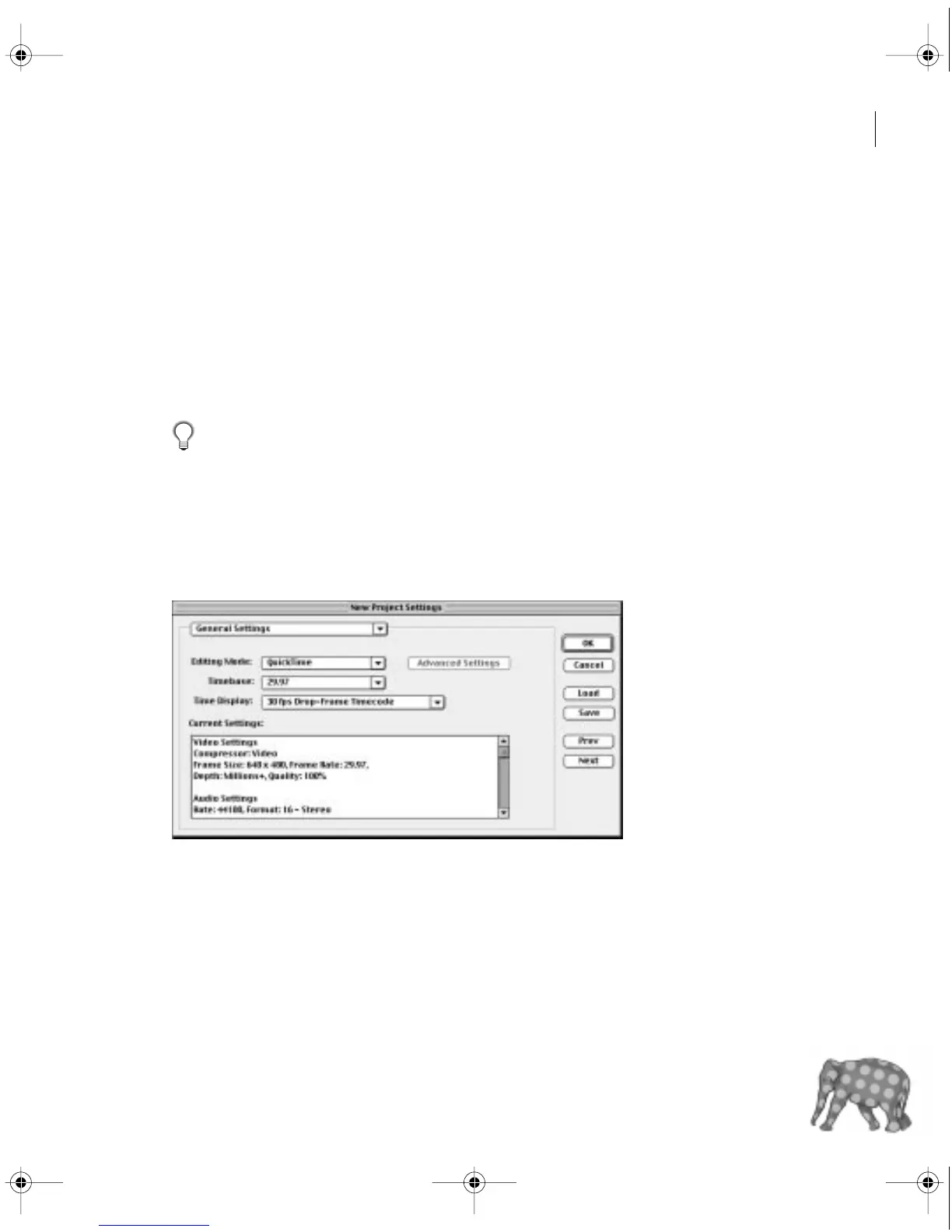
General settings
When you choose Project > Settings > General, you can specify the following options:
c00.book for PS Page 59 Tuesday, March 31, 1998 1:28 PM



 To Next Page