61
ADOBE PREMIERE 5.0
User Guide
Video settings
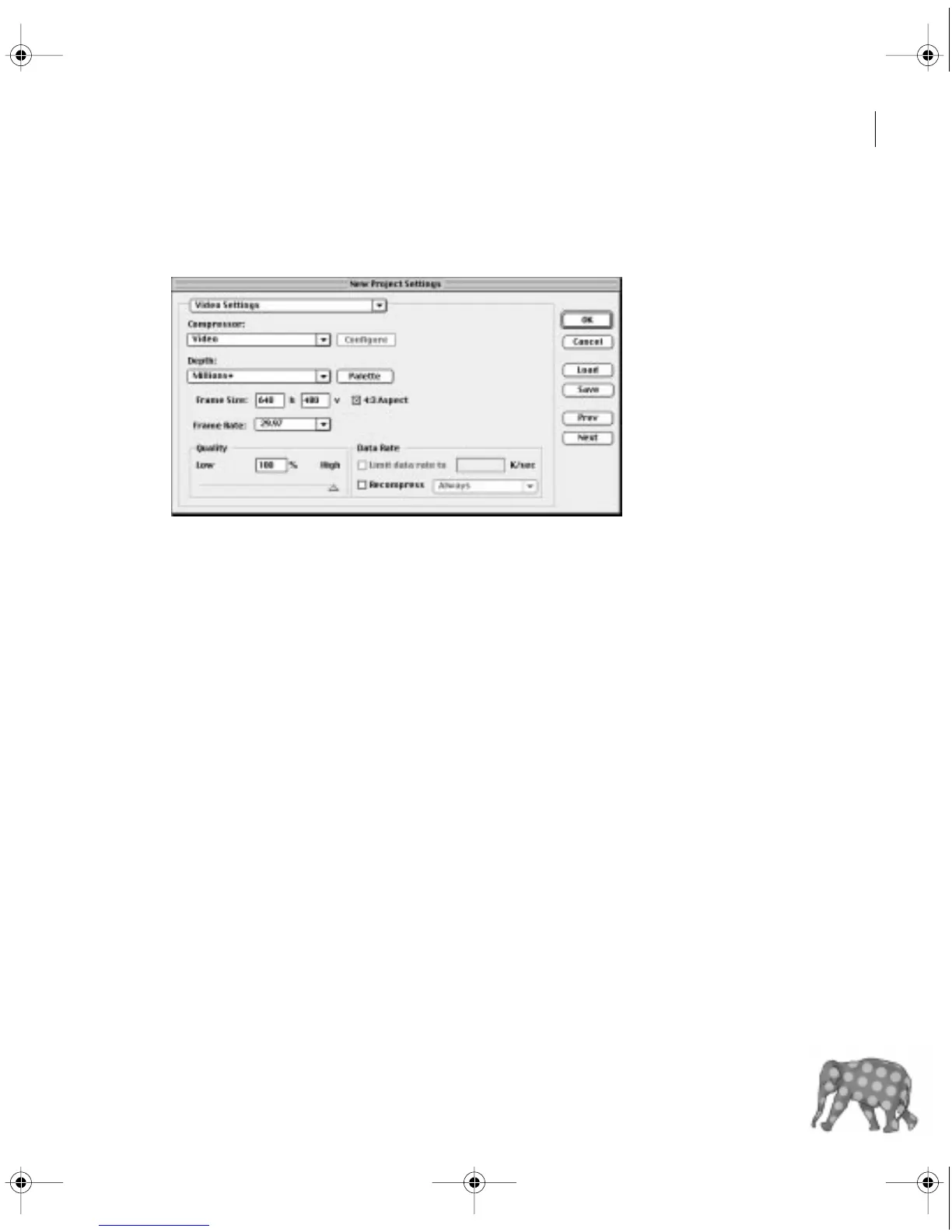
When you choose Project > Settings > Video, you can specify the following options:
Compressor
Specifies the
codec
(compressor/decompressor) for Premiere to apply when
playing video back from the Timeline. The codecs available depend on the Editing Mode
you chose in the General Settings panel. Click Configure (if available) to set options specific
to the selected codec. If you chose an editing mode provided by a manufacturer of a video-
capture card or other hardware, see the documentation for the hardware because it may
recommend a particular codec for editing with that hardware. Otherwise, consider
choosing a fast codec so that edits are processed quickly. For more information, see
“Finding an appropriate codec” on page 352.
Note:
If you use a clip in your video program without applying effects or changing frame or time
characteristics, Premiere uses the clip’s original codec for playback. If you make changes that
require recalculation of each frame, Premiere applies the codec you choose here.
Depth
Indicates the color bit depth, or number of colors to include in video played back from
the Timeline. This button may not be available if the selected compressor provides only one
option for bit depth. You can also specify an 8-bit (256 color) palette when preparing a video
program for 8-bit color playback, such as for the Web or for some presentation software.
The Palette button may be available when 256 Colors is chosen, if the selected Editing Mode
c00.book for PS Page 61 Tuesday, March 31, 1998 1:28 PM



 To Next Page