75
ADOBE PREMIERE 5.0
User Guide
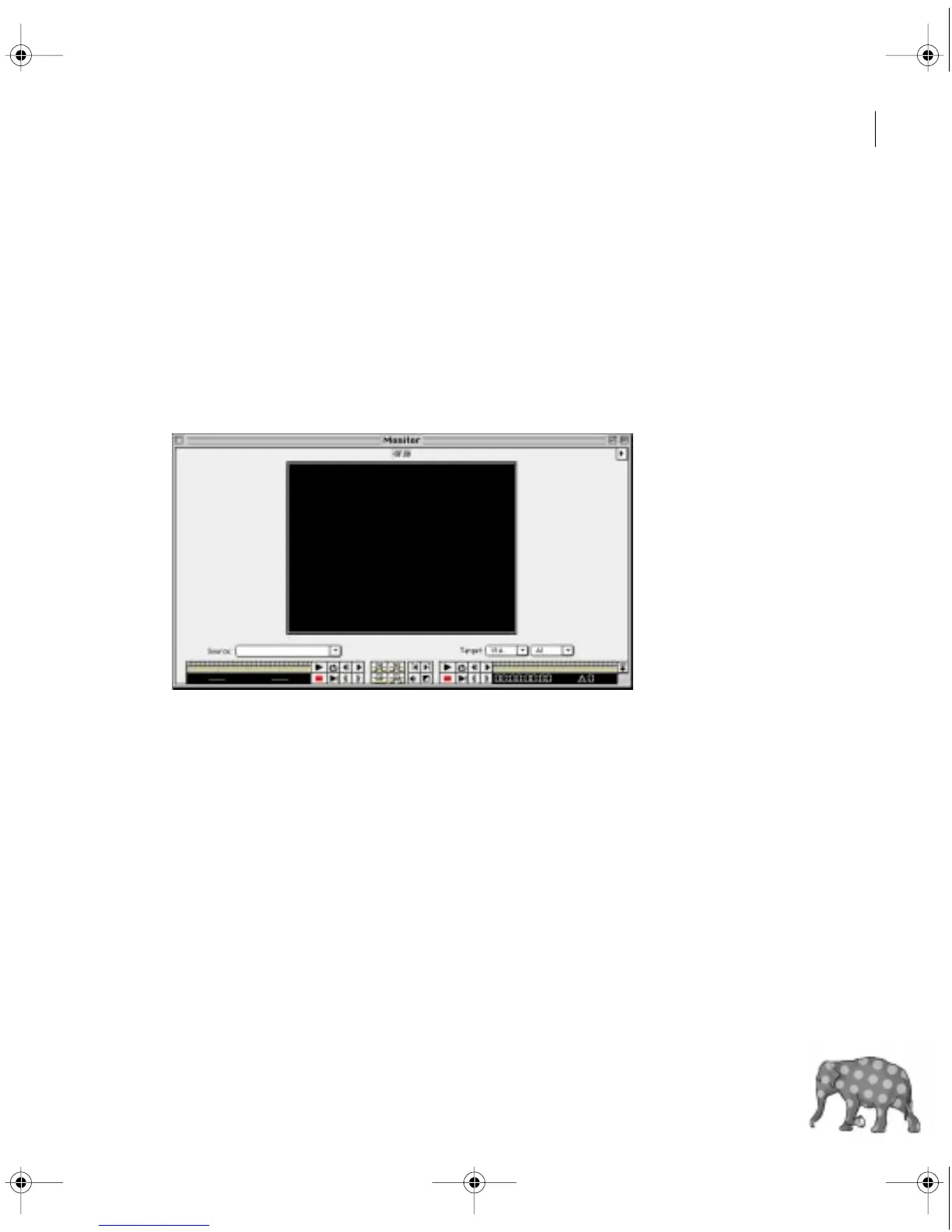
To set up a window layout that resembles earlier versions of Premiere:
1 Choose File > Preferences > General/Still Image, select Open Movies in Clip Window,
and click OK. This opens each source clip in its own window instead of in the Monitor window
source view.
2 Select Single View from the Monitor window menu. This displays only the monitor repre-
senting the active controller (Source or Program). When editing the program, make sure the
Program controller on the right is active, because in Single view, activating the left controller
switches the display to the Source view. Premiere indicates the active controller with green
timecode numbers.
c00.book for PS Page 75 Tuesday, March 31, 1998 1:28 PM



 To Next Page