59 ARK-6310 User Manual
Chapter 4 BIOS Setup
4.5.8.2 Spread Spectrum
This item is to adjust extreme values of the pulse for EMI test. Choices: Enable, Dis-
able.
4.5.8.3 CPU Host / 3V66 / PCI Clock
These options allow you to set CPU Host/3V66/PCI clock into various types of fre-
quencies. Choices: Default, 100/66/33MHz, 105/70/35MHz, 109/73/36MHz, 114/76/
38MHz, 117/78/39MHz, 127/85/42MHz, 130/87/43MHz, 133/67/33MHz, 137/69/
34MHz, 141/71/35MHz, 145/73/36MHz, 150/75/38MHz, 155/78/39MHz, 160/80/
40MHz.
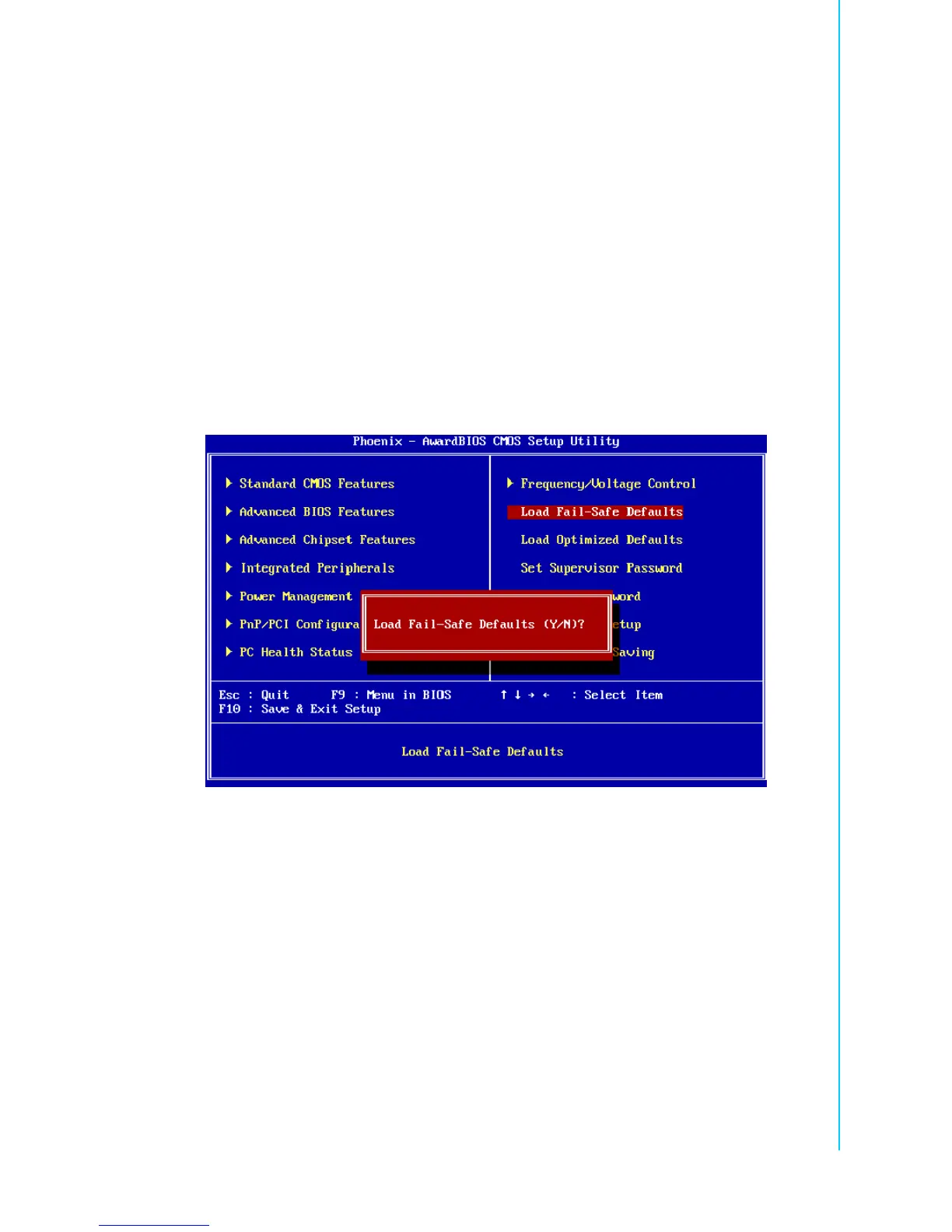
4.5.9 Load Fail-Safe Defaults
Use this menu to load the BIOS default values for the minimal/stable performance for
your system to operate.
Press <Y> to load the BIOS default values for the most stable, minimal-performance
system operations.















 To Next Page