L801LabelPrinter
Troubleshooting 71
Mixedormuddycolors Theprintheadisdirty. 1. RunExtendedcleaningcyclefromthecontrol
panel( (
Config
)
MAINTENANCE
CLEAN
Extended
).
Ifprintqualityshowssomeimprovement,
repeatExtendedcleaninguntiltheprint
qualityissatisfactory.
2. Ifprintqualitydoesnotimprove,openthe
clamshellandcheckforpatchesofwetinkon
theprinthead.
3. Usealint‐freeclothtoabsorbtheink.Avoid
touchingtheneighboringnozzles.
4. Checktheprint
quality.RunExtended
cleaningcycleifnecessary.
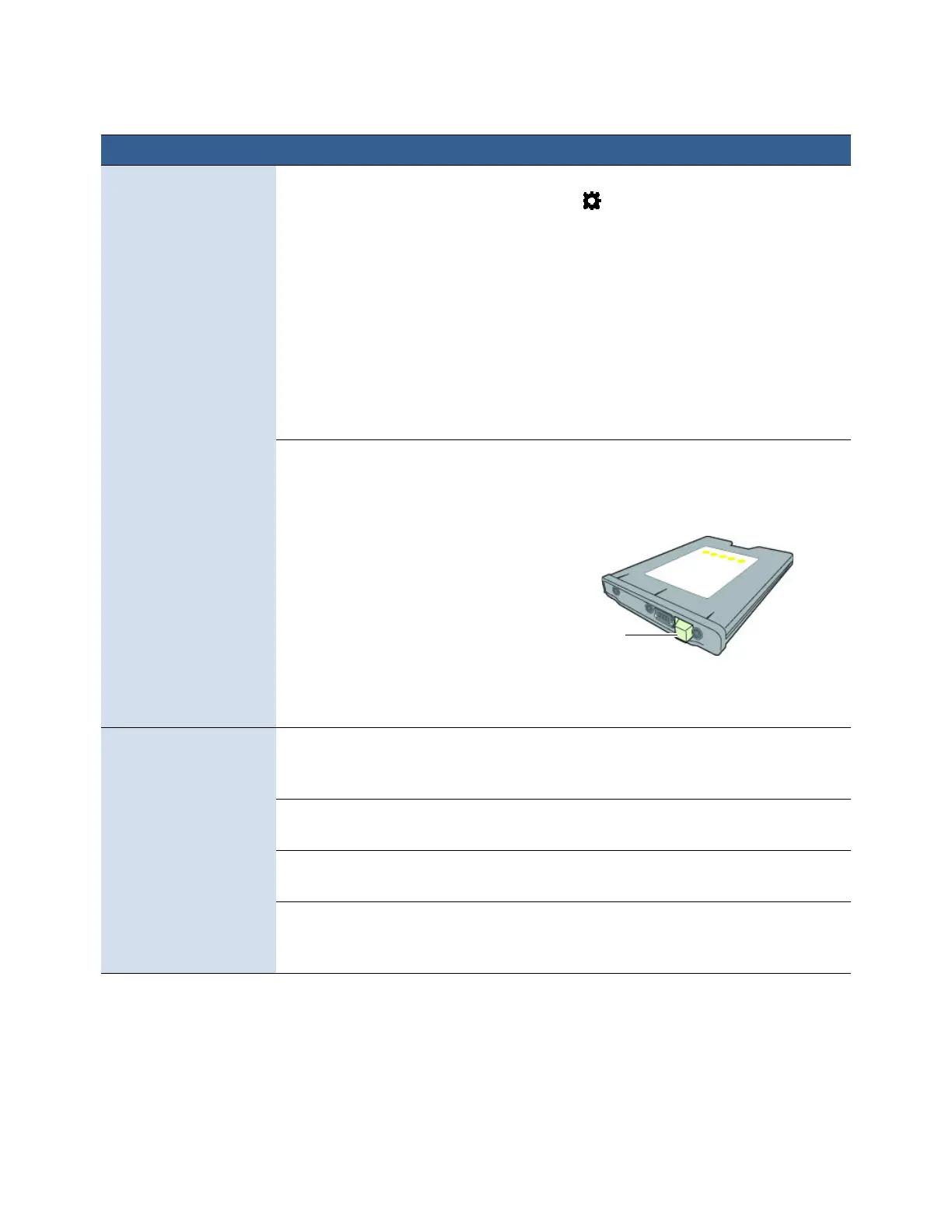
Colorinkcartridgesaredirty. 1. Removetheyellow(Y)inkcartridgefromthe
printer.
2. Checkthecoloroftheinkthroughtheink
levelprism.
Iftheinkcolorisverydark(black)insteadof
yelloworiodine,replaceallthreecolorink
cartridges.
Positionofprinted
imagedriftsvertically
TopofFormpositionneeds
adjustment.
AdjusttheTopofFormoffsetfromthecontrol
panelorprinterdriver.SeeAdjustingAlignment
forPrintingonpage30.
Themediaisnotloaded
properly.
Reloadthemedia.SeeLoadingMediaon
page17.
Themediaisnotsuitable
for
useinthisprinter.
Replacethemedia.SeeChoosingLabelMedia
onpage24.
Theprinterisunableto
correctlydetecttheinter‐label
gaporblackmark.
Adjustthesensitivityofthesensors.See
AdjustingSensorSensitivityonpage77.
Problem PossibleCause Solution



 To Next Page