L801LabelPrinter
Appendix 83
Menu/Option Description
Setup
12
Language
2
Selectthedisplaylanguagefortheprintercontrolpanel.
Supportedlanguagesare:English,French,German,Spanish,Italian,
TraditionalChinese,SimplifiedChinese,andJapanese.
Reset
2
Restorethedefaultfactorysettings.
ListSetup Printthekeyparametersoftheprinterina4”x6”labelformat.
Security Displaythecurrentsecuritylevel:
•Level0 (operator)–Theusercanaccessallthefunctionsneededto
print,butcannotchangeprinterparametersviathecontrolpanel.
•Level1 (supervisor)–The
usercanaccesscertainprinterparameters.
Apasswordisrequiredtoaccessthislevel.
•Level2 (administrator)–Allparametersareenabled.Apasswordis
requiredtoaccessthislevel.
PasswordsaresetusingtheEWS(seeEmbeddedWebServer(EWS)on
page36).
LCDContrast
1
Adjustthecontrastofthetextagainstthebackground(–3to3).
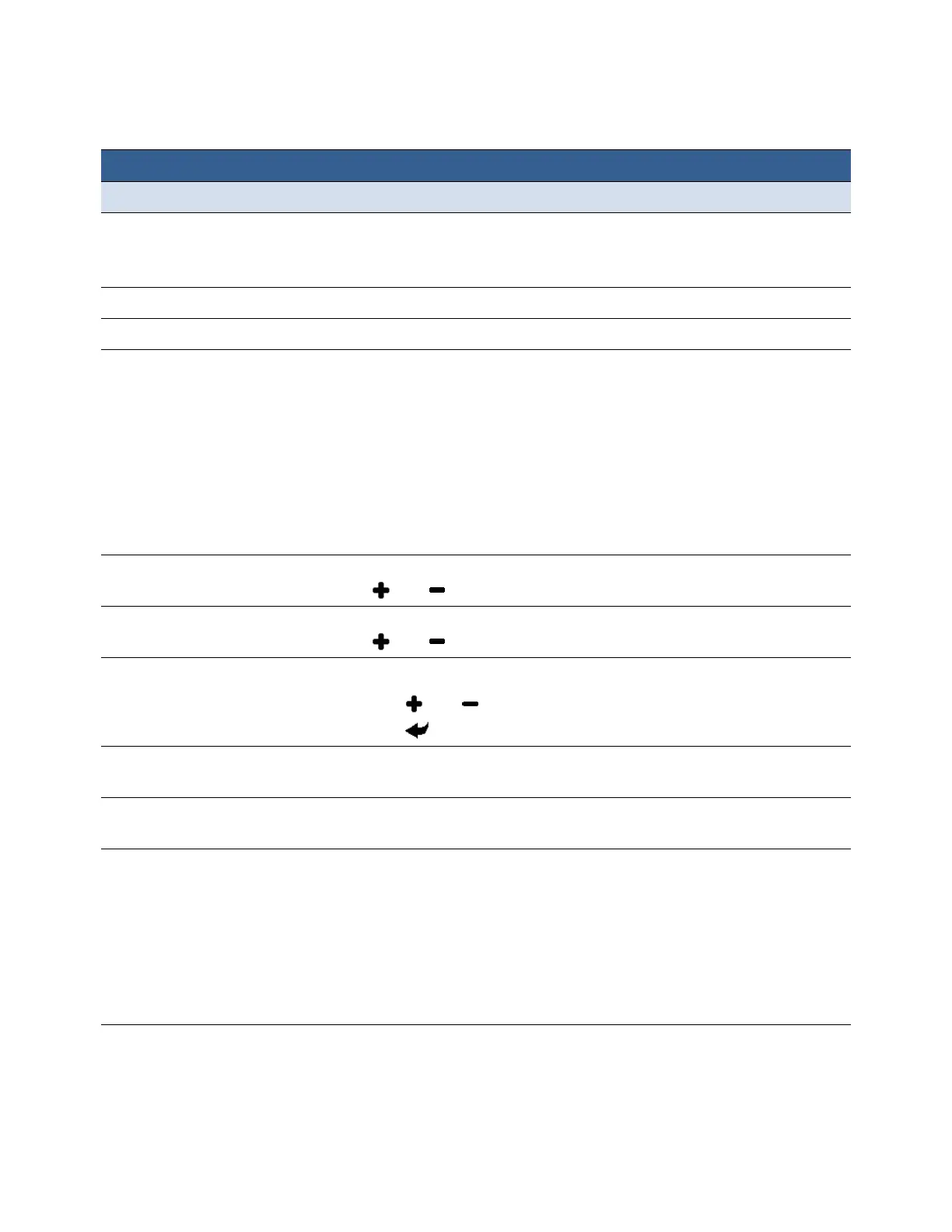
Useandtoincreaseordecreasethevalue.
LCDBrightness
1
Adjustthebrightnessofthebacklight(–3to3).
Useandtoincreaseordecreasethevalue.
Date/Time
2
Settheprinterclock(YYYY/MM/DD HH:MM:SS).
1. Pressandtoseteachdigit(0to9).
2. Presstomovetothenextdigit.
Unit
1
UnitusedforAdjustOffset,eitherinchormm.AppliestobothControl
PanelandEWSunits.
Label Selectwhichtypeoflabelstockwillbeusedforprintingtestpages.
OptionsareContinuousorGap.
PageCutting Selecttheprinterdefaultprintmode.Theavailablemodesare
• Sheetpercut
•PrintandPresent
•Roll
toRoll(Leavefirstlabelblank)
•RolltoRoll(Printfromfirstlabel)
•RolltoRoll(Multiplejobqueue
Whentheuseprintersettingisselectedinthedriver,theprinterwilluse
thismode.



 To Next Page