84 Appendix
Afinia
Maintenance
PrintTestPage Printatestpage.
•Barcodes:Printbarcodetestpage.
•PQPlot:Printdiagnosticstestpage.
Printhead
Clean Cleantheprinthead.AlwaysstartwiththeNormalcleaningcycleand
proceedtothenextlevelonlywhenprintqualitydoesnotimprove.
•Normal
• Extended
•Extreme
Replace Deprimetheprintheadandreleasetheprintheadlatch,allowingtheuser
tochangetheprinthead.
ServiceStation
2
CapPrinthead Captheprinthead.
Eject Ejecttheservicestation.
Sensor
1
Transmissive Adjustthesensitivityofthetransmissivegapsensor(–5to5).Thissensor
detectstheinter‐labelgapornotch.
Reflective Adjustthesensitivityofthereflectivegapsensor(–5to5).Thissensor
detectstheinter‐labelblackmark.
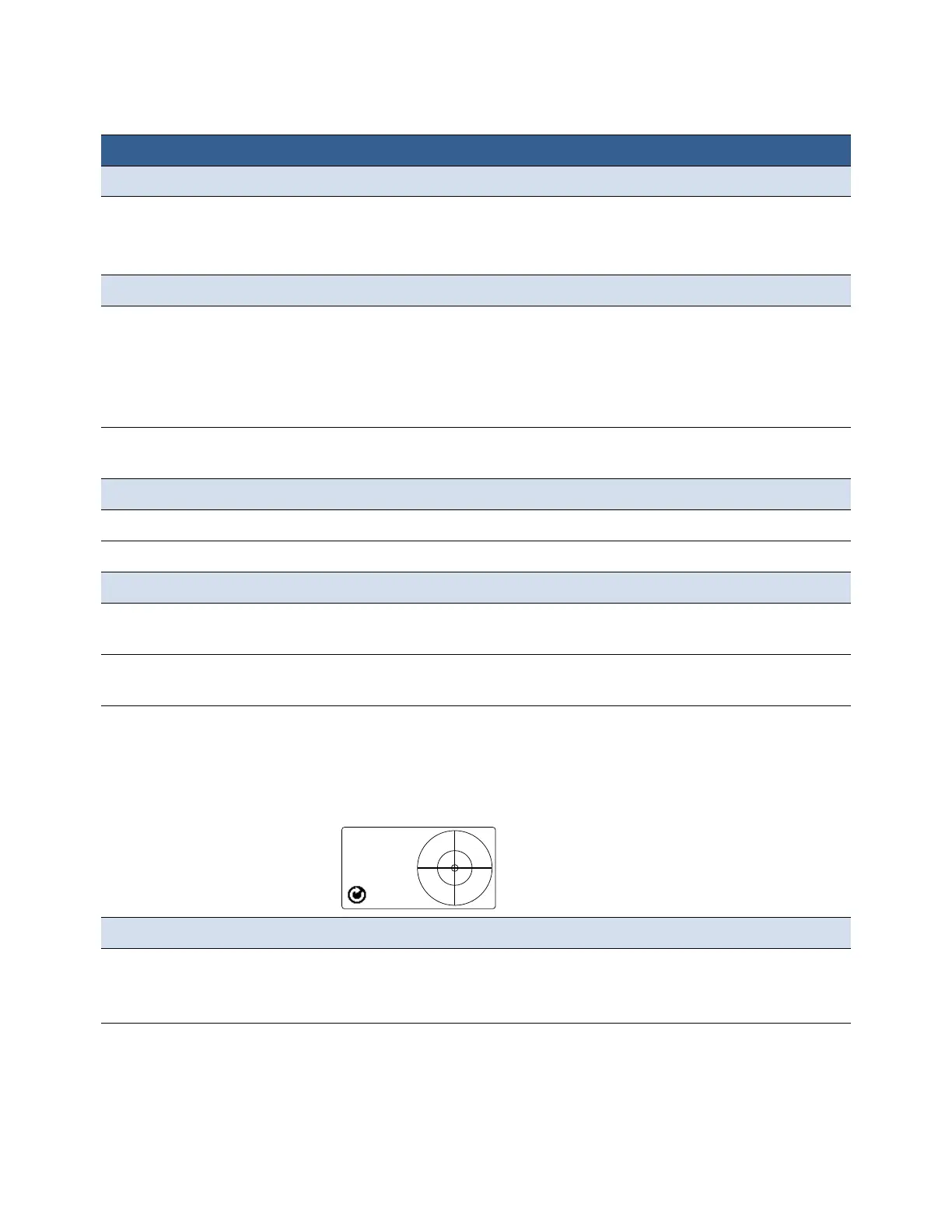
Level Detectanddisplaythetiltangleoftheprinter.
Theprintengineneeds
tobekeptwithintwodegreesfromthehorizontal
planeinboththeXandYaxes,otherwiseinkflowtotheprintheadwillbe
disrupted. Usethisoptiontohelpyouadjusttheprinter’stiltanglewithin
±2degreesfromhorizontal.
ExtSignalPrint
1
ByI/O Whenthisoptionisselected,theprinterreceivestheprintjobbutwill
notprintuntilitreceivesasignalfromanexternaldevice.
SeePrinterInterface(GPIO)Specificationsonpage86.
Menu/Option Description



 To Next Page