L801LabelPrinter
Appendix 85
AdjustOffset
1
(Offsetrange:±0.5”or±12.7mm.)
Usetheseoptionsforborderlessprintingonly.
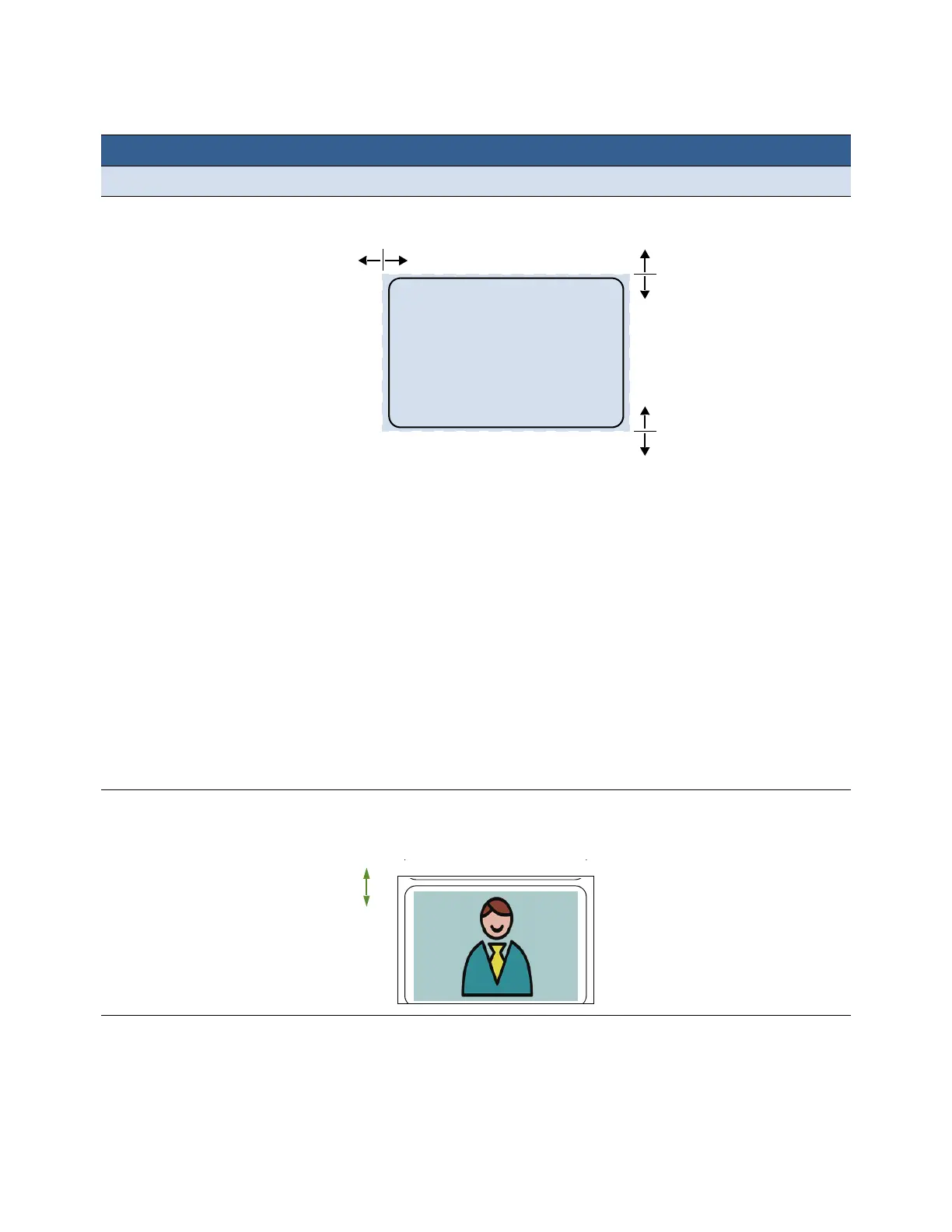
TopofForm Adjusttheprintpositionverticallyonthelabel.
Apositivevalueadjuststheimagetowardthetopofthelabelwhi le a
negativevaluemovesitdown.
BottomofForm
(UsedonlyforBorderless
Printing)
Adjustthe
bottomedgeofthelabelforprintingbyclippingtheamount
enteredfromthebottomoftheimage.Doesnotchangethepositionof
theimageonthelabel.
Apositivevalueclipsmorefromthebottomoftheimagewhilea
negativevalueclips less(imagemustbelargerthan
labelsizefornegative
valuetochangeprintappearance).
ChangingtheBOFmaymakeadjustmentstotheCutterOff setnecessary.
LeftEdge Adjusttheprintpositionhorizontallyonthelabel.
Apositivevalueadjuststheimagetowardtheleftofthelabelwhilea
negativevaluemovesittotheright.
Cutter
Offset Adjustthepositionofthecutter.
Apositivevalueadjuststhecutawayfromthetopofthelabelwhilea
negativevaluemovesitnearer.
Menu/Option Description
+
–
+
–
–
+
LeftEdge
TopofForm:
BottomofForm:



 To Next Page