EasyManua.ls Logo

AgfaPhoto OPTIMA 1338mT - Zoom, Scene Modes, and Smile Detection

AgfaPhoto OPTIMA 1338mT
71 pages
Print Icon
To Next Page IconTo Next Page
To Previous Page IconTo Previous Page
Loading...
T
o
activ
a
te
Stabiliz
er
Press the Stabilizer button on top of your camera to enable/disable stabilizer
.
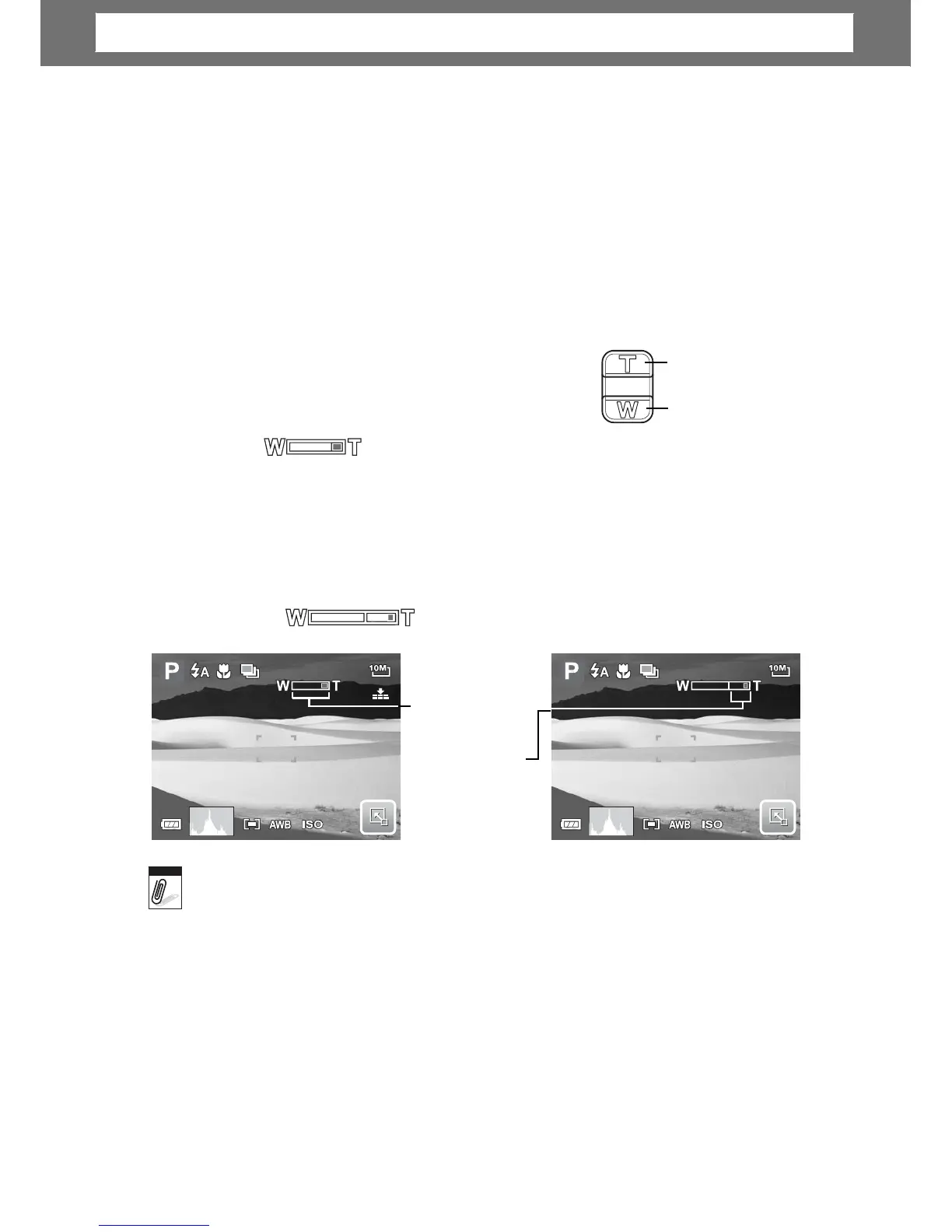
Setting Zoom Control
Your camera features up to 3x optical zoom and up to 5x of digital zoom. Optical
zoom is achieved by mechanically adjusting the lens. While digital zoom is
activated through the menu settings. Please refer to “Settin
g
Di
g
ital Zoom” on
page 55 on how to setup digital zoom.
To
adjusts
optical
z
oom:
Press
to
zoom in
.
1. Press the Zoom buttons to zoom in or zoom
out an image.
2. The zoom indicator appears on the LCD
screen.
To
adjusts
digital zoom:
Press
to
zoom
Zoom
1. Acti
v
ate di
g
ital zoom. See “Recordin
g
Movies” on pa
g
e35.
2. Press the T button to optically zoom in to the maximum until it stops.
3. Release the button.
4. Press the T button again to switch to digital zoom automatically. Zooming
continues.
307
307
Optical zoo
m
Di
g
i
t
al
0
.
0EV
3200
0
.
0EV
3200
Di
g
ital
zoom
is
not
activated
in
recordin
g
movies.
23
Note
Chapter
4:
Recording
Photos,
Videos
and
Voices

Table of Contents

Related product manuals