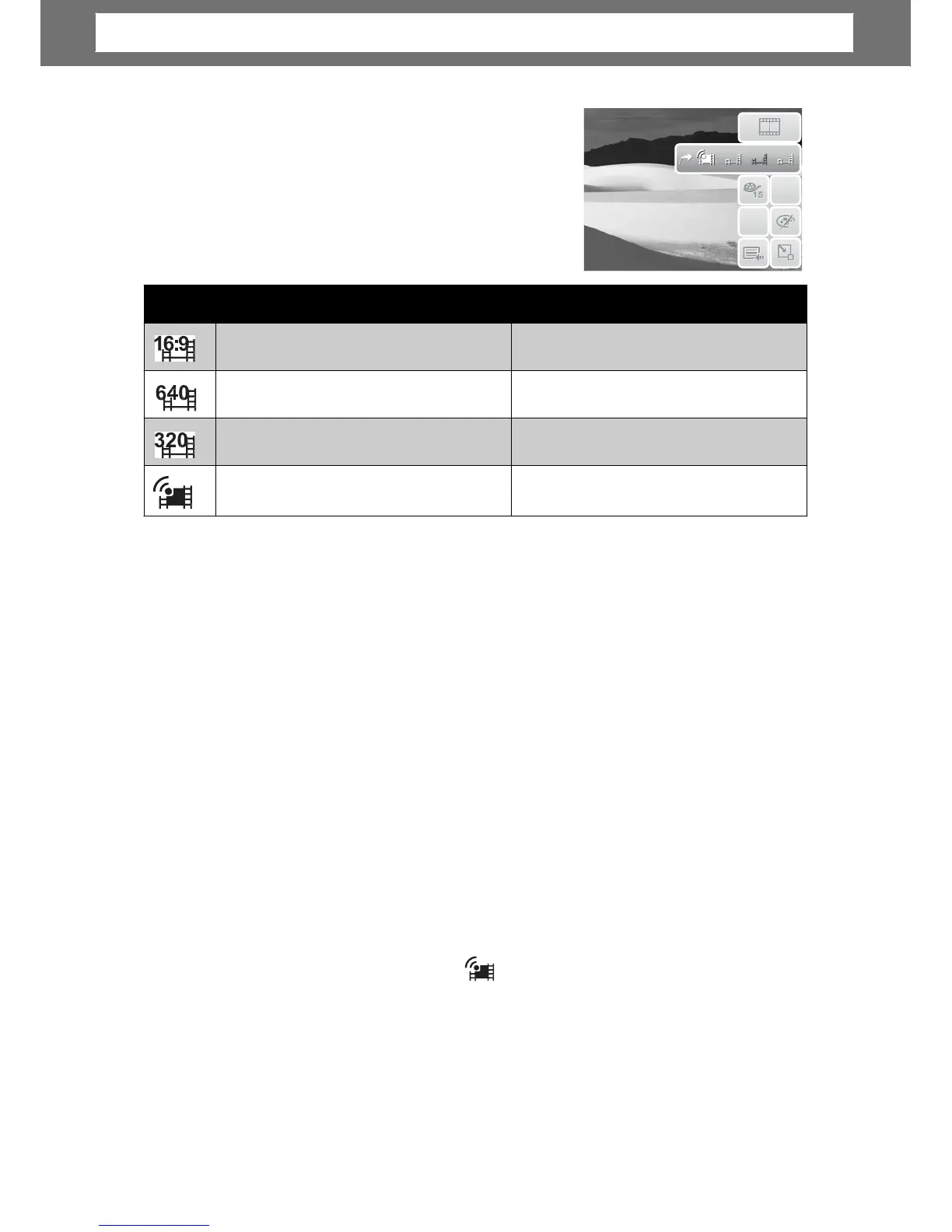
Movie
Size
The Movie Size function icon appears only in
Movie Mode. Use this function to adjust the
resolution and quality of movie clips.
The table below shows the available size and
corresponding image quality settings.
1
1
6
6
6
6
4
4
:
:
9
9
0
0
3
3
2
2
0
0
A
ube®
Mode
YouTube® mode allows you to record movies with predefined video settings for ea
upload to the YouTube® website.
YouTube supports two file upload standards:
• Single File Uploader. The maximum movie file size is up to 100 MB.
• YouTube® Uploader. The maximum movie file size is up to 1 GB.
Most uploaded movie length ranges within 5 minutes, although you can upload a
maximum movie length of 10 minutes.
standards a
followed:
• Recorded movies are set to YouTube standard resolution of 640 X 480.
• Recording automatically stops when the file reaches 100 MB.
movies are saved in a specific folder named “_UTUBE”. For more details, please
refer to “Folder Structure” on page 62.
•
ube movie is up to 10 minutes.
36
Icon Frame Size Image Quality
848 X 480
HDTV
640 X 480
High Quality
320 x 240
Normal
640 x 480
YouTube® mode
Chapter
4:
Recording
Photos,
Videos
and
Voices













 To Next Page