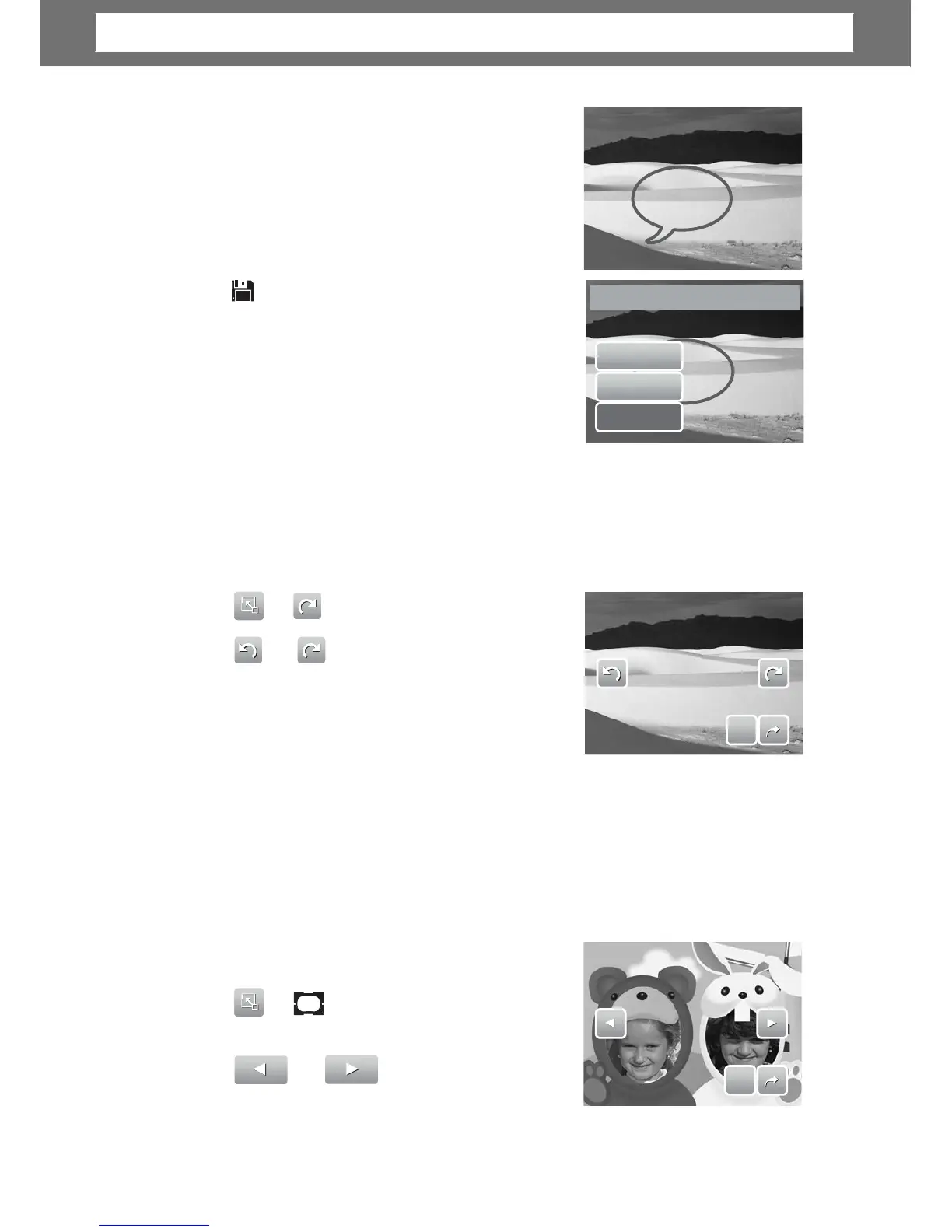
ap on the LCD screen position to add memo
dialog. See picture on the right.
6. When done, press Display button to display
the toolbar.
7.
es.
8. Select whether to:
•
•
•
Save As. Sa
es to a new file.
No. Discard changes.
Overwrite. Save and apply changes to the
current file.
Save
s
No
Overwrite?
Rotating Images
The Rotate function lets you change the orientation of a saved photo. This function
in only available for still images. Rotated images are saved as the current file.
1. View the image to rotate.
2.
e 90º counter
or
clockwise
ap the icons repeatedly
until desired orientation is achieved. The
preview on the LCD screen changes
synchronously.
4. Tap SET to apply and save changes.
S
S
E
E
T
T
dding Photo Frame
For a more artistic effect, you can frame your still images using the Photo Frame
function. This function is for still images only. However, photo frame is not
available for images captured in 16:9 HD resolution.
1. View the image you want to add photo frame
to.
2.
ame selections.
45
Save
changes?
Chapter
5:
Playback













 To Next Page