Smile
Detection
Mode
The Smile Detection mode uses smile tracking to automatically capture images.
Pressing the shutter button will enable the camera to take continuous shots
whenever a smile is detected. This feature is most useful in capturing different
angles and smiles of moving people.
To
activ
a
te
Smile
Detection
1. Select
ect to capture.
25
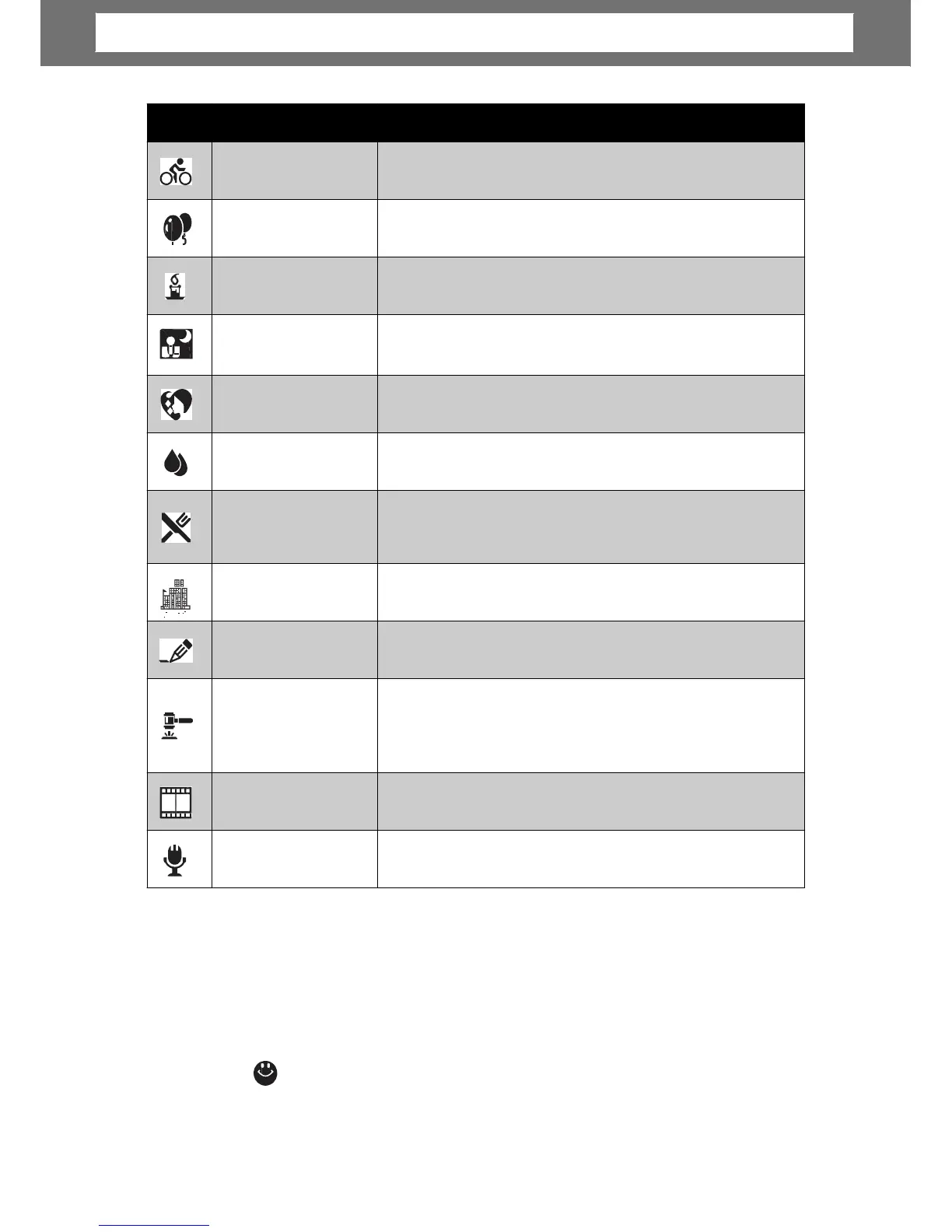
Icon Item Description
Sports
This feature captures still images in high speed
Party
This feature is used for wedding or indoor party
Candlelight
This feature is used to capture warm candle light
NIght Portrait
This feature is used to capture portrait pictures with
Soft Skin
This feature enhances skin tone thus facial skin
Soft Flowing Water
This feature enhances smooth effects like water or
Food
This feature is used to capture food images. The
increased saturation in this mode makes the
captured image more enticing.
Building
This feature enhances the edges of captured
Text
This feature enhances the black and white contrast
Auction
Pictures taken in Auction mode are automatically
saved under a specific folder named “_AUCT”. See
information.
Camcorder
This mode is used to record movie clips.
Voice Recorder
This mode is used to record audio clips.
Chapter
4:
Recording
Photos,
Videos
and
Voices













 To Next Page