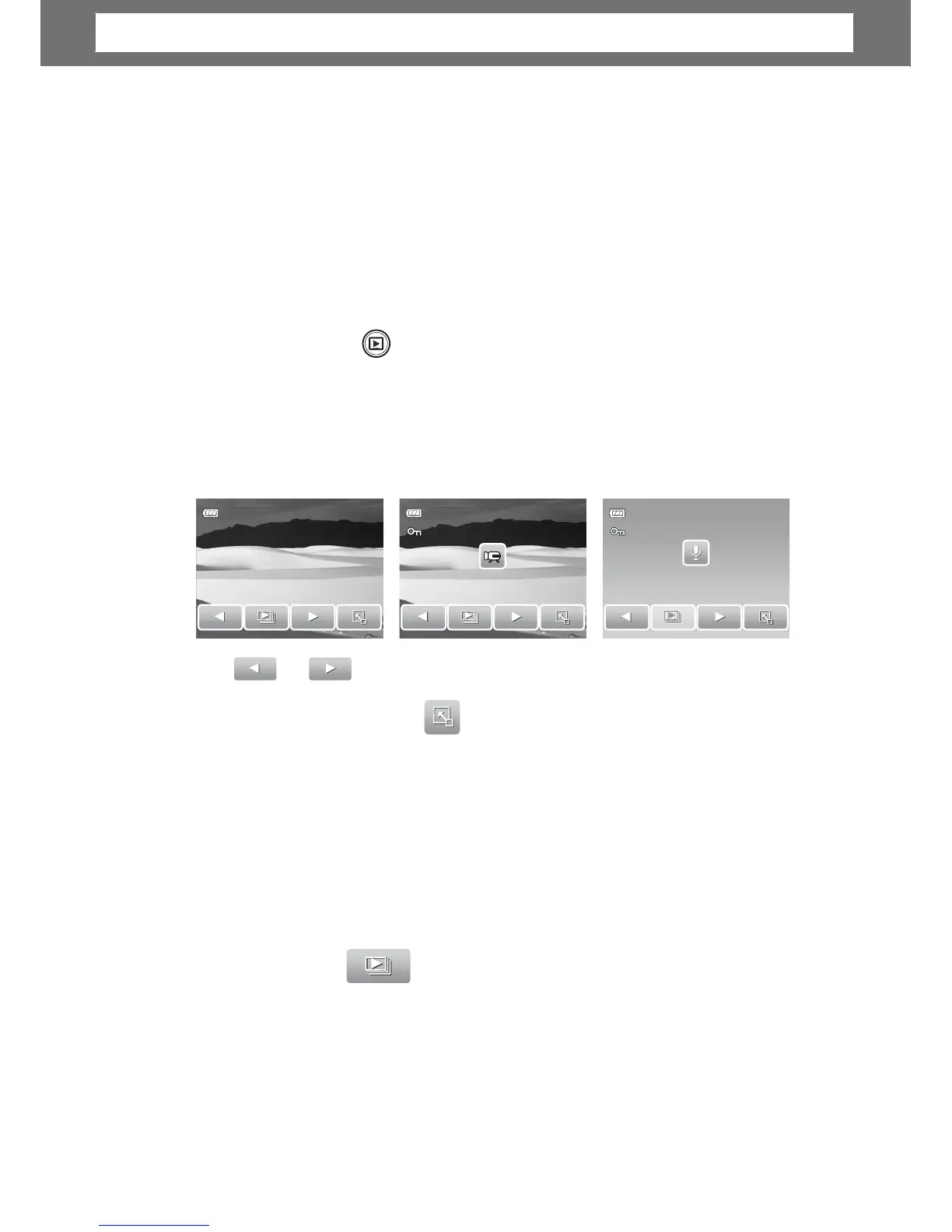
View images, videos and voice recordings through your camera’s Playback mode.
iewing in Single Navigation
The Single navigation mode displays the image one by one on the LCD screen. To
view images/videos/voice recordings, follow the steps below.
1. Press the Playback
mode.
button to set or turn on the came
a to Playback
2. The LCD screen displays an ima
o understand the icons and other
information on the screen, please see “Playback Mode Screen Layout” on
page 12.
Still
Image
Movie
, tap anywhere on the LCD screen. See
“Playing Movies” on page 42 and “Playing Voice Recording” on
page 42 for more details.
iewing Slideshow
The Slideshow function allows you to view all stored images/videos/voice
recordings in still image format in a continuous sequence.
, tap anywhere on the LCD screen.
39
27/27
Chapter
5:
Playback













 To Next Page