Contrast
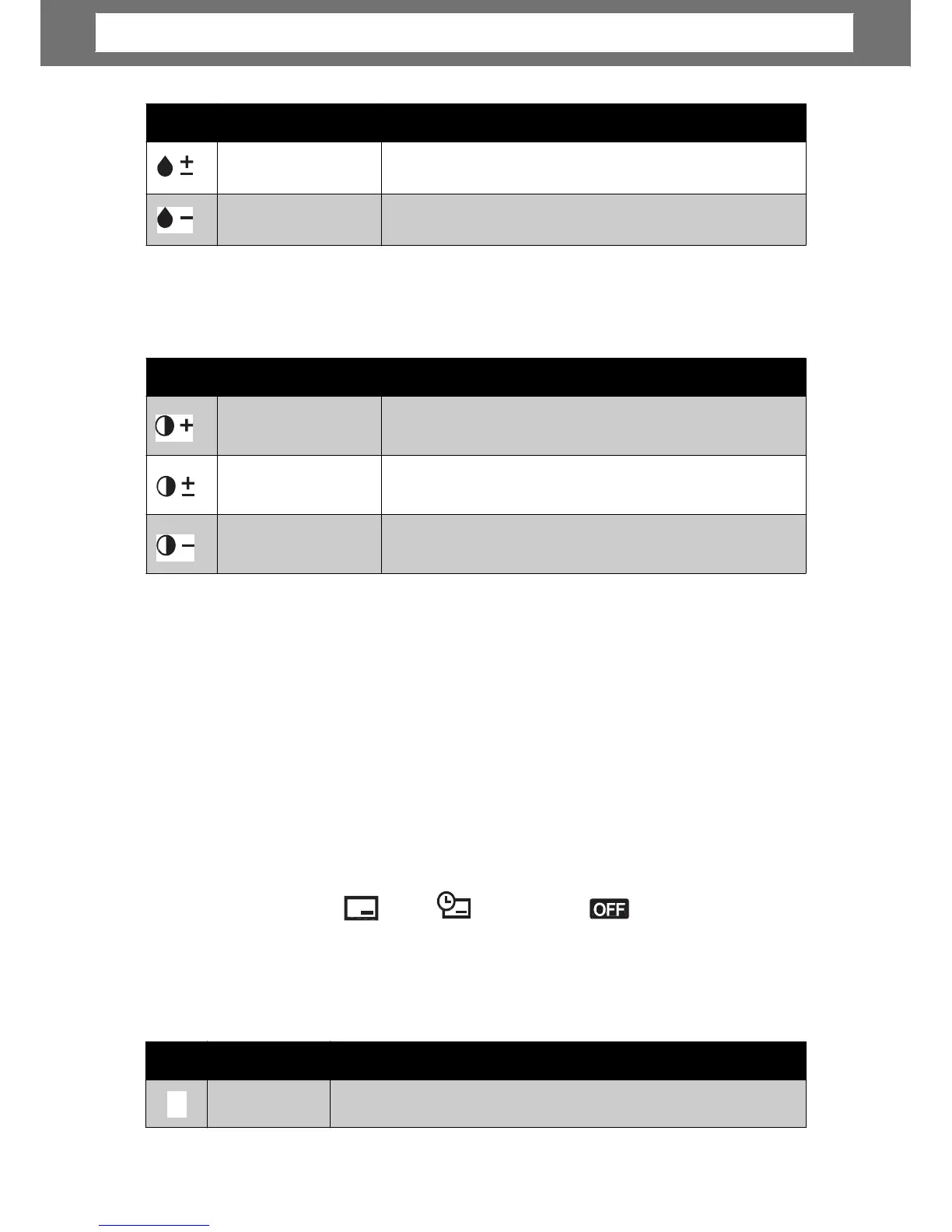
This function allows you to adjust the contrast of your photos.
The table below shows the available Contrast settings.
Date
Stamp
The Date Stamp function allows you to add the recorded date and time on your
photos.
The recording date and time are based on your camera’s clock settings. Once date
and time are stamped on a photo, they can no longer be edited or deleted.
Limitations of Date Stamp functions are as follows:
•
•
A
.
May slowdown AEB/ continuous shooting when Date Stamp is enabled in AEB/
Burst mode.
If Date Stamp is enabled, digital zoom is automatically turned off.
In vertical or rotated images, the date and time on your photos still appear
horizontally.
•
•
A
s are:
Focus
Mode
Date, Date & Time, O
e.
The table below shows the available settings.
33
Icon Item Description
Auto Focus
Camera automatically focuses on a specific object.
AF
Icon Item Description
High
Enhances the contrast.
Normal
Normal contrast.
Low
Reduces the contrast.
Icon Item Description
Normal
Normal saturation is applied.
Low
Reduces saturation.
Chapter
4:
Recording
Photos,
Videos
and
Voices













 To Next Page