Protecting/Unprotecting Files
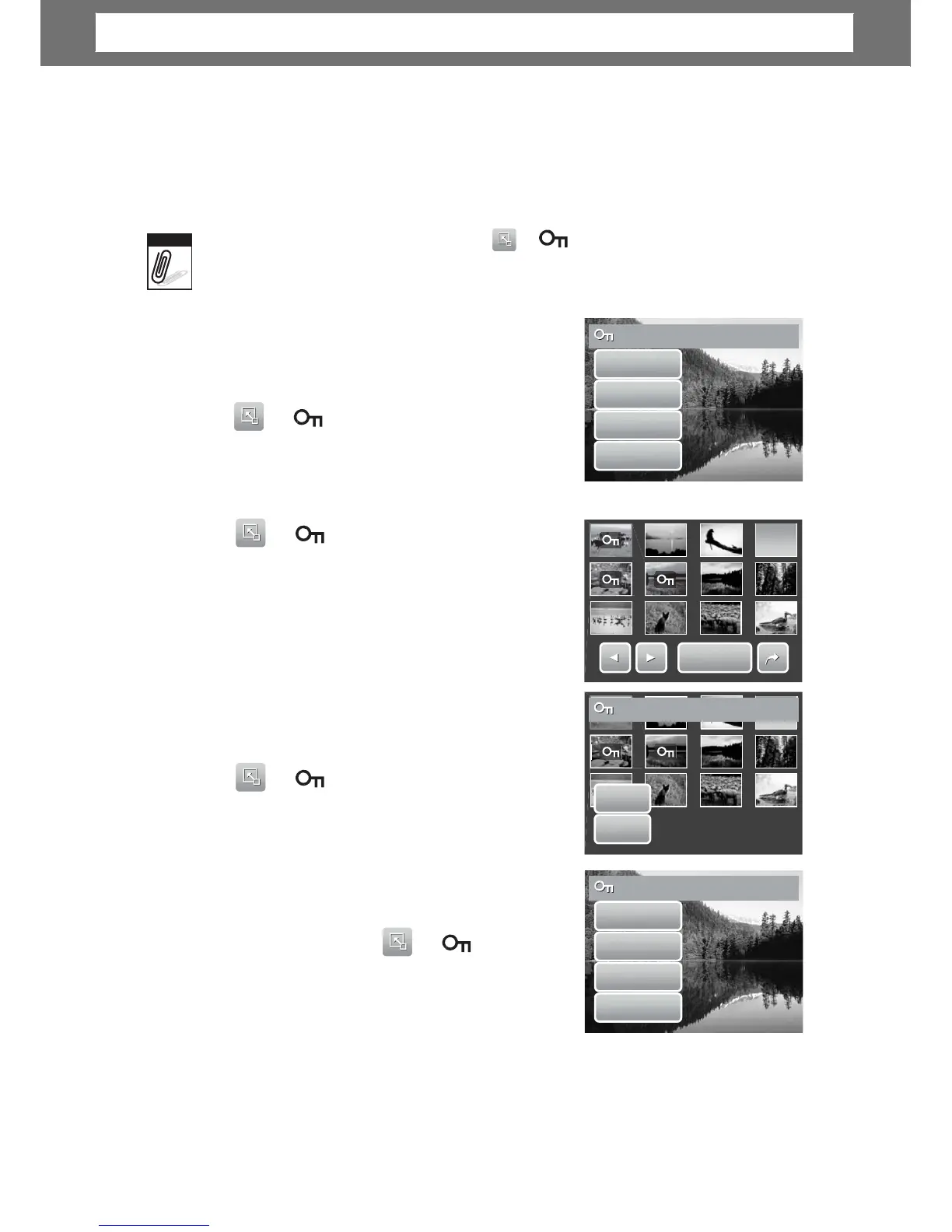
The Protect function lets you lock a file to protect it from being modified or
accidentally erased. A protected file has a lock icon when viewed on Playback
mode.
I
the
camera
is in
thumbnail
mode, tappin
interface.
>
displays protect
multiple
files
o
protect
a
file
1. View image/video/voice recording you want to
protect on the LCD screen.
Yes
No
2.
ap > . See picture on the ri
o protect currently viewed file, tap Yes.
protect
multiple
files
ap Select. The LCD screen displays files in
thumbnail view.
3. Tap a thumbnail to mark file for protection. The
protect icon appears on the thumbnail.
4. Tap Protect to protect marked files.
5. Select Yes to confirm protect.
protect
all
files
P
P
o
o
t
t
e
e
c
c
t
t
Protect
selected?
ap
2. Tap All.
> .
No
3. Confirm to p
otect all files.
unprotect
files
o
Protected files can be unlocked
>displays an
No
unprotect confirmation messa
ll
48
Unprotect
this
file?
Ye
Pr
Protect
this
file?
Note
Chapter
5:
Playback













 To Next Page