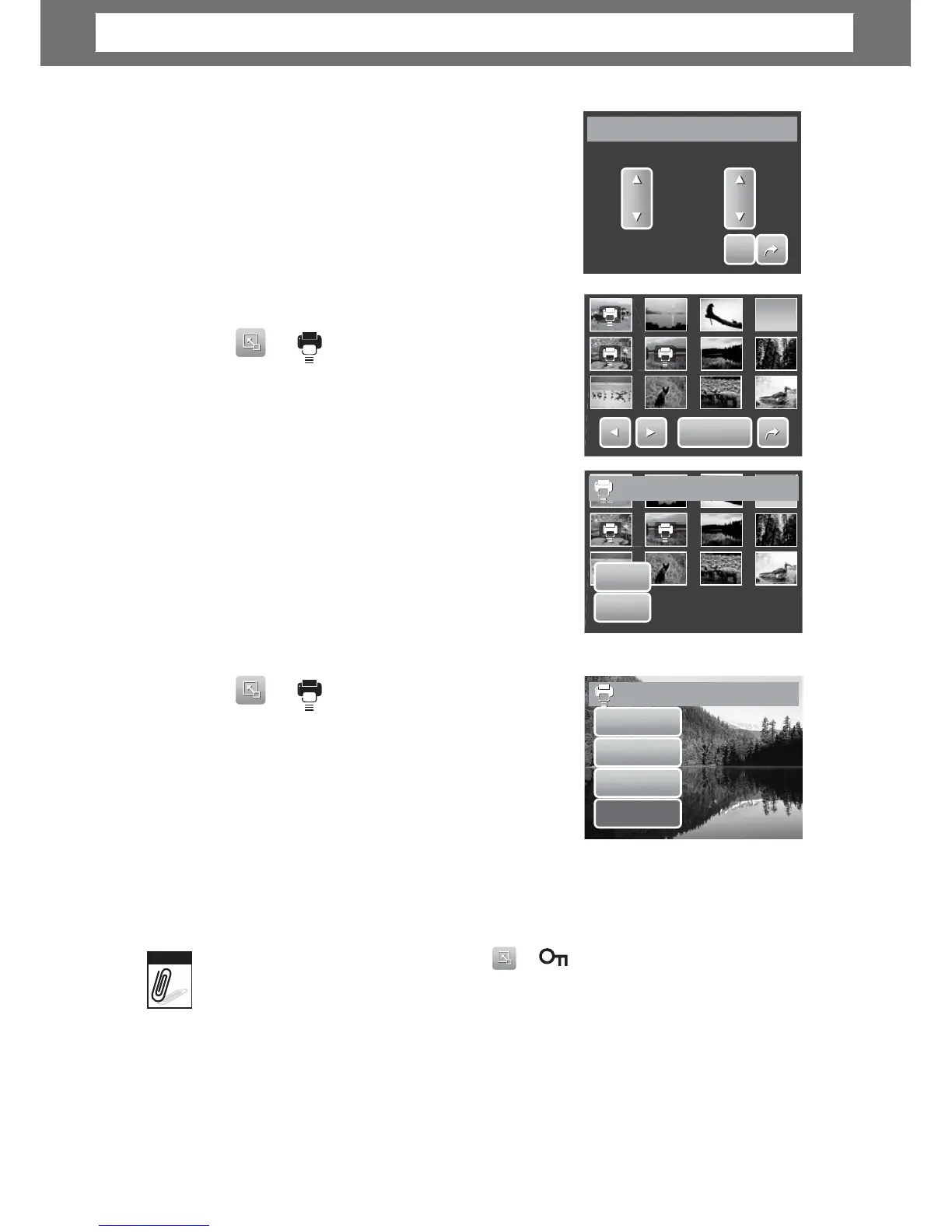
ap Select. The LCD screen displays files in
thumbnail view.
3. Tap a thumbnail to mark file for printing. The
DPOF icon appears on the thumbnail.
4. Tap DPOF to continue.
5. Select Yes to confirm protect.
6. Set the number of copies and date stamp on/
off.
7. Tap SET to save settings.
D
D
P
P
O
O
F
F
Set
No













 To Next Page