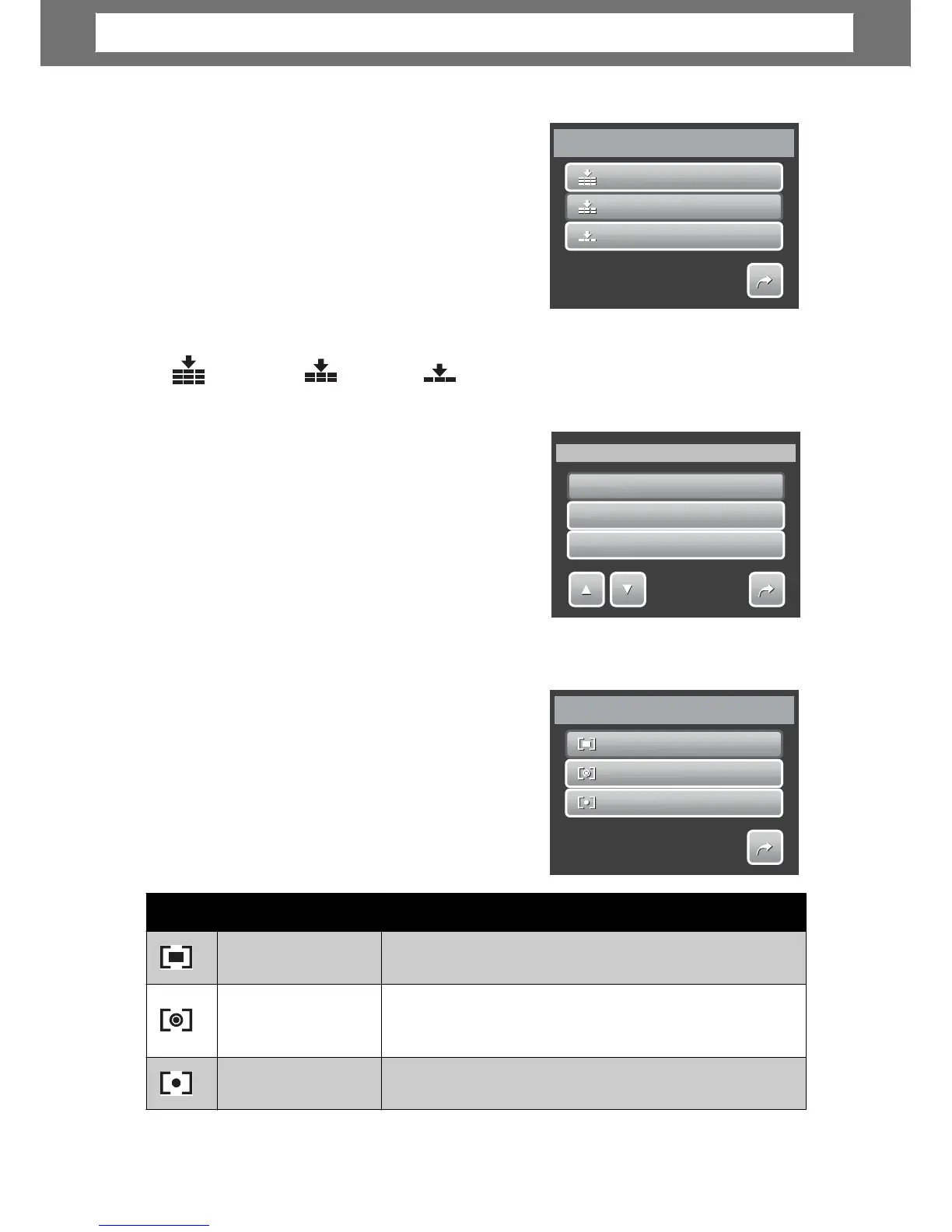
Quality
The Quality function lets you adjust the quality
settings of your photos before you capture
them. The quality determines the amount of
compression applied to your photos. More
compression results in a more detailed ima
e.
However, the higher the quality, the more
memory space is required in your memory
card.
Available settings for still images are as
follows:
Super fine,Fine, andNormal.
ISO
The ISO function lets you adjust the ISO
sensitivity in recordin
on the lightning levels of your surroundings.
in dim conditions
and a lower ISO setting in brighter
conditions.
As you move through the selections, the
preview on the LCD screen changes
synchronously.
1
1
0
0
0
0
ISO
2
2
0
0
0
0
200
•
• A
s are: Auto, 100, 200, 400, 800, 1600, and 3200.
Meterin
The Metering function lets you select the area
of the subject or frame by which the camera
measures light to record still images or movies.
multiple poin
ea.
the center of your picture.
28
Icon Item Description
Multi
The camera measures the exposure readings from
Center
The camera measures the average light from the
entire frame but gives more importance to the values
near the center.
Spot
The camera selects the exposure value based on
Multi
Center
Spot
1/1
Metering
ISO
I
I
S
S
S
O
O
O
Auto
I
I
S
S
S
O
O
O
100
ISO
1/3
Superfine
Fine
Normal
1/1
Quality
Chapter
4:
Recording
Photos,
Videos
and
Voices













 To Next Page