ap to stop playback. The LCD screen displays the movie
ation mode.
Playing Voice Memo
Voice memo is recorded and attached separately
to a captured image. See “Voice Memo” on
page 51 on how to record voice memo.
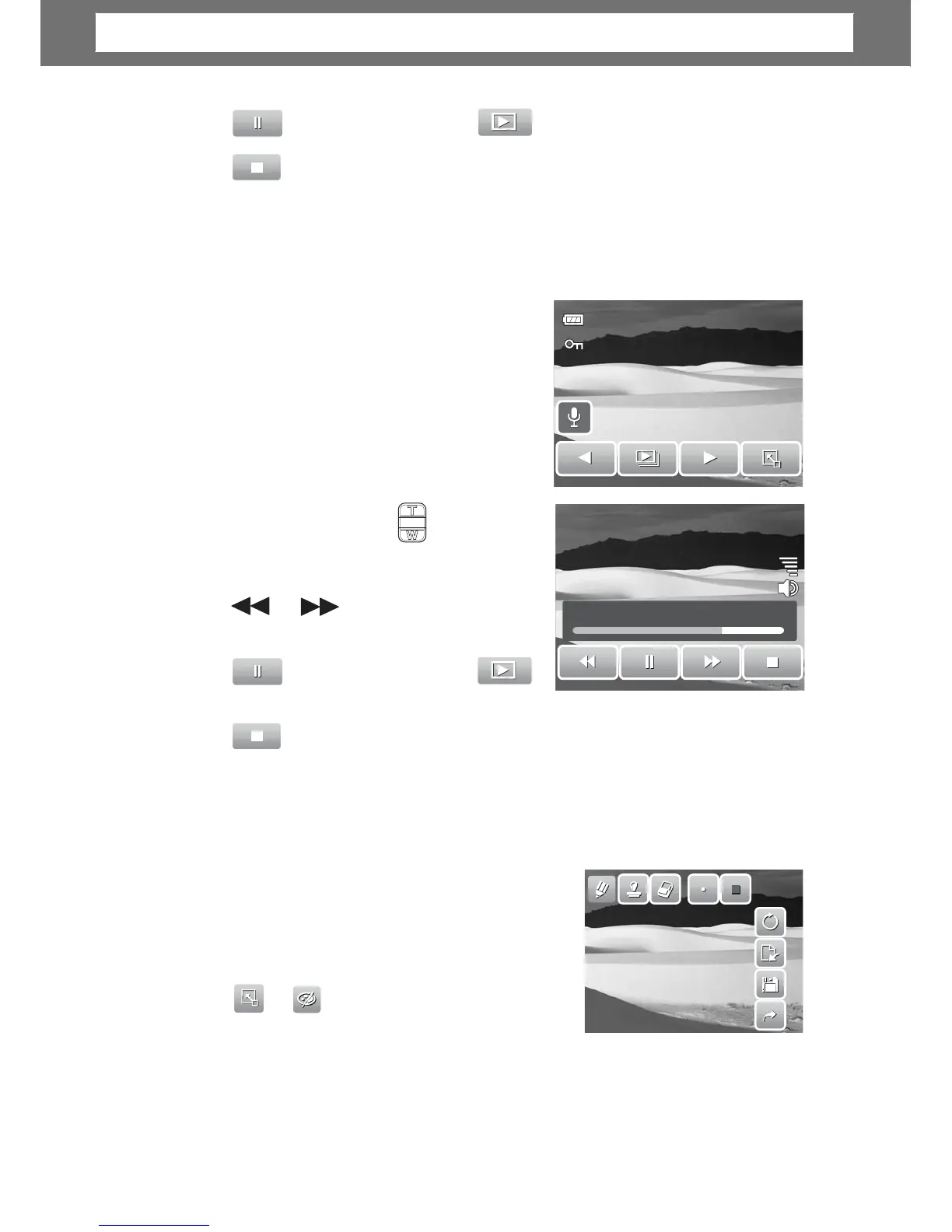
1. Select the image with voice memo. An
image file with voice memo has a voice
memo icon located on the left side of the
LCD screen.
2. Tap the voice memo icon to play voice
memo.
27/27
3. Durin
playback, use the to control
olume. Press the T/W button to increase/
decrease volume.
or
4.
ap or the slider bar to
00:30/00:50
rewind or
ap to stop playback. The LCD screen displays the movie
ation mode.
Using My Drawing
My Drawing function lets you draw freely and add
other graffiti on still images. This function is not
available for images captured with VGA and 16:9
HD resolution.
1. View image to add drawings to.
2.
ed on the LCD screen.
3. Tap on an icon to use the function. For example, to draw freely on the ima
e,
tap the pen icon.
4. Press Display button to hide the toolbar.
43
Chapter
5:
Playback













 To Next Page