iewing in Drag & Play Mode
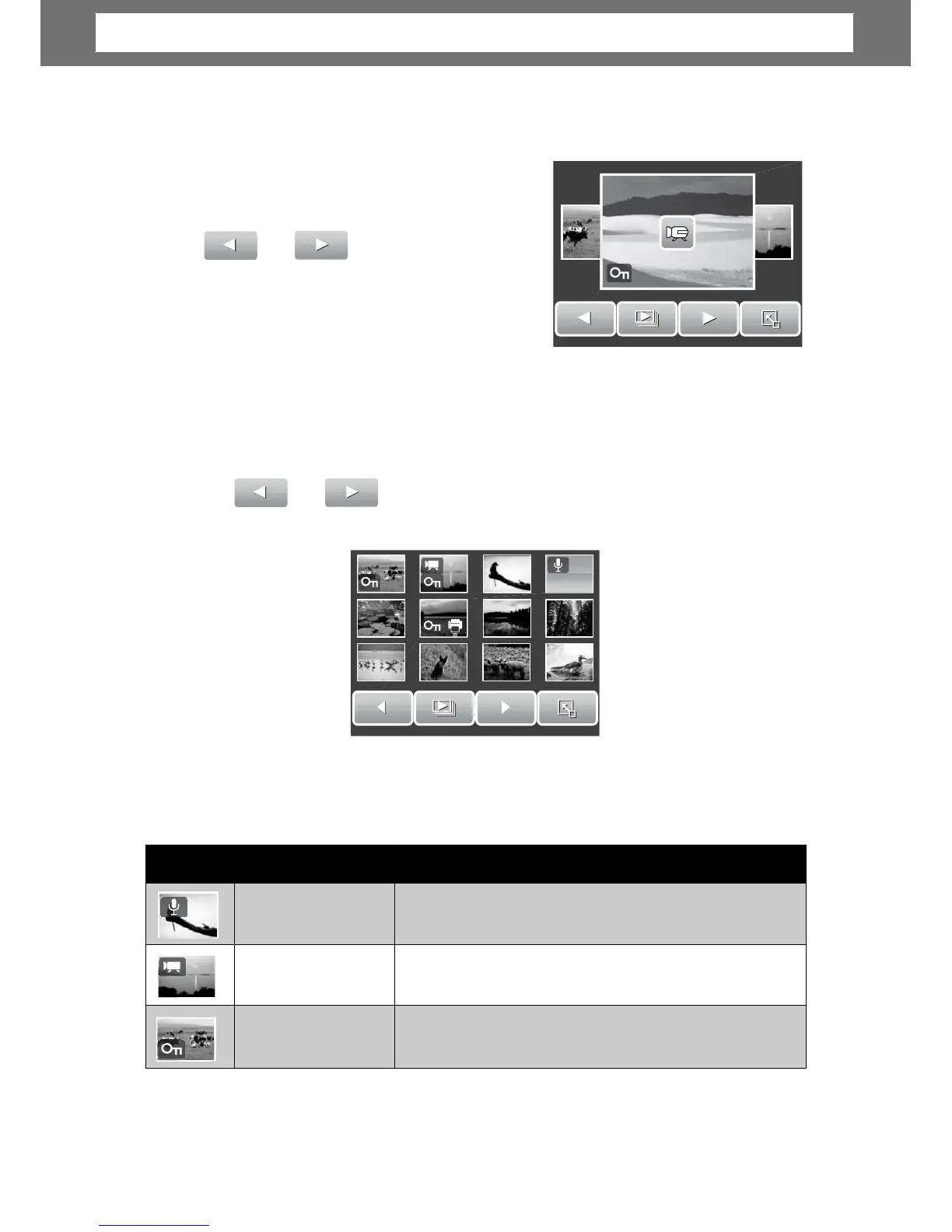
1. Press the W button to view files in Drag &
Play mode.
2. Flick your finger to the left/right or tap
or
previous/next file.
3. Tap the image/video/voice recordin
hu
m
bnail
icons
When you view the thumbnails, some images may contain icons. These icons
indicate the type of file or recording.
40
Icons Type Description
Voice Memo
Indicates that a voice memo is attached to the
image.
Movie
Indicates a recorded movie. The image displayed
is the first frame of the movie clip.
Locked File
Indicates that the image has been locked. Locked
files cannot be edited or deleted.
Chapter
5:
Playback













 To Next Page