F
Lamp
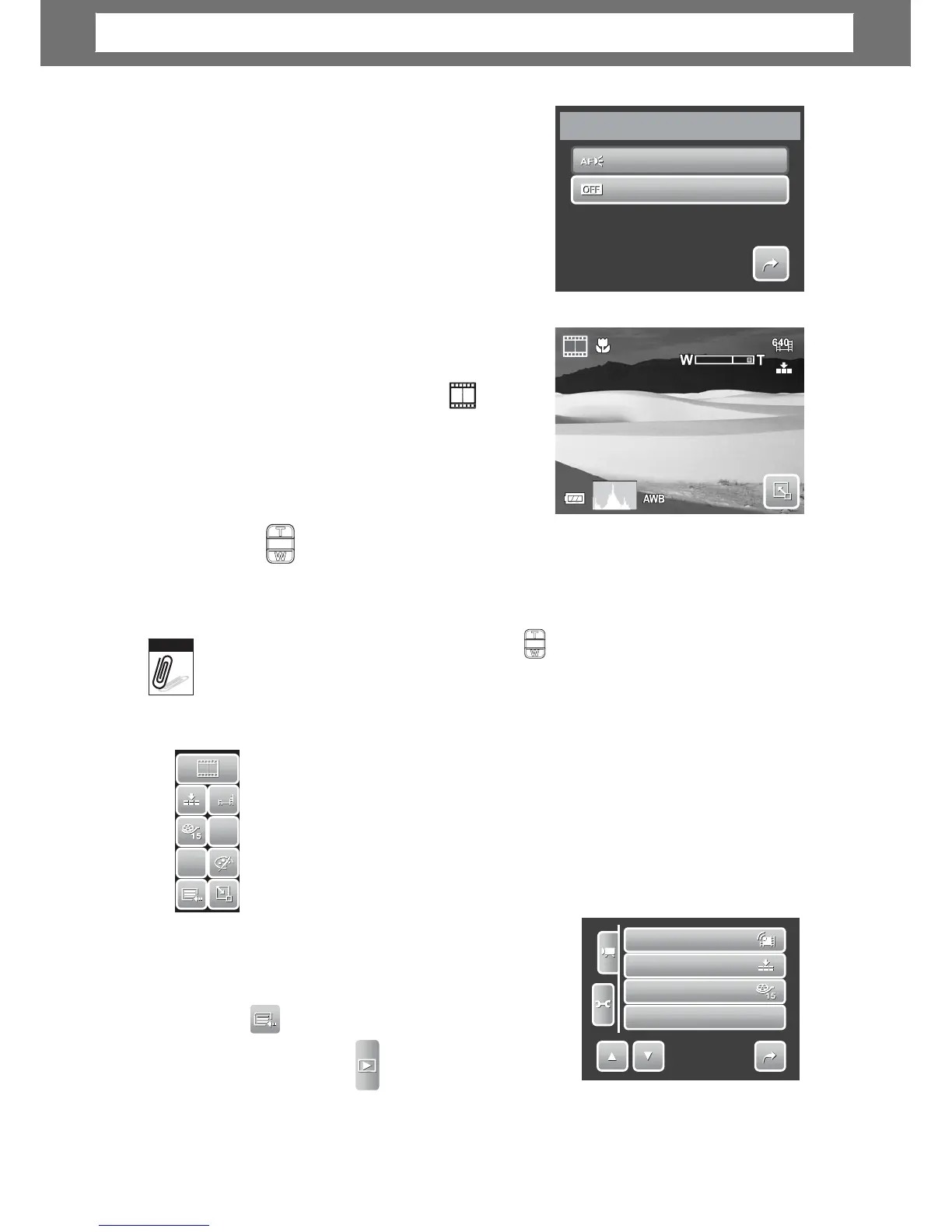
The AF Lamp function allows you to record
images even in low light conditions.
If AF Lamp is set to Auto, the AF lamp located in
the front of the camera, see “Front View” on
page 3, emits a red light by half pressing the
shutter button allowing the camera to focus
easily. Available settings are: [Auto] and [Off].
Recording Movies
00:10:00
1.
der mode, tap
Scene Mode menu.
ou
want to take.
3. Press the Shutter button to start recording.
4. Use the cont
ol to zoom in and zoom
out an ima
e.
5. To stop recording, press the Shutter button.
•
•
•
Sound
cannot
be
recorded
while pressin
the control.
Digital
zoom
is
not
available
in
movie
recording.
he
camera will
automaticall
ecord Movies
Use the Quick-Set Bar to chan
s. The Quick-Set
Bar contains shortcuts to the following menu items: Quality, Movie Size,
Frame Rate, Stabilizer, White Balance, Effect, and Main Menu.
Tap an icon to open the submenu.
Use the Camcorder Menu to chan
e other
settings like: Sharpness, Saturation, Contrast,
Focus Mode and AF Lamp. To access Camcorder
Menu, tap to open Main Menu
. Then tap .
35
Movie
Size
Quality
Frame
Rate
White
Balance
A
A
W
W
B
B
1/3
6
6
4
4
0
0
A
A
F
F
A
A
W
W
B
B
N
N
Note
Auto
Off
1/1
AF
Lamp
Chapter
4:
Recording
Photos,
Videos
and
Voices













 To Next Page